Hard Reset Your VW Atlas Screen and Get a Fresh Start!
Автор: A Prompts
Загружено: 2024-11-11
Просмотров: 1164
Описание:
In this video, learn how to hard reset your VW Atlas screen to get a fresh start. If you're having issues with your VW Atlas screen, this tutorial is for you!
Learn how to hard reset your VW Atlas screen and start fresh with this easy tutorial. Don't let a glitchy screen ruin your driving experience - reset it today!
If you are having troubles with your VW Atlas or VW Atlas Cross Sport Infotainment System then a "Hard Reset" may save you a wasteful trip to the service center.
If you're having issues with your VW Atlas screen, watch this video to learn how to hard reset it and start fresh! Resetting your VW Atlas screen can help solve any software glitches or issues you may be experiencing.
To reset or reboot the infotainment system, simply turn the car to on but don't start the engine.
Hold the power button for the radio/infotainment unit for up to a full 30 seconds. It may flash once or twice.
Once you see the VW logo, it is doing a complete the restart and you can release the button.
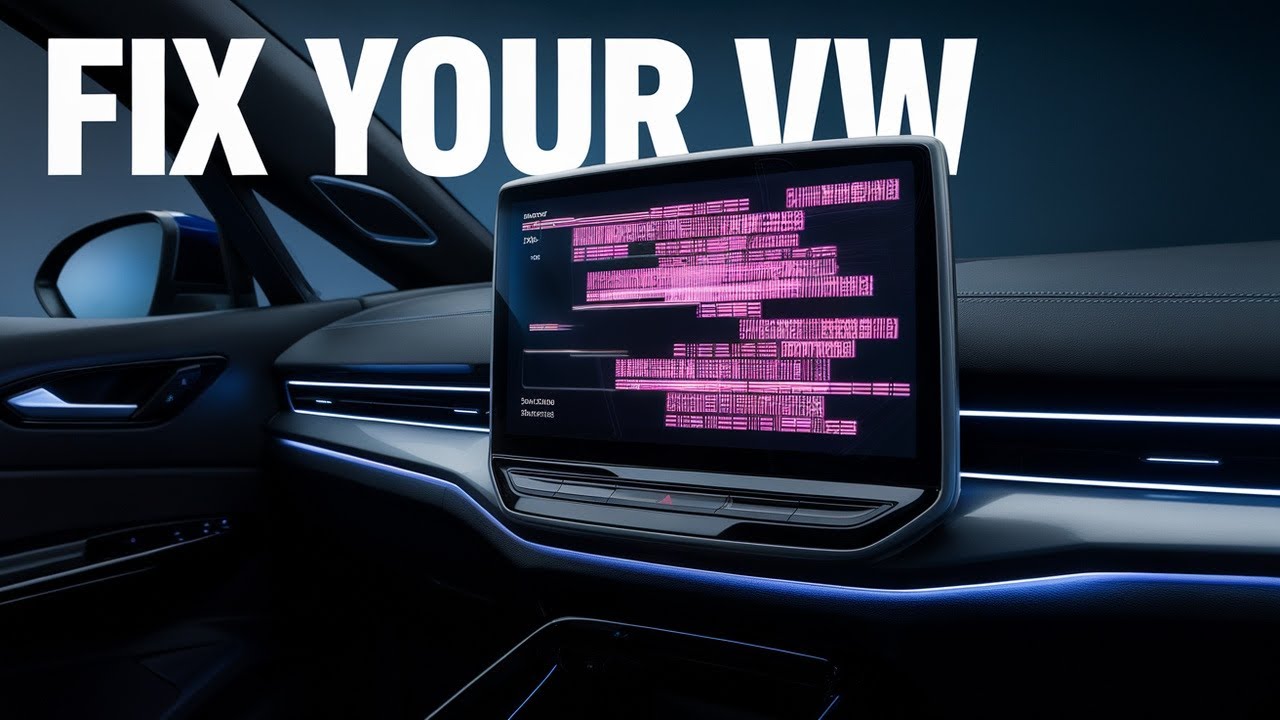
I've had this fix the pink fuzzy lines and freezes that occasionally occur on a 2024 Cross-Sport. I hope it helps someone else!
Leave a comment on your experience to help other VW Owners.
Discover the ultimate guide to hard resetting your VW Atlas or VW Cross Sport infotainment screen!
This tutorial walks you through every step, ensuring your system runs smoothly and efficiently.
Useful for troubleshooting common screen issues.
See also the VW Guide to the Infotainment System Settings • Touchscreen Infotainment
Disclaimer: We are sharing our personal experience of resetting the screen on a VW Atlas Cross-Sport. We are not a mechanic or VW Dealer. Please seek professional advice if your issues continue. We do not accept any liability for you choosing to follow this guide.
Повторяем попытку...
Доступные форматы для скачивания:
Скачать видео
-
Информация по загрузке: