SolidWorks Tutorial: Create Your First Sheet Metal Part (Flanges, Hems & Jogs) | Part 28
Автор: SA Techno Solutions
Загружено: 2026-02-12
Просмотров: 20
Описание:
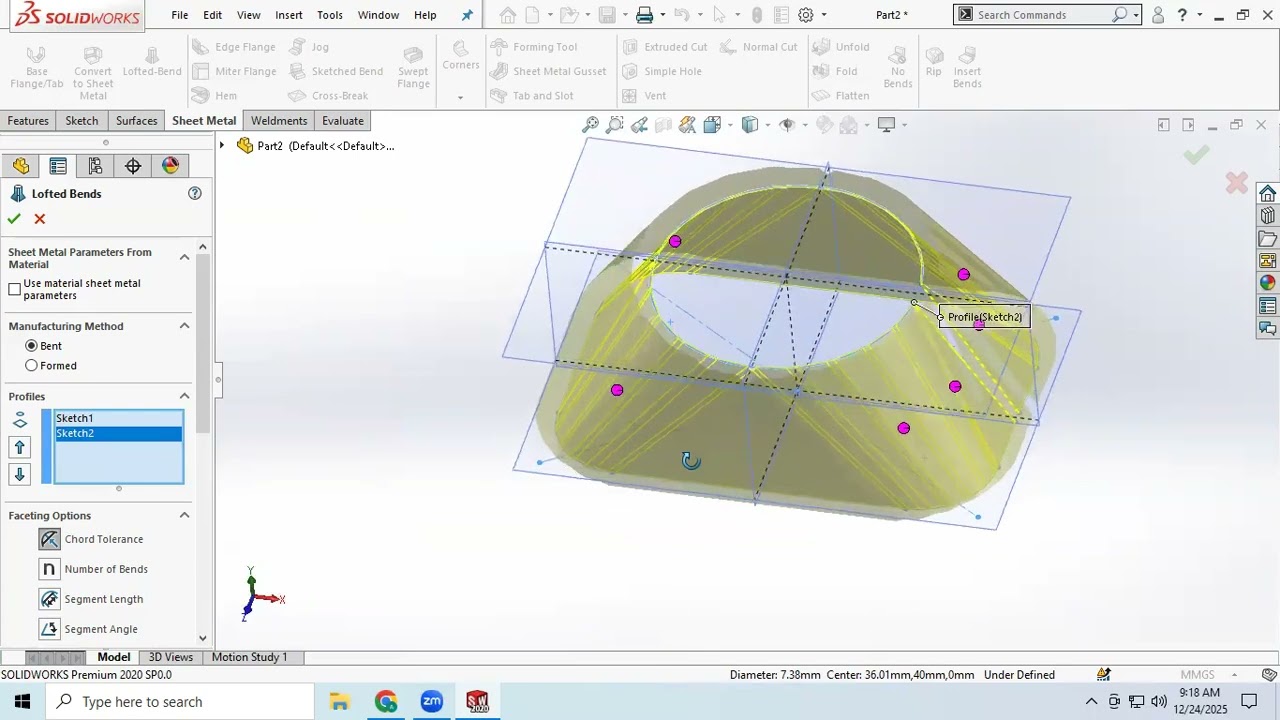
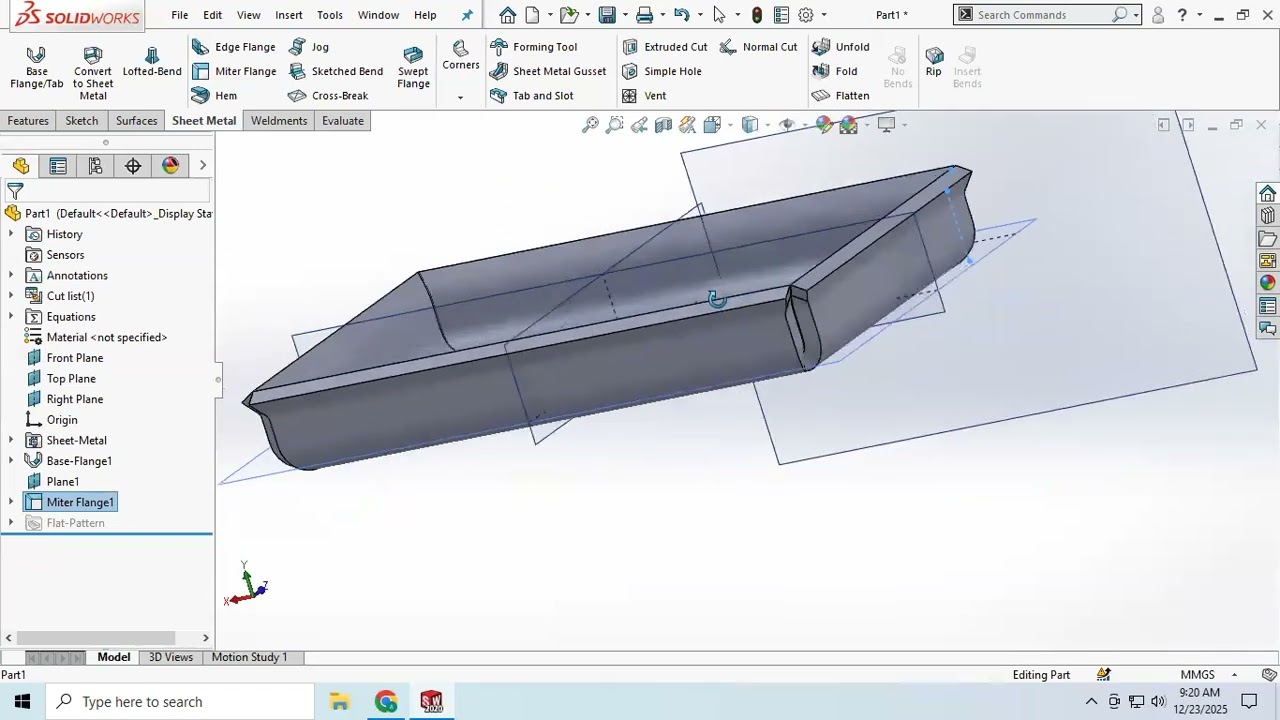
Welcome to the Sheet Metal module! 🛠️ In this SolidWorks English tutorial, we learn how to design parts made from flat sheets of metal. Unlike standard modeling, sheet metal features include built-in "intelligence" for material thickness, bend radii, and K-factors.
We will cover the essential tools needed to create brackets, enclosures, and frames, ensuring they are ready for CNC laser cutting and press brake bending.
*What You Will Master in This Lesson:*
*Base Flange/Tab:* The starting point of every sheet metal part.
*Edge Flange:* Adding walls and flanges to your base with precise control over angle and length.
*Miter Flange:* How to create complex, multi-edge flanges that wrap around corners.
*Hem Tool:* Adding safety edges and strength to your part (Open, Closed, and Teardrop hems).
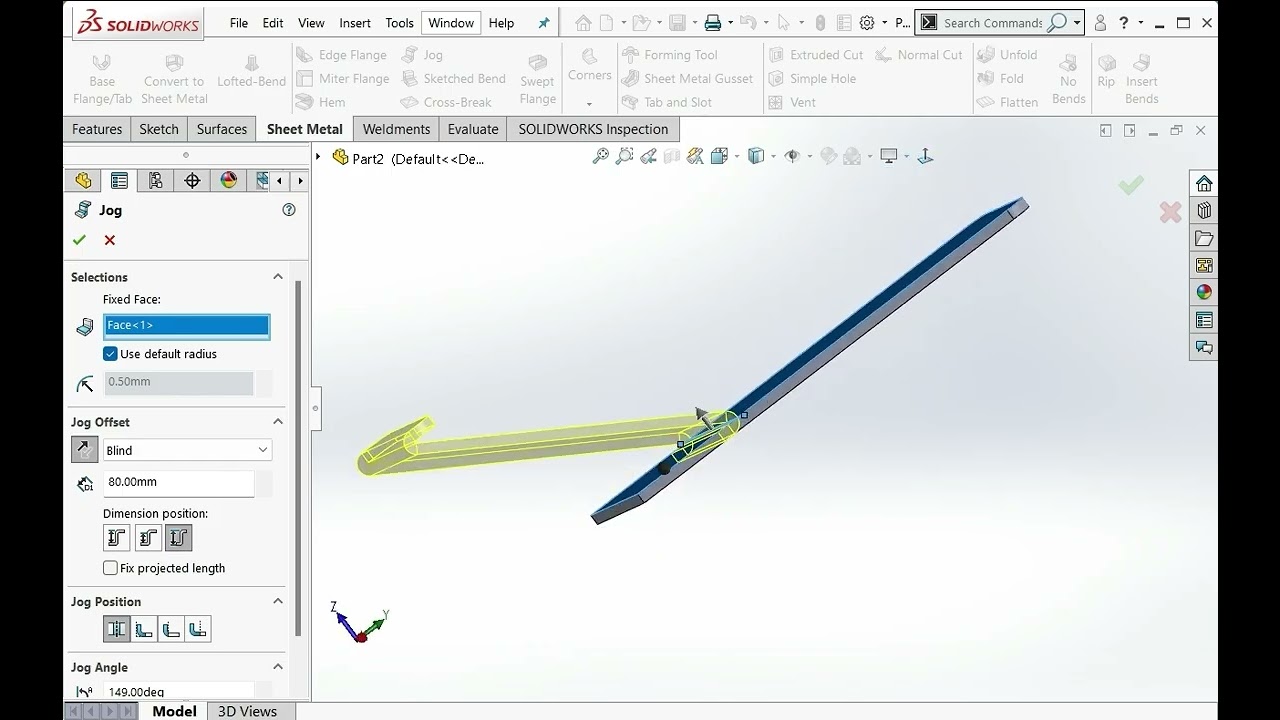
*Jog & Sketched Bend:* Using 2D sketches to define exactly where and how the metal should fold.
*Corner Options:* Managing "Reliefs" and "Closed Corners" to prevent material tearing and ensure a professional fit.
If this video helped you understand Sheet Metal design, hit *LIKE* and *SUBSCRIBE* for more professional English SolidWorks tutorials! 🚀
#SolidWorks #SheetMetal #MechanicalEngineering #CADTutorial #SolidWorksEnglish #SheetMetalDesign #Fabrication #3DModeling #MetalBending #Engineering
Повторяем попытку...
Доступные форматы для скачивания:
Скачать видео
-
Информация по загрузке: