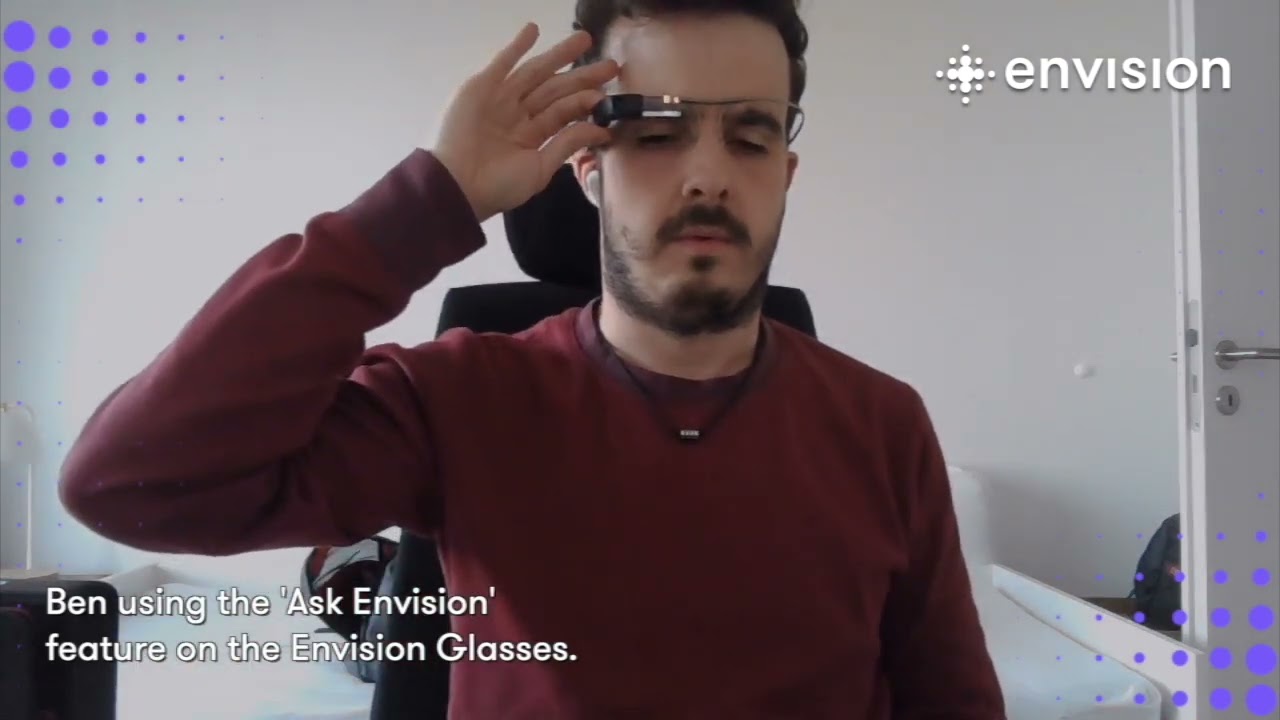
Ben Hofer reads his train ticket using "Ask Envision"
Автор: Envision
Загружено: 2023-04-19
Просмотров: 2180
Описание:
Envisioner Ben Hofer tests the new "Ask Envision" feature on his glasses. Watch as Ben uses the new feature to scan his train tickets and then proceed to ask it a multitude of questions to gather information about his train reservation.
The new Ask Envision feature allows customers to ask questions about a piece of text or document they have just scanned, such as a menu card, electricity bill, or cooking instructions.
For example, after scanning a menu, you could ask Envision, “What are the vegetarian options available?” and receive a helpful response. This feature is powered by GPT-4 by OpenAI, one of the most advanced language models in the world, to understand and answer natural language questions.
To use Ask Envision, access the text ‘Reader’ after scanning your document with the ‘Scan Text’ feature. Press and hold the hinge button on your Envision Glasses until you hear a chime, then ask your question and wait for the virtual assistant to answer. Please note that since this feature uses ChatGPT, it may occasionally produce inaccurate information about people, places, or facts.
Request a demo of Envision Glasses and experience this feature for yourself: https://bit.ly/EnvisionGlassesDemo
--
► Website: http://letsenvision.com
► Envision Glasses: https://www.letsenvision.com/glasses
► Twitter: / letsenvision
► Facebook: / letsenvision
► Instagram: / letsenvision
► Email: [email protected]
Повторяем попытку...
Доступные форматы для скачивания:
Скачать видео
-
Информация по загрузке: