Скачать
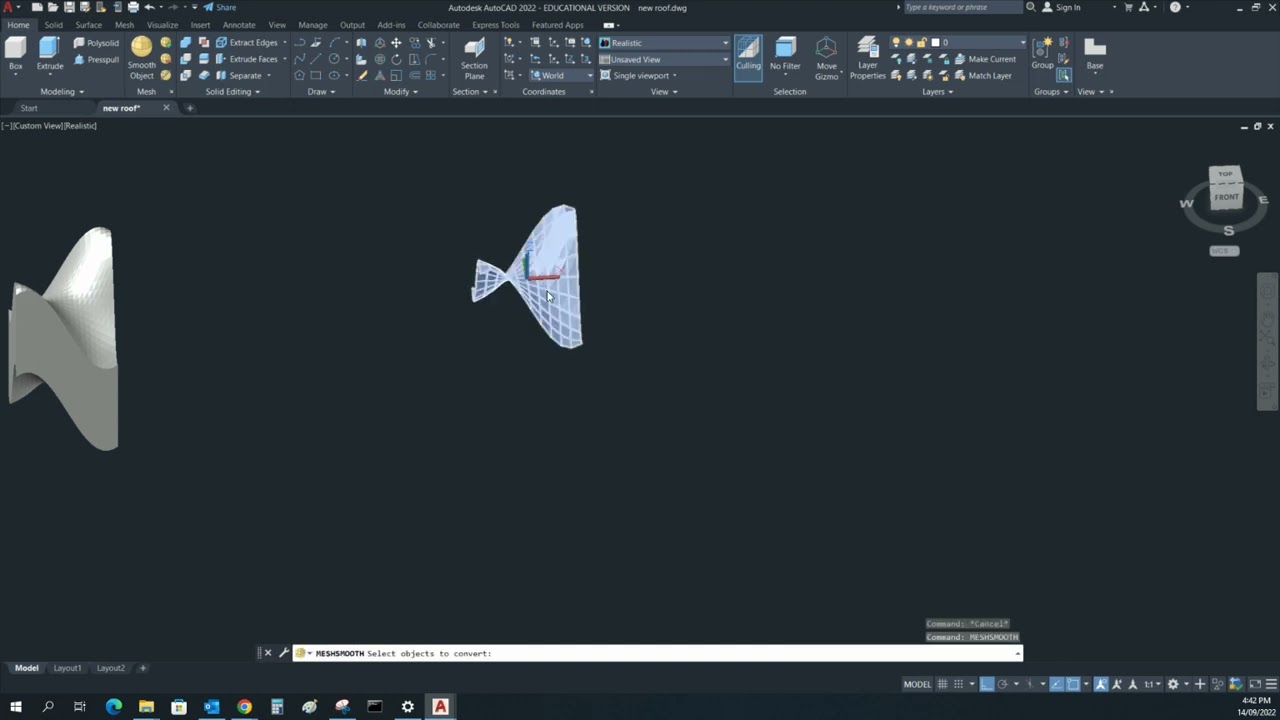
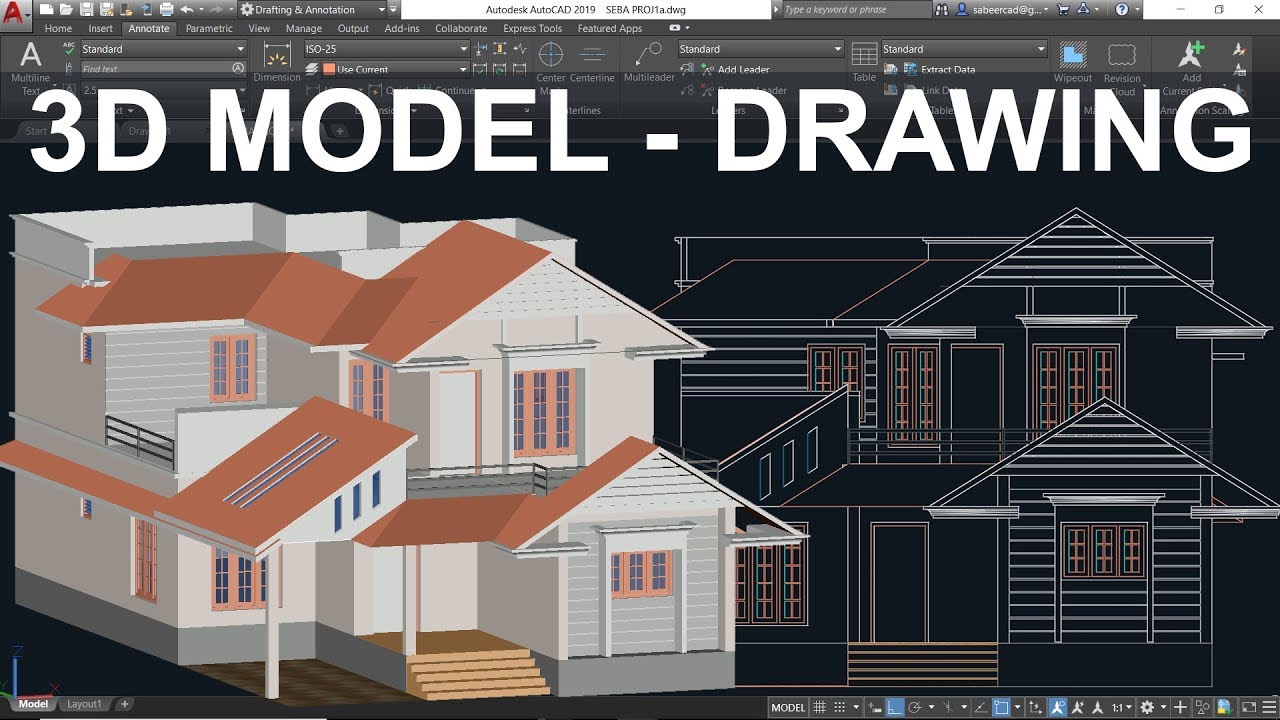
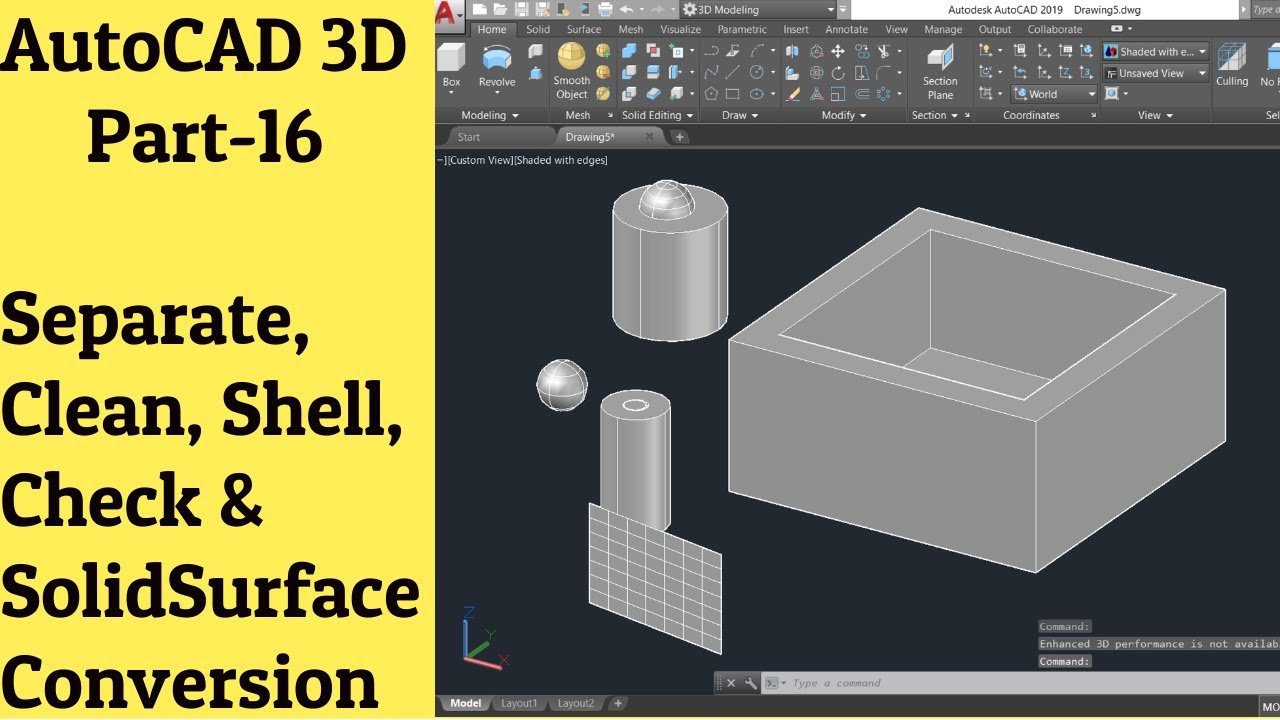
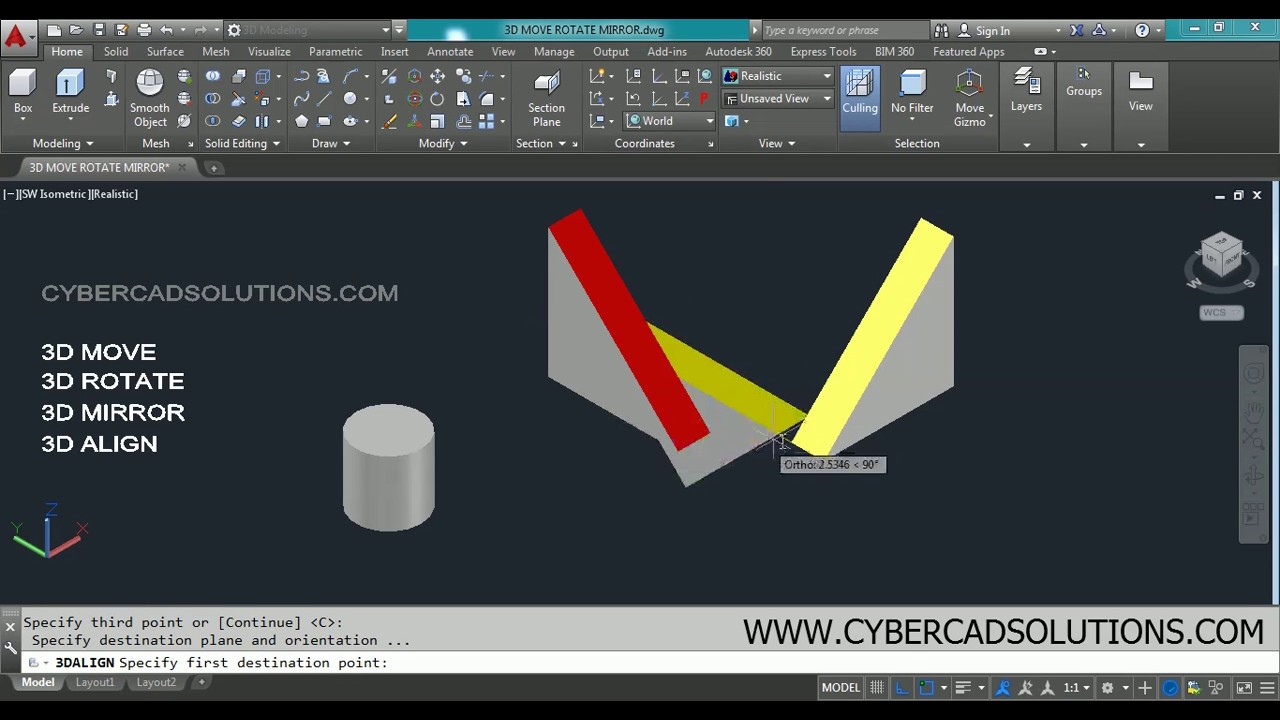
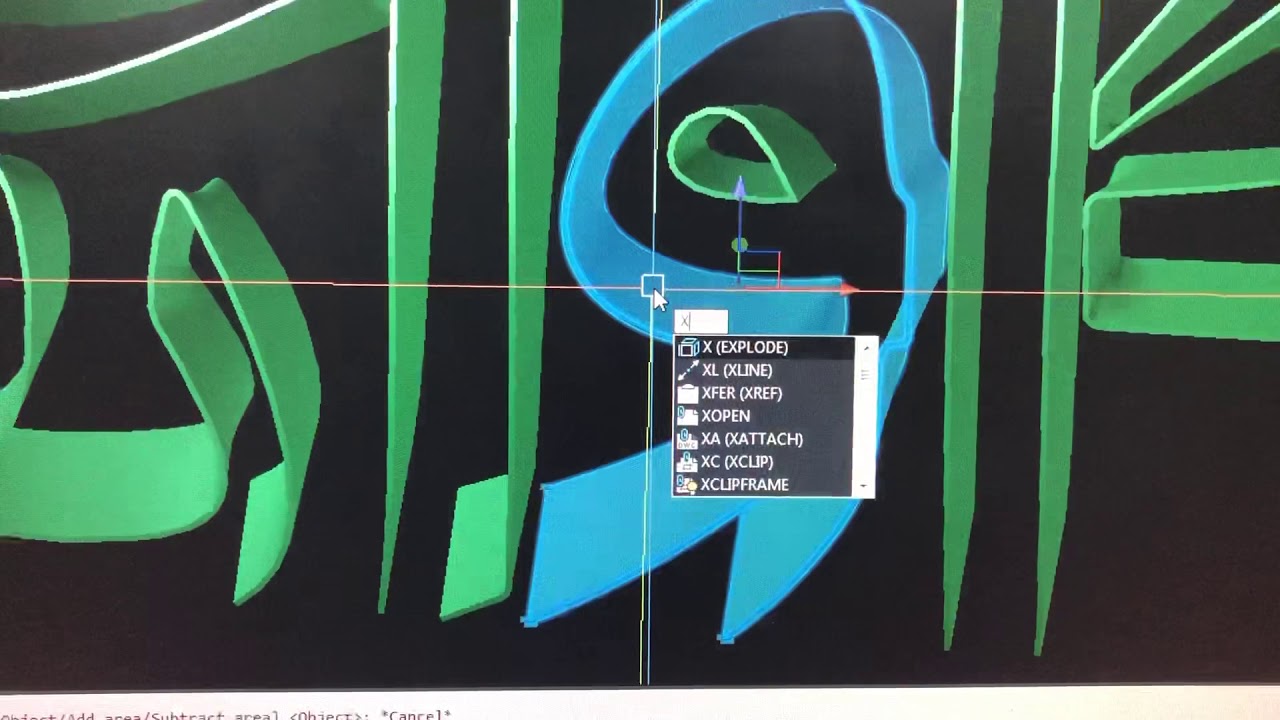
Find Surface area of a solid object in autocad
Автор: MF “MFDG”
Загружено: 2020-01-04
Просмотров: 6258
Описание:
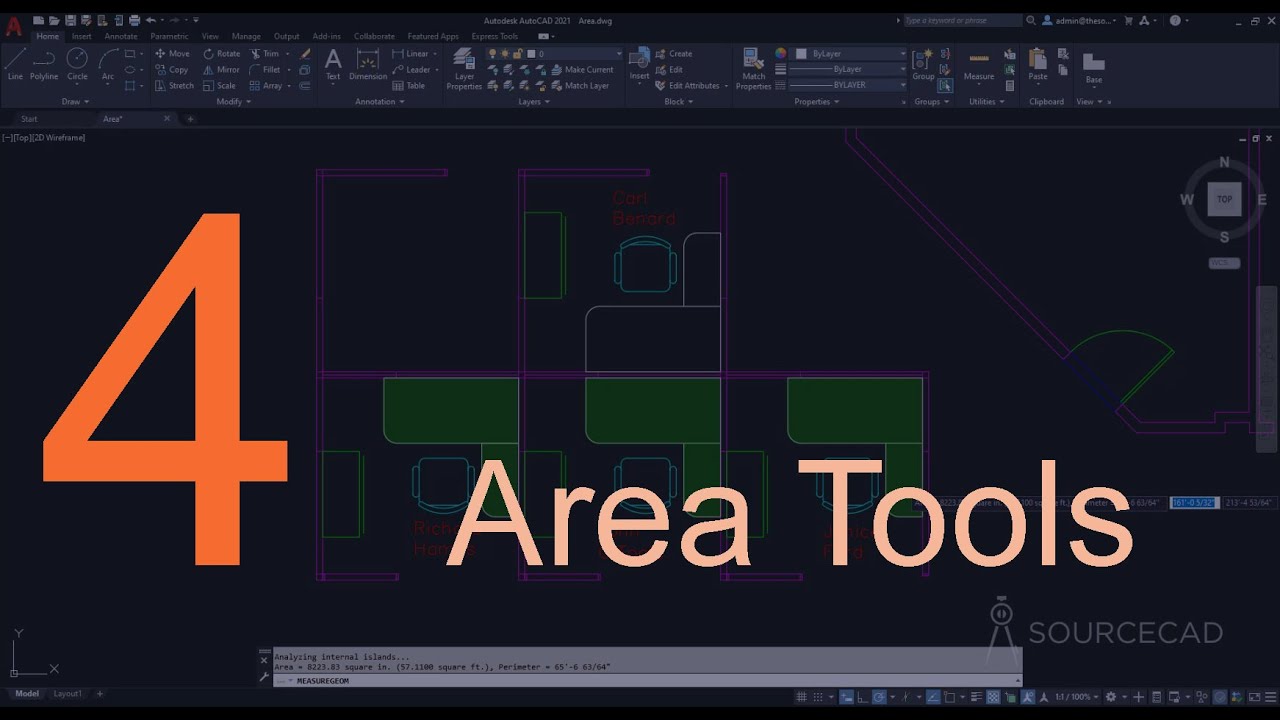
Find area of a solid object in auto cad.
Explode the solid object so that will become single surfaces, then simply use area command, right click and select object, then select the surface which you need to find the area, then click enter. Area will be shown
Не удается загрузить Youtube-плеер. Проверьте блокировку Youtube в вашей сети.
Повторяем попытку...
Повторяем попытку...
Доступные форматы для скачивания:
Скачать видео
-
Информация по загрузке: