How to use Porsche Apple CarPlay | Tutorial | Spot On
Автор: Porsche
Загружено: 2021-11-15
Просмотров: 122451
Описание:
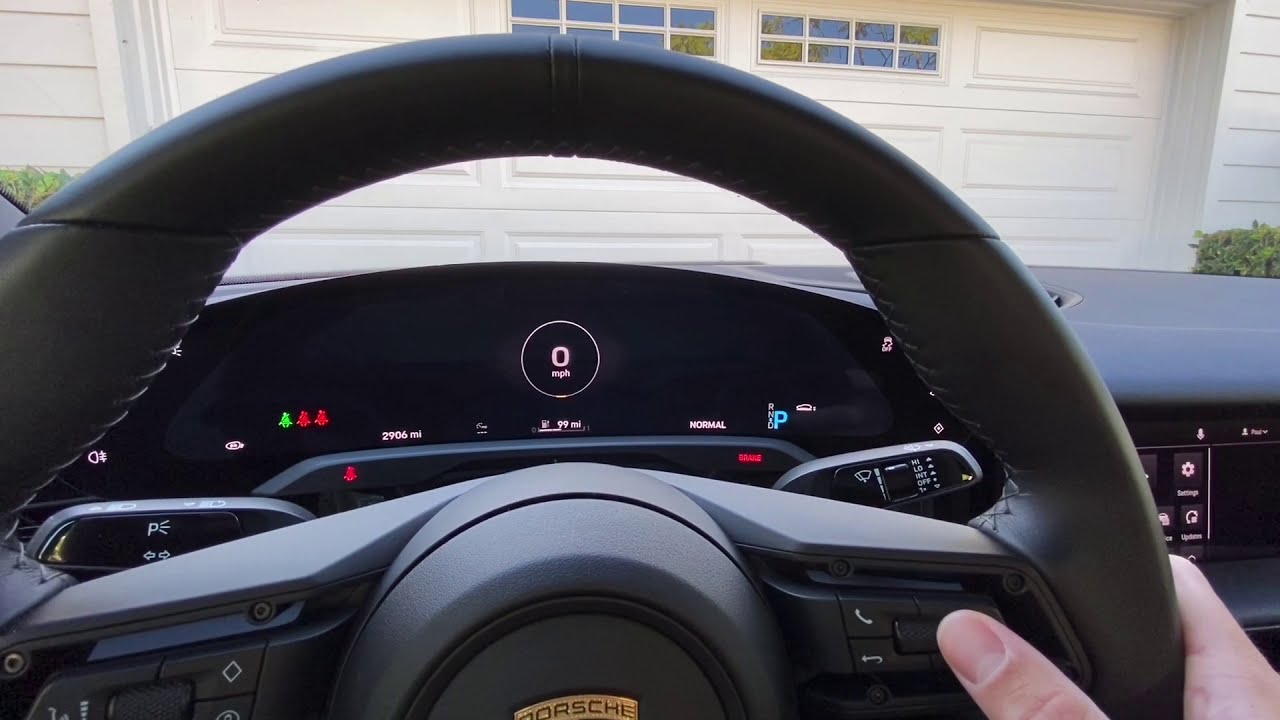
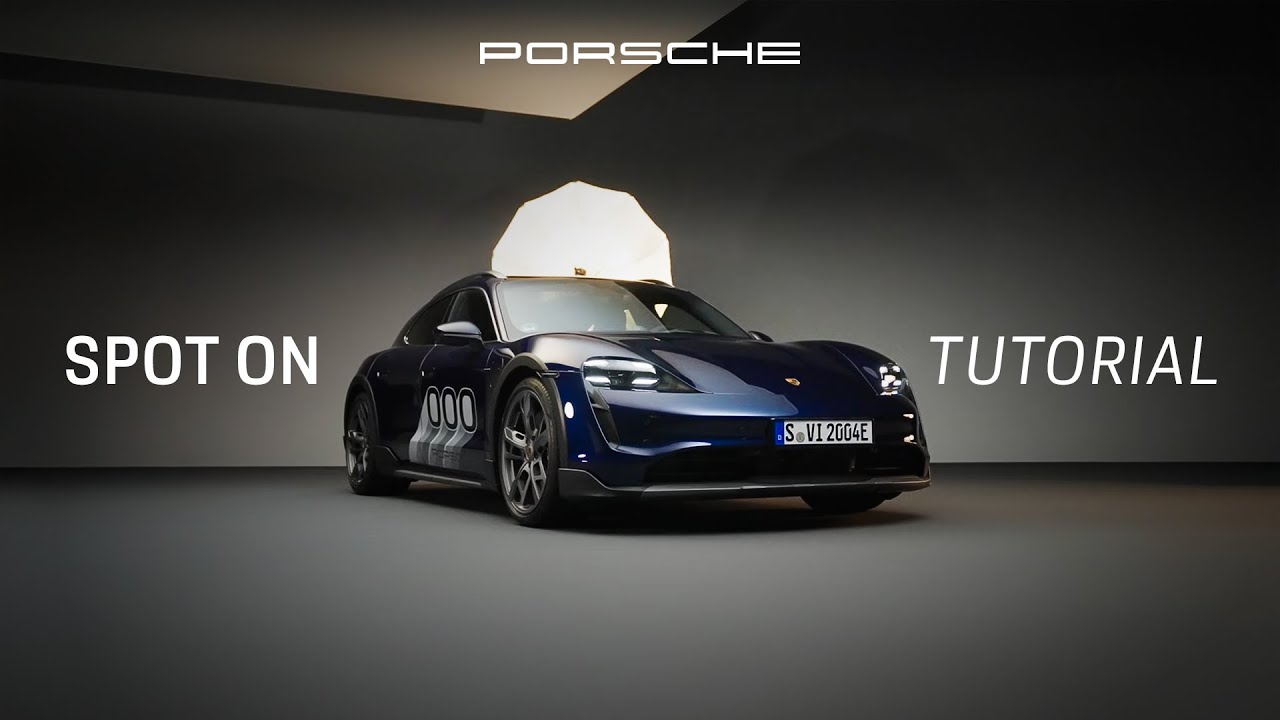
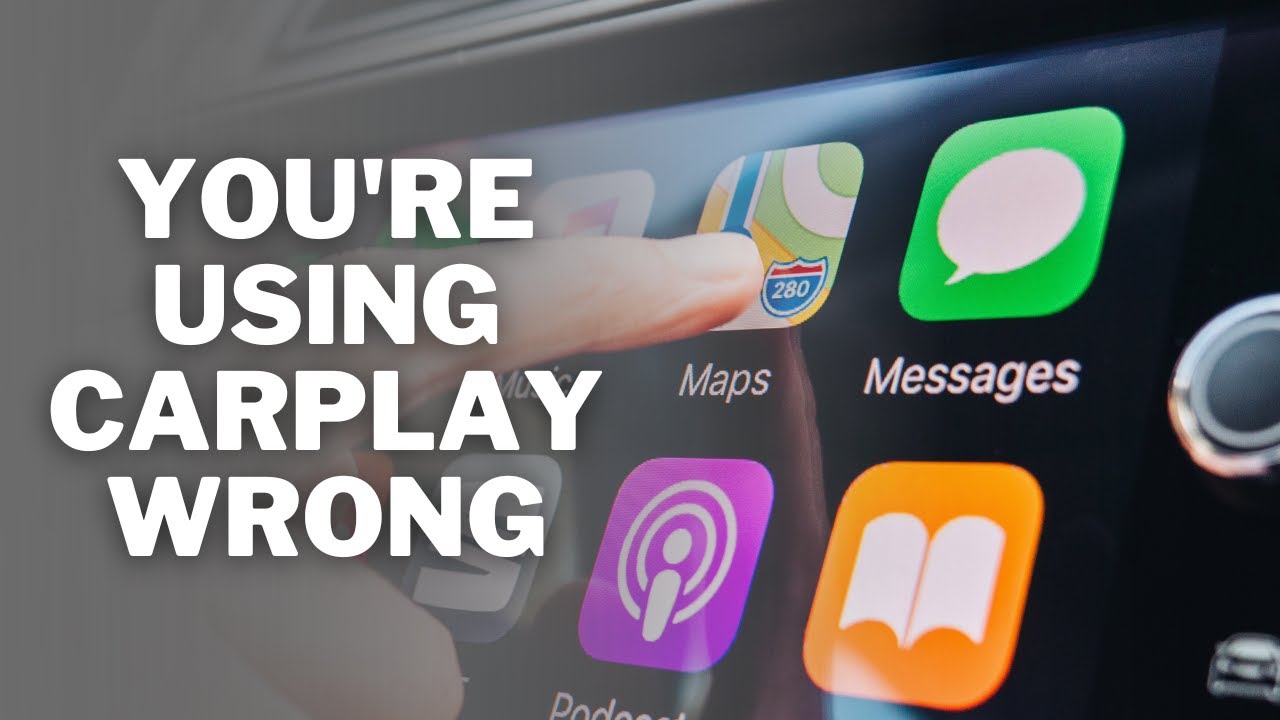
Does Porsche have Apple CarPlay? Let our Spot On series ¬ show you! Learn how to operate Porsche Apple CarPlay in your car as we showcase two different methods for how to set up and use this wireless technology, as well as improve your daily use with helpful tips.
Let Sabine from Porsche guide you through how it works, using Apple CarPlay in a Porsche Taycan for this in-depth tutorial. Whether you’re looking to operate Apple CarPlay in a Porsche Cayenne or any other model, this is the tutorial for you if you’re asking, “can I add Apple CarPlay to my Porsche?”. But first, to use Porsche Apple CarPlay, you’ll need: active Porsche Connect Services, an iPhone with the latest iOS software (make sure within the settings of your iPhone that Bluetooth, Siri and WiFi are activated).
Option 1:
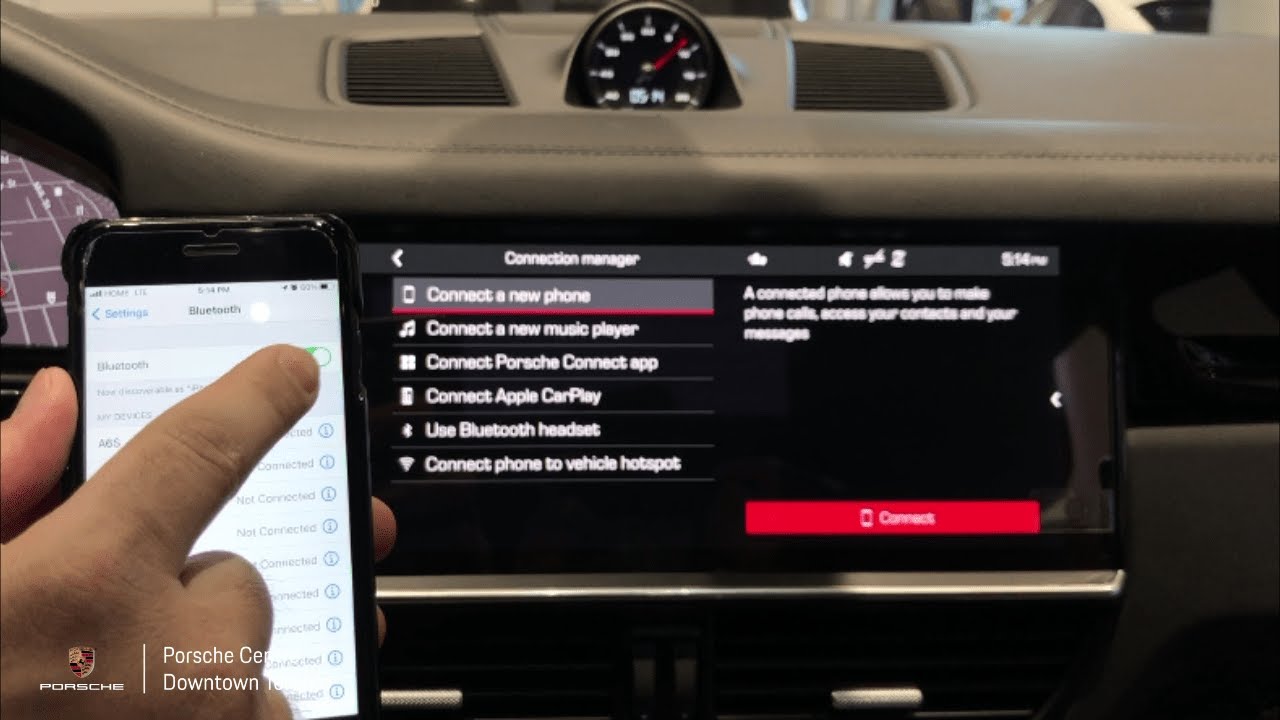
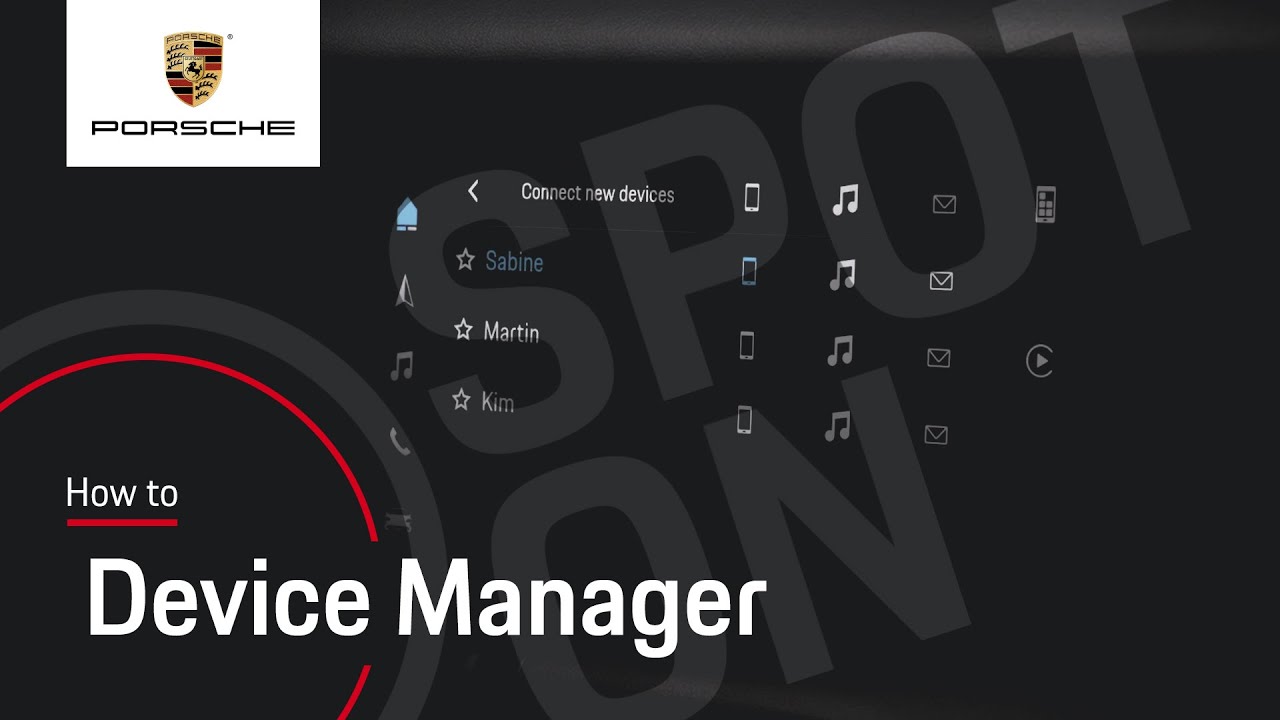
With Apple CarPlay, you can use selected content from your iPhone and Siri Voice Control. First navigate to 'devices', then 'device manager' and then 'connect new devices'. In parallel, go to 'settings' on your iPhone, then 'general' and then 'open CarPlay'. Now, you will be able to select Apple CarPlay within the infotainment system, as it recognises and displays your iPhone device name. Select your vehicle on your iPhone and confirm the pairing. If you wish, you can also sync your favourites and contacts. Back in the infotainment system, click 'accept' and confirm the use and terms by tapping 'yes'. From now, Apple CarPlay will open automatically.
Option 2:
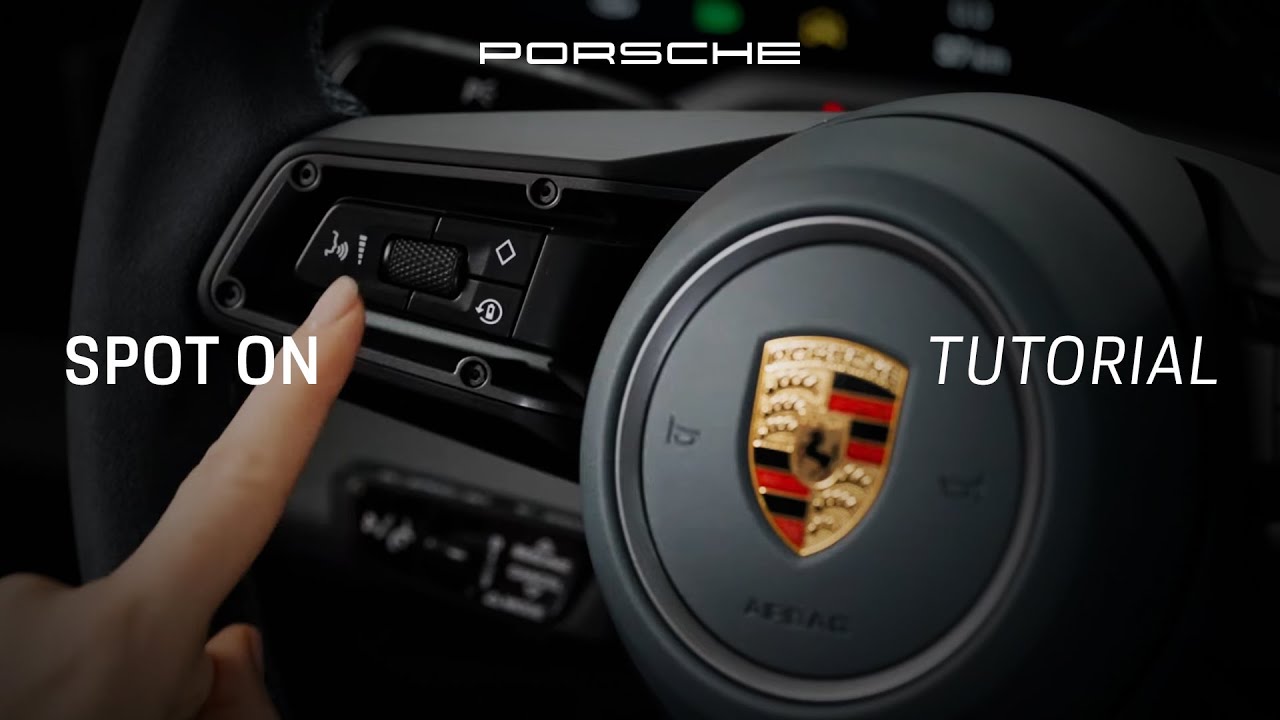
This alternative way to set up Apple CarPlay can be done via the steering wheel. To do so, open the 'settings' on your iPhone, scroll to 'general' and open 'CarPlay'. Now, press and hold the Voice Control button on the steering wheel until your iPhone device name appears within the infotainment system, where you can select it. Confirm the pairing back in your iPhone. Once again, you have the option to now sync your contacts and favourites. Confirm the use and terms by tapping on 'yes'. You've now successfully set up Porsche Apple CarPlay and it will open automatically.
Top tips:
Open Apple CarPlay from the home screen or via the symbol within the side bar
If wireless Apple CarPlay does not connect automatically, you can reconnect by tapping on the CarPlay icon via the Device Manager, or via cable
If Apple CarPlay is active, you cannot use or connect another smartphone. To do so, you first have to disconnect the Apple CarPlay connection within the Device Manager and then use or connect the smartphone of your choice.
Apple's Siri Voice Control can also be used by pressing and holding the Voice Control button on the steering wheel. You can still use the Porsche Voice Pilot by briefly pressing the Voice Control button.
Unlock the full potential of your Porsche experience with the My Porsche app: https://apps.apple.com/lv/app/my-pors...
Thanks for joining us for this Apple CarPlay tutorial, and we hope you enjoy the next journey using it in your Porsche. Next up? Discover how to use Porsche Voice Pilot: • How to use Porsche Voice Pilot | Tutorial ...
Episode navigation:
0:00 – Introduction
0:23 – Requirements to set up wireless Apple CarPlay in a Porsche
0:55 – Option 1 – Connect Apple CarPlay via device manager
1:53 – Option 2 – Connect Apple CarPlay via voice control button on the steering wheel
2:43 – Tips for daily use of Apple CarPlay, how to start Apple CarPlay, switch mobile phones, how to use Siri or Porsche Voice Pilot
3:37 – Outro
Availability:
► Taycan: from model year 2020
► Cayenne, 911, Panamera: from model year 2022
Features and functions shown in the video vary depending on model, model year and jurisdiction and therefore may not be available in your vehicle.
► Watch more Spot On videos: https://porsche.click/SpotOn_YT
► To learn more about the Taycan, visit: https://www.porsche.com/international
#porsche #porschetaycan #taycan #soulelectrified #911 #cayenne #porsche911 #panamera
__
Taycan: Electricity consumption combined in kWh/100 km: 25,4 - 20,4 (WLTP), 28,7 - 28,0 (NEDC); Range combined in km: 354 - 484 (WLTP), Range City in km: 382 - 521 (WLTP); CO2 emissions combined in g/km: 0 (WLTP), 0 (NEDC) I https://porsche.click/DAT-Leitfaden I Status: 11/2021
Follow Porsche on Instagram: https://porsche.click/2R1FOPM
Like Porsche on Facebook: https://porsche.click/3dFSRQs
Follow Porsche on Twitch: http://porsche.click/3deSdsi
Subscribe to Porsche on YouTube: https://porsche.click/2WWDxZZ
Visit the Porsche Website: https://porsche.click/2yprQAR
*Weitere Informationen zum offiziellen Kraftstoffverbrauch und den offiziellen spezifischen CO2-Emissionen neuer Personenkraftwagen können dem 'Leitfaden über den Kraftstoffverbrauch, die CO2-Emissionen und den Stromverbrauch neuer Personenkraftwagen' entnommen werden, der an allen Verkaufsstellen und bei und bei der Deutschen Automobil Treuhand GmbH unter http://www.dat.de/?sf118523178=1 unentgeltlich erhältlich ist.
Повторяем попытку...

Доступные форматы для скачивания:
Скачать видео
-
Информация по загрузке: