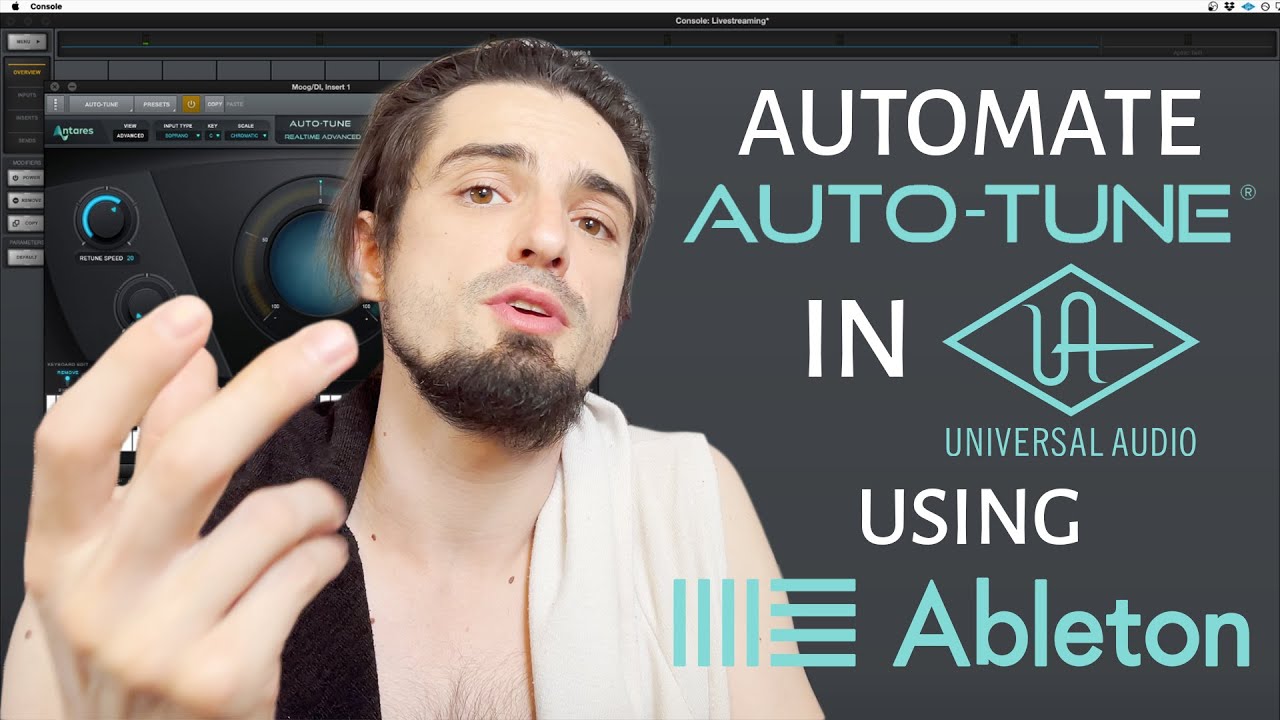
MUST WATCH for live-performing VOCALISTS! Automate the key of Auto-Tune in UAD Console, via Ableton
Автор: Eko Zu
Загружено: 2021-08-18
Просмотров: 55195
Описание:
Update Sept 2024 - this is still working well!
Are you excited to run Auto-Tune in UAD console during your live performances, and automatically change the key/scale using MIDI automation from Ableton? 🤩
Using this technique, you can perform live with vocal tuning with undetectable latency, at no additional CPU cost to Ableton (as the UA hardware will handle the CPU load for Auto-Tune)!
The only software required is UAD Console (free software), Auto-Tune Advanced (UAD version), and Ableton Live (or any DAW most likely, but Ableton preferred!)
I'm using Mac for this example, though I'm sure this could be done on PC.
Thank you to Antares, UAD, and Ableton for creating amazing, revolutionary music software!
Note - if you'd like help building your Playback rig for live performance, feel free to reach out to me via [email protected] and we can discuss having me build the Ableton set for you.
/ ekozumusic
https://open.spotify.com/artist/3UTpx...
https://www.uaudio.com/
https://www.antarestech.com/
https://www.ableton.com
Index:
00:00 - Intro
01:15 - Setup
03:41 - Program
06:18 - Changing Retune Speed
06:55 - "Bypassing"
09:25 - Advanced/Custom Scales
This video is worth watching all the way through, but here's a text-only breakdown of the process:
1. Go to "Audio Midi Setup" in your Mac (via Spotlight Search)
2. Window ⋗ Show MIDI Studio
3. Double-click your IAC driver
4. Click the "+" button to add a port
5. Name the port "UAD Console MIDI", then quit Audio Midi Setup
6. Go to your Ableton preferences, click the "Link/Tempo/MIDI" tab
7. Click the "Track" and "Remote" boxes for the IAC Driver "UAD Console MIDI", then close Ableton preferences.
8. Create a new MIDI track, set it to "no input"
9. Add an "External Instrument" to that MIDI track
10. Assign the External Instrument to "IAC Driver (UAD Console MIDI)"
11. Open UAD Console, then go to UAD Console settings (Menu ⋗ View ⋗ Settings).
12. Click "MIDI", then under "Device" select "IAC Driver UAD Console MIDI", then close UAD Console Settings
13. In UAD Console, insert Auto-Tune onto your vocal channel
14. Open Auto-Tune, then click the gear icon in the top right corner of Auto-Tune, then "Preferences". This is where you'll assign Midi CC values that Ableton will use to communicate with Auto Tune.
15. Set "Retune Speed" to 14, "Key" to 15, "Scale" to 16, "Flex-Tune" to 17, "Target notes via MIDI" to 18, then click "Save"
16. Go back to Ableton, and on the MIDI channel with your external instrument, highlight the timeline on that channel for 8 bars, and insert an empty midi clip via "Command-Shift-M"
17. With your new MIDI clip selected, press "Option-2" on your computer keyboard to switch to the Envelopes Tab, then select "Midi Ctrl" under the "Envelopes" menu.
18. Click the box next to that and select "15 - (Controller)". The blue line (starting at the bottom of the envelope editor to the right) will now control the key of your song. Drag the blue line up and down to change the key of your song.
19. If you select "16 - (Controller)", the blue line will now control the scale of your song.
20. You can create a separate MIDI clip for each song in your Live set, and the key/scale of Auto-Tune will follow the playhead of your Ableton session.
21. Alternatively, if you enter MIDI notes into these MIDI clips (such as a C Minor scale), Auto-Tune will follow the notes you program. You can do this for each of your songs. Remember to click "Target Notes" in Auto-Tune using the "Advanced" tab in Auto-Tune.
22. I suggest using step 21 only if you need to tune to notes outside of the natural major and minor scales. If you use the method from step 21, do it for all your songs, as I find Auto-Tune does not like to switch back and forth between the two methods I have described.
Thanks for tuning in and I hope this helps you put on a stellar live show!
Повторяем попытку...
Доступные форматы для скачивания:
Скачать видео
-
Информация по загрузке: