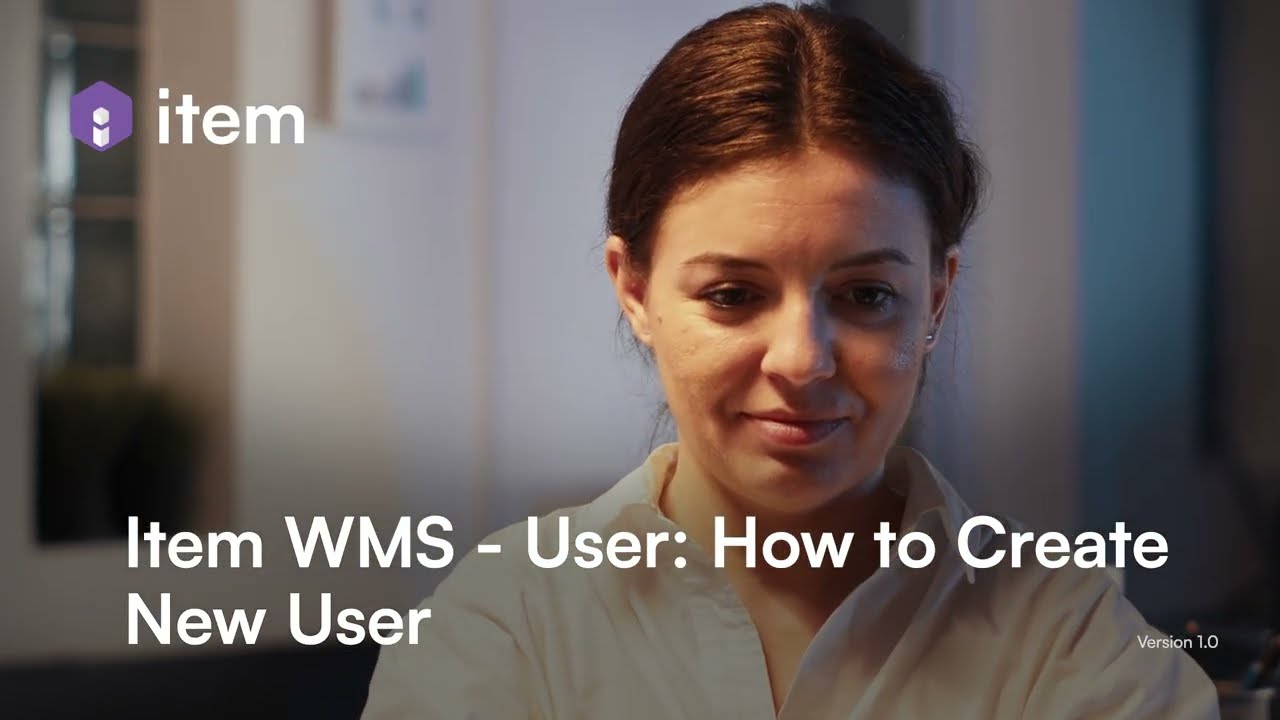
Item WMS: User - How to Create New User
Автор: Item Solutions
Загружено: 2024-07-17
Просмотров: 48
Описание:
The video tutorial provides a step-by-step guide on how to create new user accounts in a Warehouse Management System (WMS) and a related platform, emphasizing the importance of user role management and access control.
Key Takeaways:
[00:30] | Two Methods: Users can be created either directly in WMS or through the PASS platform.
[01:00] | Role Specification: It's crucial to select the appropriate user role and manage access to specific facilities during user creation.
[01:20] | Activation Process: After creation, users receive an activation email, which they must complete to gain access.
[01:40] | Access Control: Users can be restricted from seeing certain facilities, enhancing security and tailored access.
[02:00] | Resource Availability: Additional tutorial content is available for further learning about item applications.
Notable Quotes:
"There are two different ways to create a user: one is from WMS and the second is from PASS." [00:15]
"By default, the user is allowed to have access to all the facilities; if you don't want them to see specific facilities, you can disable that here." [01:00]
"Once they activate the email, they will have access to all the specified applications." [01:40]
Повторяем попытку...
Доступные форматы для скачивания:
Скачать видео
-
Информация по загрузке: