Скачать
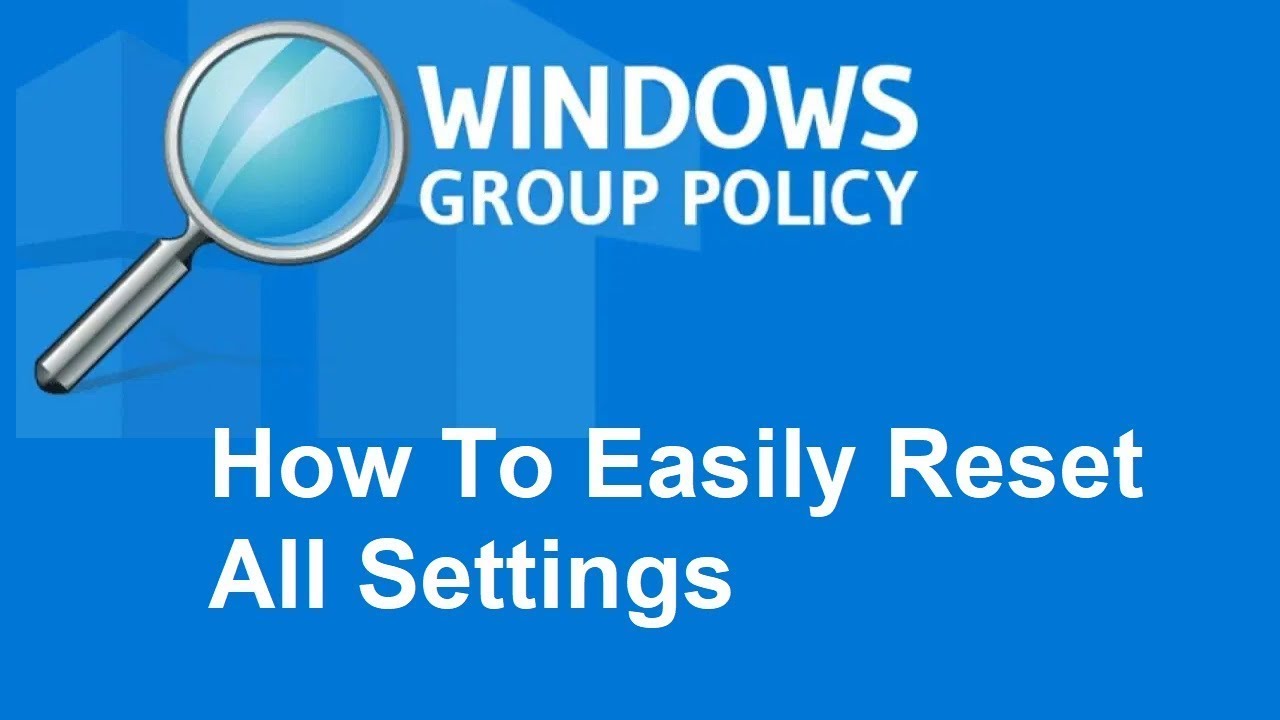
How to reset/clear all Local Group Policy settings Windows 10 Tutorial easily with command prompt
Автор: Newbie Computer
Загружено: 2021-08-29
Просмотров: 2033
Описание:
If you made many Group Policy changes, you can revert the settings to their defaults quickly. In this video, I show you how to complete the task on Windows 10.
1. Open Elevated Command Prompt(Run Administrator)
2. Type this command
RD /S /Q "%WinDir%\System32\GroupPolicyUsers" && RD /S /Q "%WinDir%\System32\GroupPolicy"
3. type this command
gpupdate /force
4. Restart Your Computer
#windows
#tips
#trick
#tutorial
#registry
#registryhack
#LocalGroupPolicy
Не удается загрузить Youtube-плеер. Проверьте блокировку Youtube в вашей сети.
Повторяем попытку...
Повторяем попытку...
Доступные форматы для скачивания:
Скачать видео
-
Информация по загрузке:









![Software Restriction Policies [Windows]](https://imager.clipsaver.ru/iFN_tydQYm4/max.jpg)