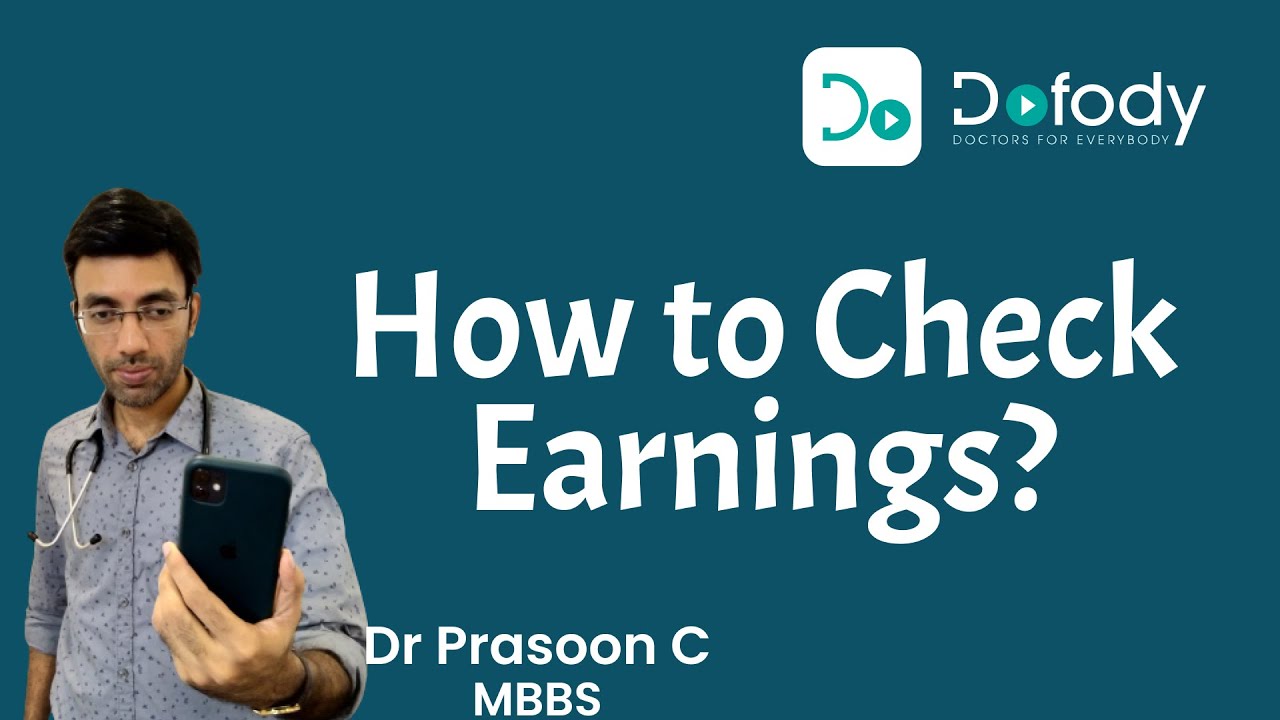
How to Check Doctor's Earnings on Dofody app?
Автор: Dofody Online Doctors
Загружено: 2022-10-18
Просмотров: 18
Описание:
Earnings and Payments
Every time you open the Dofody app you’ll see your lifetime earnings, increasing day by day, all earned for sharing your knowledge with patients!
Every time a doctor finishes a consultation by “adding a prescription” the doctor’s payment is credited to their Dofody account.
You can enter your bank account details by going to Settings, Add bank account details.
Payment for the last month will be transferred to this bank account through IMPS or NEFT in the first week of the current month.
In the case of a bank account, details need to be changed, it can be done on the Settings page but this time, the doctor needs to confirm the change by entering the Dofody password.
The doctor receives 65% of each consultation fee and this amount can be changed on the “Schedule” page.
Note: Dofody cut might change in the future and the same will be promptly notified.
Повторяем попытку...
Доступные форматы для скачивания:
Скачать видео
-
Информация по загрузке: