Swim Smarter: Customize Your Apple Watch Swim Metrics
Автор: Dan Daly, CSCS
Загружено: 2025-04-25
Просмотров: 6568
Описание:
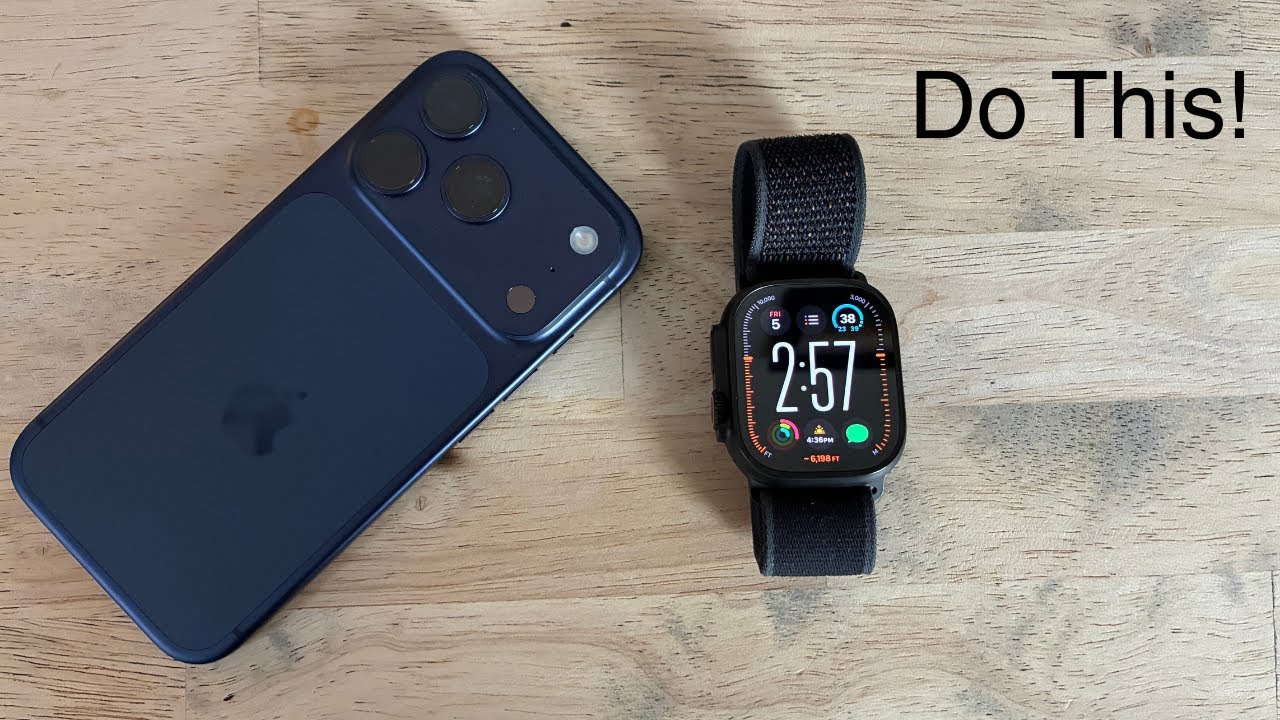
Swimmers, did you know you can customize what metrics your Apple Watch displays during your swim workouts? 🤯 It’s true – you’re not stuck with the default stats on your watch. Many people never realize this quick Apple Watch hack, but it can make a big difference in your training experience.
For example, if you want to see your heart rate while swimming (which isn’t shown by default), you can add it in just a few taps. Prefer seeing distance or laps front and center? You can reorder the workout display so your favorite stats come first. Apple Watch lets you choose which metrics – like distance, calories, heart rate, and average pace – appear on your swim screen. (Quick heads-up: the Average Pace metric includes any rest time, so it might look a bit slower if you pause between laps.)
Here’s how to customize your swim workout view on Apple Watch:
1. On your Apple Watch, open the Workout app and find your swimming workout (Pool Swim or Open Water Swim).
2. Tap the … (three dots) button next to that workout.
3. Scroll down and tap Preferences, then tap Workout Views.
4. Tap the Edit (pencil) icon. Now select which metrics you want to see (distance, calories, heart rate, etc.), and even drag to reorder them as you like.
5. Save your changes (the watch will remember them for next time).
That’s it! ✅ Next time you start a swim, you’ll see your chosen stats on your wrist. Call to action: Take a minute before your next pool or open-water session to tweak these settings. It’s a small change that makes your swim sessions more personalized and informative. Now go and customize your Apple Watch swim screen – and happy swimming! 🏊♂️💦 #swimming #applewatch #triathlon
Повторяем попытку...

Доступные форматы для скачивания:
Скачать видео
-
Информация по загрузке: