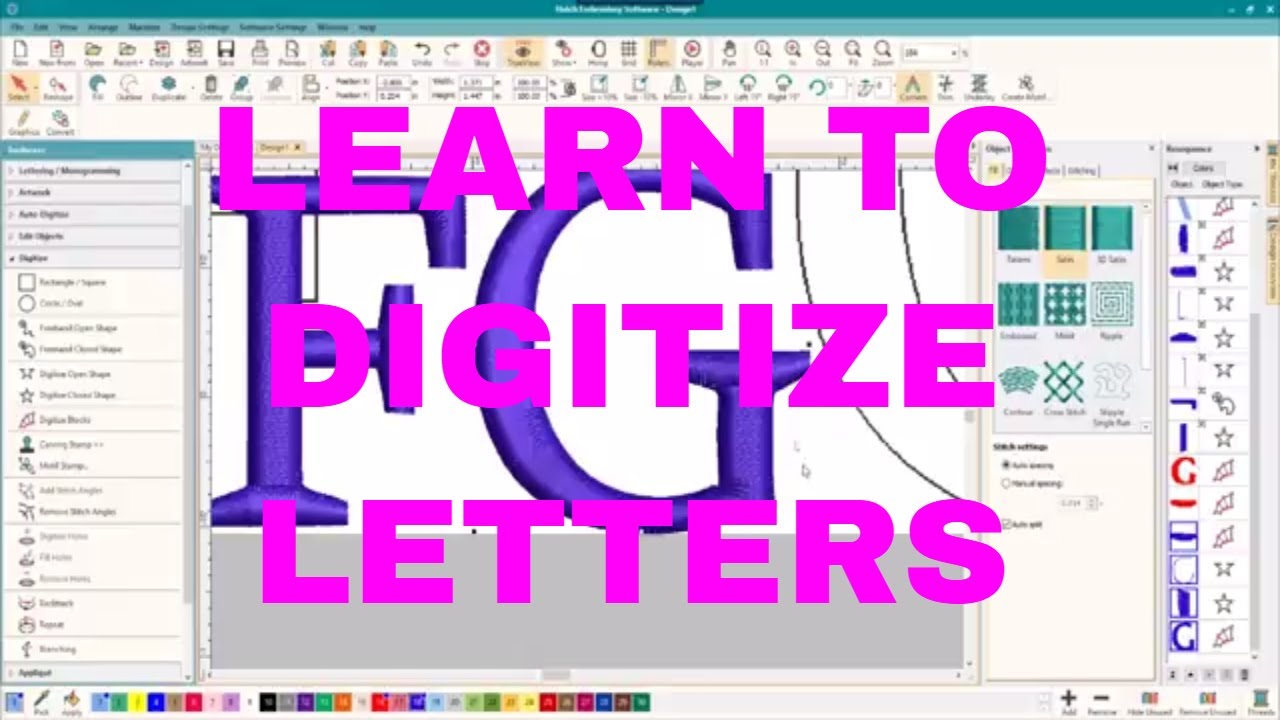
HATCH EMBROIDERY SOFTWARE: Change the settings on lettering underlay!
Автор: OML Embroidery (Sue Brown)
Загружено: 2018-06-11
Просмотров: 2352
Описание:
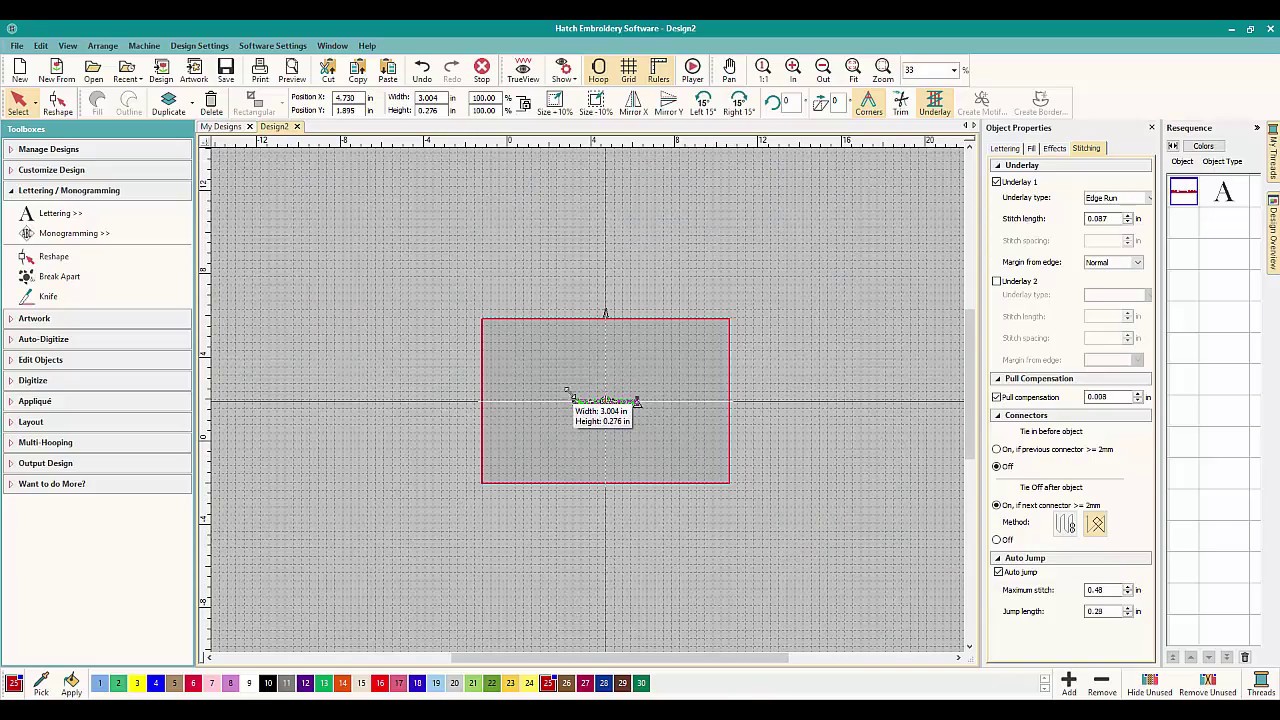
***Video using a Mobile Studio Pro Pen & Touch. Hatch Embroidery software does lettering right! If you make the lettering small, Hatch Embroidery Software will change the underlay so you don't have thick letters. If you make the lettering large, Hatch Embroidery software will add more underlay so that your letters have a great foundation and will look great!
But...what if you wanted to change the settings? How can you change the underlay settings and what underlay settings can you change? check out this video and learn how you can change the stitch length AND change the edge underlay to be offset from the edge of the lettering and change the zig-zag underlay to do the same. Change the lettering underlay to be it's best when you stitch out your lettering! Learn how, NOW!
Remember to like this video and subscribe to this channel to let us know you want MORE! Turn on notifications so that you won't miss a video! Lots of cool videos and classes coming up soon!
SUPPORT THIS CHANNEL ON PATREON! Enjoy the classes and videos! / omlembroidery
Featuring: Digitizing with Wilcom E4, Embird PE Design 10 plus blogs, information and everything embroidery.
PATREON: / omlembroidery
Join our blog: http://www.omlembroidery.com
Like us on Facebook: / omlembroidery
Join our Embird Facebook group: Embird Happy Digitizing
Support us so we can make more helpful videos and classes!
Повторяем попытку...

Доступные форматы для скачивания:
Скачать видео
-
Информация по загрузке: