How to Create a Facebook Event Step by Step (Easy Tutorial)
Автор: GuideWise
Загружено: 2025-08-28
Просмотров: 2736
Описание:
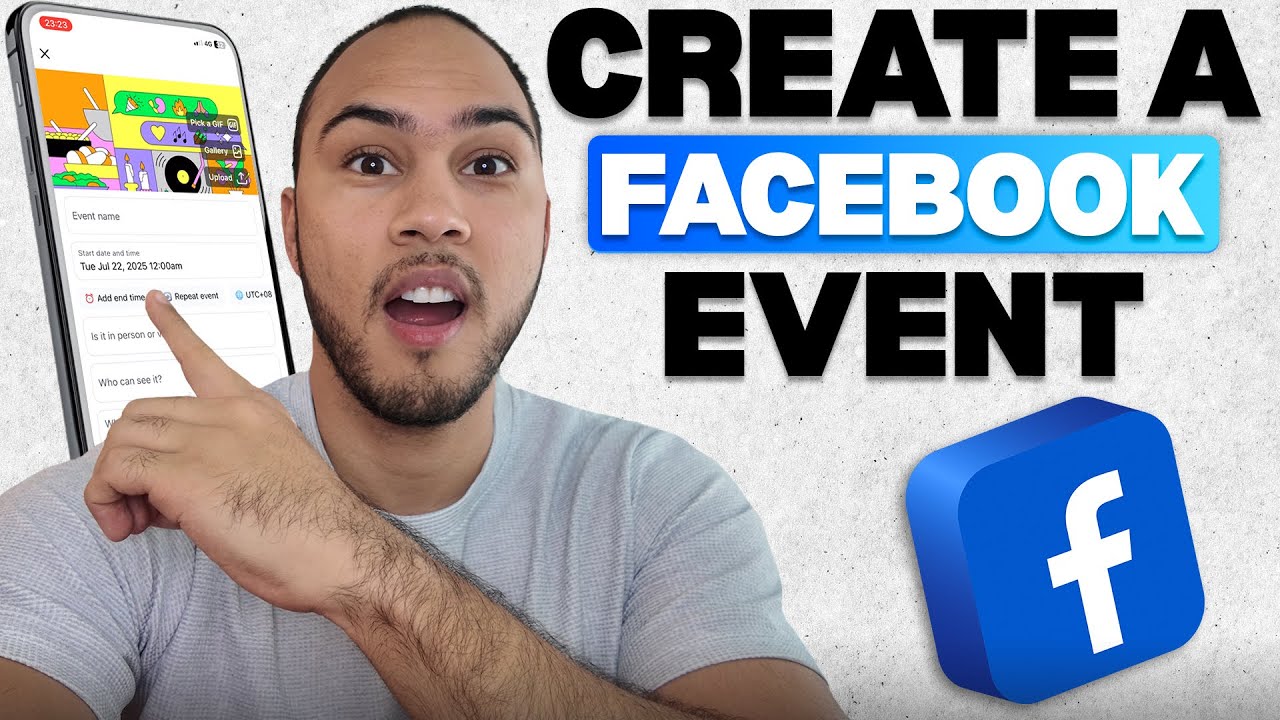
In this video, I’ll go over how to create a Facebook Event step by step so you can plan gatherings and share them online. I’ll show you how to open the Facebook app, tap Menu, and select Events to get started. Then we’ll go through adding the event name, date, time, and location to make sure everything is clear. I’ll also explain how to set privacy options so your Facebook event is public, friends-only, or private.
Be sure to watch this video all the way as I cover how to invite people, add event details, and make your event stand out on Facebook. I’ll explain how to choose the right description, upload a photo or banner, and send out invitations to friends or groups. You’ll see how Facebook events can help you promote parties, meetings, business launches, or community gatherings. These steps will make your event easy to find, simple to join, and more successful.
Creating a Facebook event is a simple way to share your plans and connect with people quickly. This tutorial shows you how to set up Facebook events, manage the event page, and keep everyone updated with the latest details. You’ll learn how to invite friends, control privacy settings, and use Facebook tools to organize events. By following these steps, you can create Facebook events that look professional, improve attendance, and keep your audience engaged.
If you want to see more tutorials, check out our other videos:
How to Make Your Facebook Profile Private on Mobile (Step-by-Step Guide)
• How to Make Your Facebook Profile Private ...
How to Download Facebook Videos on Your Phone (iPhone & Android Tutorial)
• How to Download Facebook Videos on Your Ph...
Subscribe to our channel for easy-to-follow tutorials, tips, and tricks! GuideWise is here to help you learn new skills, solve problems, and make life easier.
Thank you for watching and have a great day!
– Kyle
#FacebookEvents #EventPlanning #SocialMediaTips
Timeline:
0:00 - Introduction
0:10 - Open Facebook and Access the Menu
0:25 - Navigate to Events and Tap Plus
0:40 - Add Event Name, Date, and Details
0:52 - Invite Others and Publish Event
Disclaimer: Some of the links above may be affiliate links, which means that if you click on them, I may receive a small commission. The commission is paid by the retailers at no cost to you, and this helps support our channel and keep our videos free. Thank you! All information in our videos is compiled from online sources and our own experience, and we encourage you to do your own research. We appreciate your support!
Повторяем попытку...
Доступные форматы для скачивания:
Скачать видео
-
Информация по загрузке: