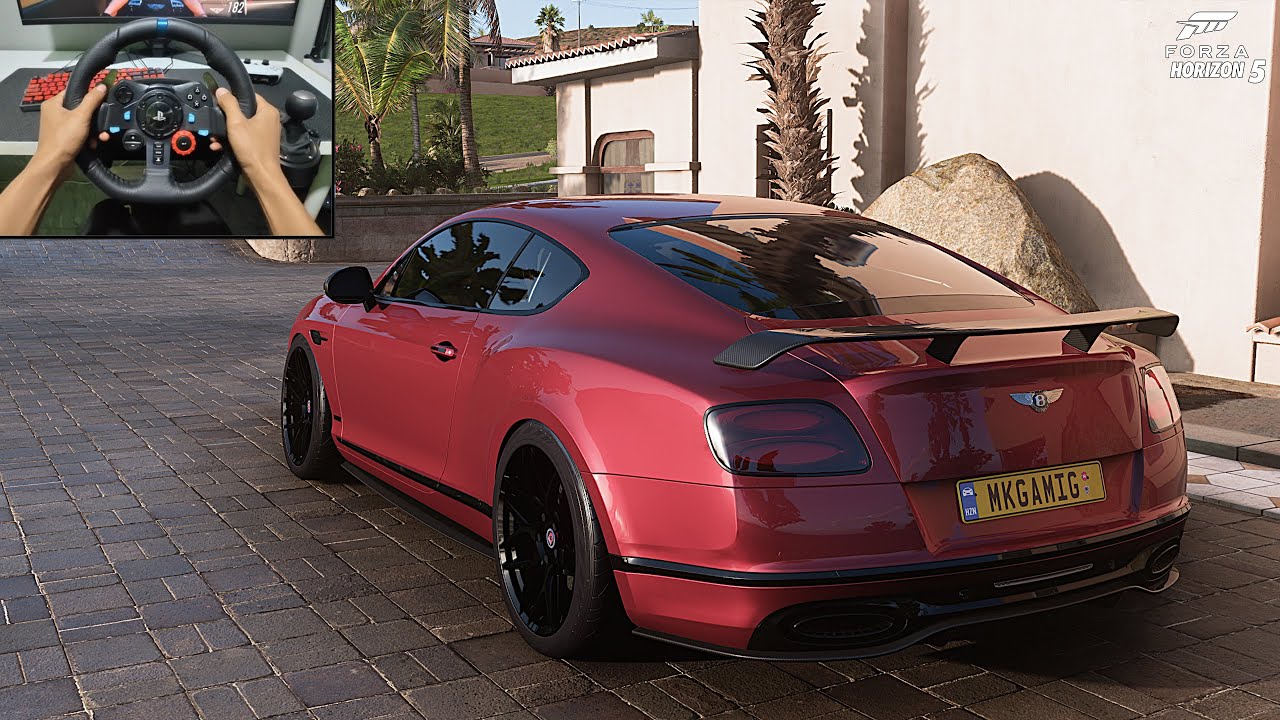
Project CARS 2 PS4 Logitech Driving Force GT (DFGT) Steering Wheel Settings For Better Feel
Автор: PLAY RACING GAMES
Загружено: 2017-10-10
Просмотров: 8721
Описание:
Project CARS 2 PS4 Logitech Driving Force GT (DFGT) Steering Wheel Settings For Better Feel When Using The Brook Super Converter PS3 to PS4
REVISED SINCE 2.0 PATCH!
GAMEPLAY:
Steering Assistance: No
Braking Assistance: No
Driving Assists: Full
Anti-Lock Brakes: High
Stability Control: Authentic
Traction Control: Low
CONTROLS:
Inverted Camera Y Axis: Yes
CONTROLS CONFIGURATION:
SD: 15
SS: 42
TD: 0
TS: 50
BD: 0
BS: 40
CD: 0
CS: 25
SS: 95
DS: 100
CD: 28
CV: 4 (adjust pending the car)
MST: 0
RPM: NO
The BROOK SUPER CONVERTER PS3 TO PS4.
With Logitech's Drive Force GT steering wheel and the Brook Super Converter the wheel works but on Project Cars 2 there is limited Force Feedback. But is still very much playable.
The Brook Super Converter tricks the PS4 into thinking it's a CONTROLLER as the DFGT wheel is not supported. PLEASE NOTE SOME GAMES WORK BETTER THAN OTHERS WHEN USING THIS CONVERTER!
Regarding the share button. There is not one on the DFGT wheel that i know of. What i do is use the controller first and press the share button twice. Then switch over to the DFGT wheel. Once finished switch back to the controller and press the share button to share. Quite simple.
Please note I don't work for Brook or Amazon, just sharing.
UK Amazon approx £31
https://www.amazon.co.uk/Gam3Gear-Bro...
USA Amazon for $42.90
https://www.amazon.com/gp/aw/d/B018T3...
Link to the Brook website to show which steering wheels will work:
http://www.brookaccessory.com/detail/...
If you need any further information, just leave me a comment
Повторяем попытку...

Доступные форматы для скачивания:
Скачать видео
-
Информация по загрузке: