How to Burn DVDs & VCDs Easily | Ashampoo Burning Studio Tutorial
Автор: Tech Tools Telugu
Загружено: 2024-04-28
Просмотров: 3330
Описание:
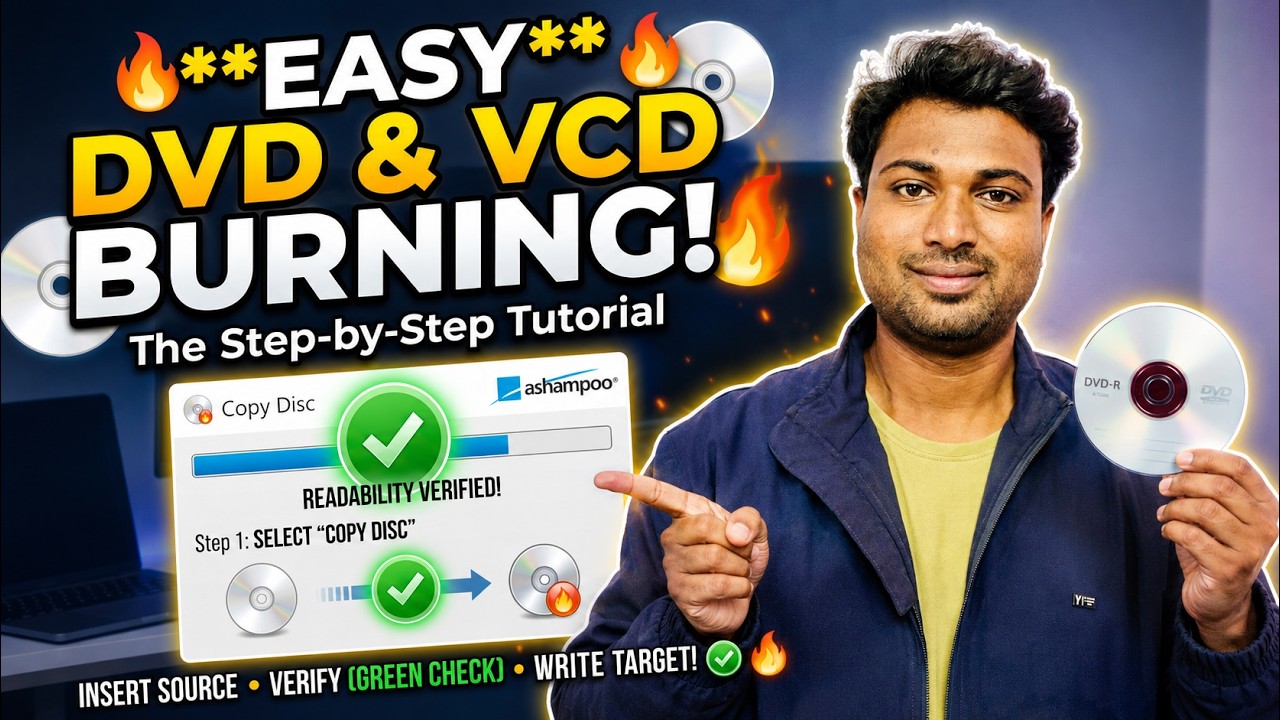
Welcome back to TechToolsTelugu! In this step-by-step tutorial, I’ll guide you through the simple process of burning DVDs and VCDs using Ashampoo Burning Studio.
Whether you need to create backups of important files, share home videos, or compile music discs, this powerful tool makes disc burning an absolute breeze.
🔥 What you’ll learn in this video:
Select “Copy Disc”: Launch Ashampoo Burning Studio and choose the “Copy Disc” option from the left sidebar.
Insert Your Source DVD: Put the DVD you want to copy into your drive. The program will verify its readability (look for the green checkmark!).
Read the Source DVD: The disc contents will temporarily copy to your hard disk (Note: Make sure you have at least 6 GB of free space!). Click “Next” when ready.
Burn the Target DVD: Replace the source DVD with a blank, recordable disc. Validate it, and click “Write DVD” to start the burning process.
Monitor the Process: Watch the progress bar until completion, then simply click “OK.”
💿 Feel free to explore this software and start creating your own discs. If you have any questions, run into errors, or need further assistance, let me know in the comments below! Happy burning! 🔥🔥🔥
🔔 Don't forget to LIKE, SHARE, and SUBSCRIBE for more easy software tutorials and tech guides!
#Ashampoo #DVDBurning #TechTutorial #AshampooBurningStudio #TechToolsTelugu #SoftwareGuideWelcome back to TechToolsTelugu! In this step-by-step tutorial, I’ll guide you through the simple process of burning DVDs and VCDs using Ashampoo Burning Studio.
Whether you need to create backups of important files, share home videos, or compile music discs, this powerful tool makes disc burning an absolute breeze.
🔥 What you’ll learn in this video:
Select “Copy Disc”: Launch Ashampoo Burning Studio and choose the “Copy Disc” option from the left sidebar.
Insert Your Source DVD: Put the DVD you want to copy into your drive. The program will verify its readability (look for the green checkmark!).
Read the Source DVD: The disc contents will temporarily copy to your hard disk (Note: Make sure you have at least 6 GB of free space!). Click “Next” when ready.
Burn the Target DVD: Replace the source DVD with a blank, recordable disc. Validate it, and click “Write DVD” to start the burning process.
Monitor the Process: Watch the progress bar until completion, then simply click “OK.”
💿 Feel free to explore this software and start creating your own discs. If you have any questions, run into errors, or need further assistance, let me know in the comments below! Happy burning! 🔥🔥🔥
🔔 Don't forget to LIKE, SHARE, and SUBSCRIBE for more easy software tutorials and tech guides!
#Ashampoo #DVDBurning #TechTutorial #AshampooBurningStudio #TechToolsTelugu #SoftwareGuide
Повторяем попытку...
Доступные форматы для скачивания:
Скачать видео
-
Информация по загрузке: