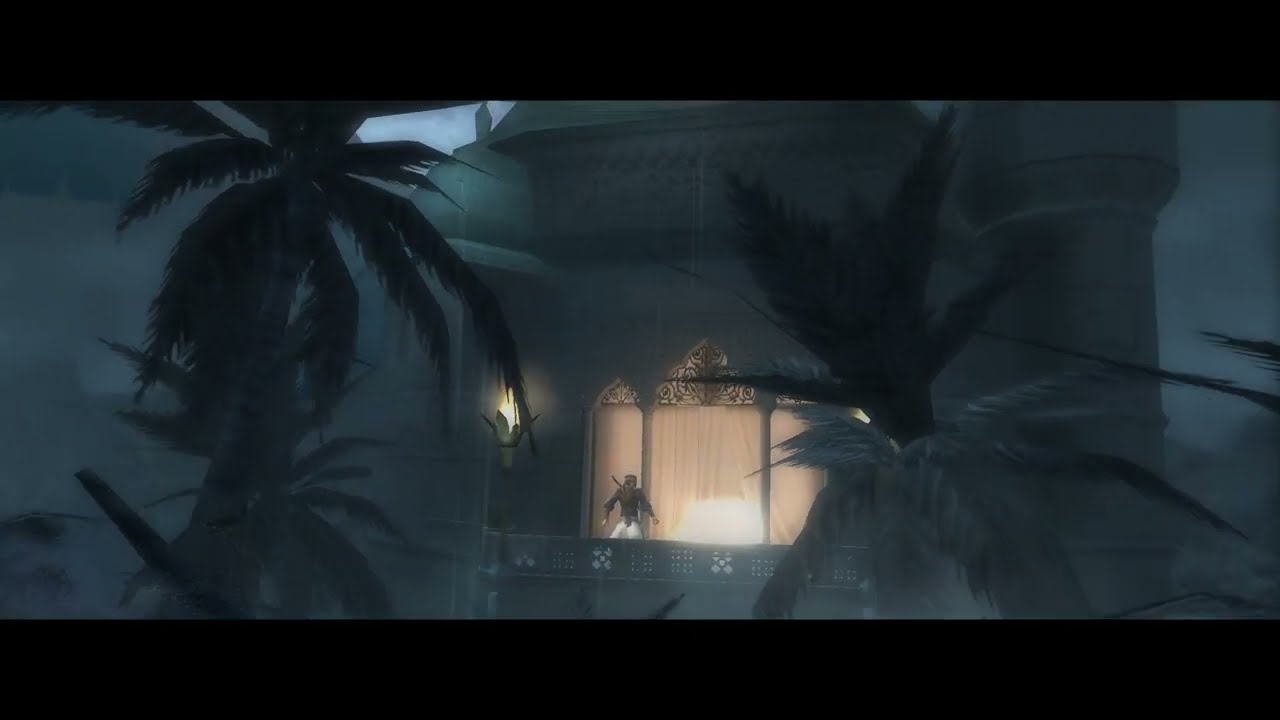
Prince of Persia Sands of time Widescreen + remove blur fix
Автор: EgOless
Загружено: 2023-02-20
Просмотров: 12148
Описание:
1. download "the fix with widescreen mod together" https://helixmod.blogspot.com/2018/06... then drag and drop everything inside to Prince of persia's game folder
UPDATE: Do not do what i do from 1:02-1:22 just delete that file, ABB07F2E.txt , this remove bloom file causes the blur to remain when slow motion is activated by tapping R or LT.
2. Edit pop.ini with notepad and edit the width and height according to your resolution. my gaming laptop is 2560x1440p
3. Enter dx9Settings.ini and correct the address to where your d3d9_res.dll file within your prince of persia directory is. Mine is at C:\Program Files (x86)\Steam\steamapps\common\Prince of Persia The Sands of Time\d3d9_res.dll
4. At the main menu turn off fog if using steam version, or
Locate your "Hardware.ini" file (typically located within the root folder in which the game has been installed), and open it with a text editor
Change the following values as noted:
ForceVSFog=1
InvertFogRange=0
Save the file
Right click on the "Hardware.ini" file, and select "Properties" Check "Read-Only," and then select "Okay."
Press F6 to toggle Blur shader when in game.
(throughout the video im switching blur on and off)
To use controller with steam, at this games steam library click on the controller icon and click enable steam input then click on keyboard (WASD) and Mouse then at the top click community layouts and i use “Prince of persia: sands of time (original xbox controls)” layout click that then at the bottom click apply layout, to add F6 (toggle blur) to controller, now click edit layout then scroll down to the select button which is above the start button (escape key) and select f6 for select button, now you can use controller and toggle blur with controller
Повторяем попытку...

Доступные форматы для скачивания:
Скачать видео
-
Информация по загрузке:









![PC Longplay [702] Prince of Persia 2: The Shadow and the Flame](https://imager.clipsaver.ru/_VM3ECIH2wA/max.jpg)