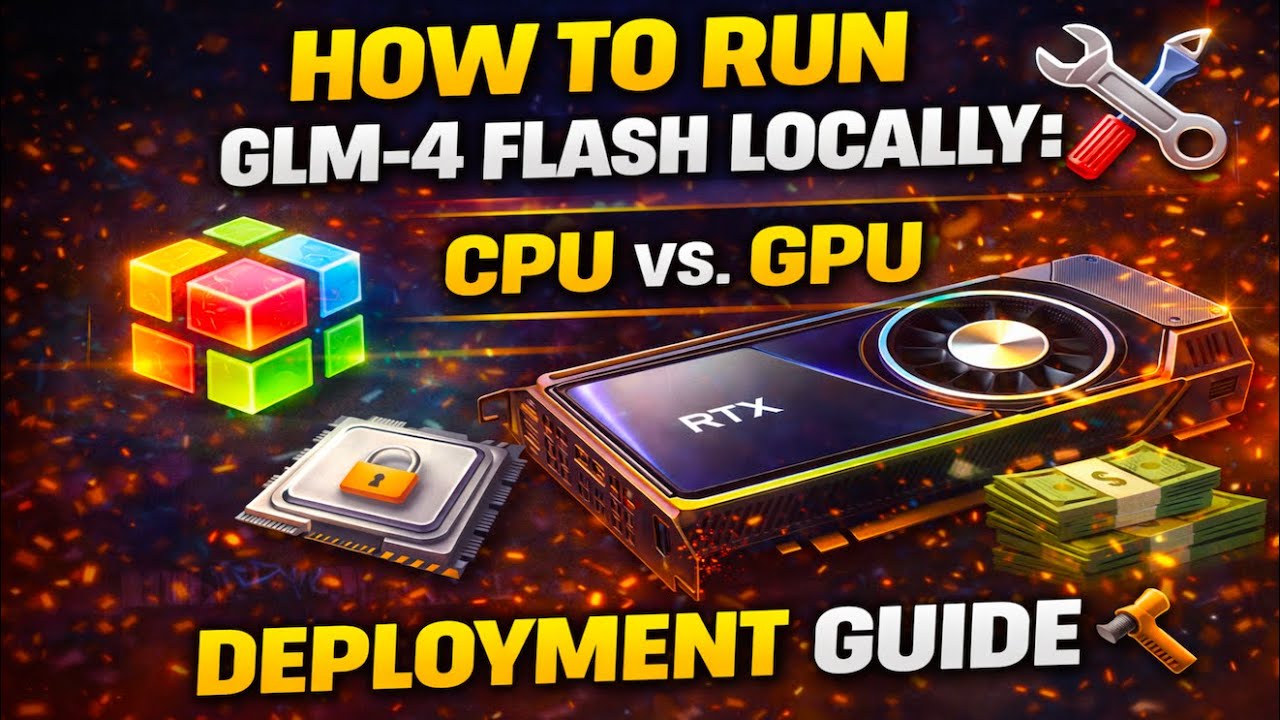
How to Run GLM-4 Flash Locally: CPU vs. GPU Deployment Guide 🛠️
Автор: AINexLayer
Загружено: 2026-01-21
Просмотров: 10
Описание:
Want to run Zhipu AI’s powerful GLM-4 Flash model entirely offline? In this video, we break down the steps to deploy this model locally using llama.cpp. We analyze the hardware requirements, the performance differences between CPU and GPU, and how to enable agentic workflows.
In this video, we cover:
1. True Offline Privacy (CPU Mode) 🔒 We explain how to run GLM-4 Flash without any GPU involvement. By using the llama.cpp inference engine, you can load the model purely on your CPU, ensuring 100% privacy and offline capability.
2. GPU Acceleration & VRAM Requirements ⚡ For those wanting speed, we discuss the GPU setup. By setting the "Number of GPU Layers" (-ngl 999) to maximum, you can offload the entire model to VRAM.
• Performance: The source benchmarks show speeds reaching 109 tokens per second on GPU.
• Hardware Reality: Be warned—fully offloading this model (specifically the version discussed in the source) can consume over 45GB of VRAM.
3. Installation & Quantization 💾 We guide you through the setup process:
• Install llama.cpp.
• Download the quantized versions (like Q4_K_XL) from Hugging Face (Unsloth).
• Storage: The Q4_K_XL file alone requires 17.6 GB of disk space.
4. Tool Calling & Agents 🤖 GLM-4 Flash isn't just a chatbot; it's built for agentic workflows. We explain how to configure the temperature (0.7) and Top P (1.0) to ensure deterministic, reliable JSON function calls for external tools like weather APIs.
5. Server Mode Integration 🌐 Learn how to serve the model as an OpenAI-compatible API on localhost:8080. This allows you to connect the local model to Python code or other coding agents, consuming roughly 22GB of VRAM in server mode.
The Verdict: Whether you are using a high-end GPU or sticking to CPU, this guide covers the exact commands and configurations needed to get GLM-4 Flash running on your machine.
https://huggingface.co/unsloth/GLM-4....
Support the Channel: Have you tried running GLM-4 locally yet? Let us know your token speeds in the comments! 👇
#AI #LocalLLM #GLM4 #LlamaCpp #MachineLearning #Privacy #OpenSource #DevOps #Python
Повторяем попытку...
Доступные форматы для скачивания:
Скачать видео
-
Информация по загрузке: