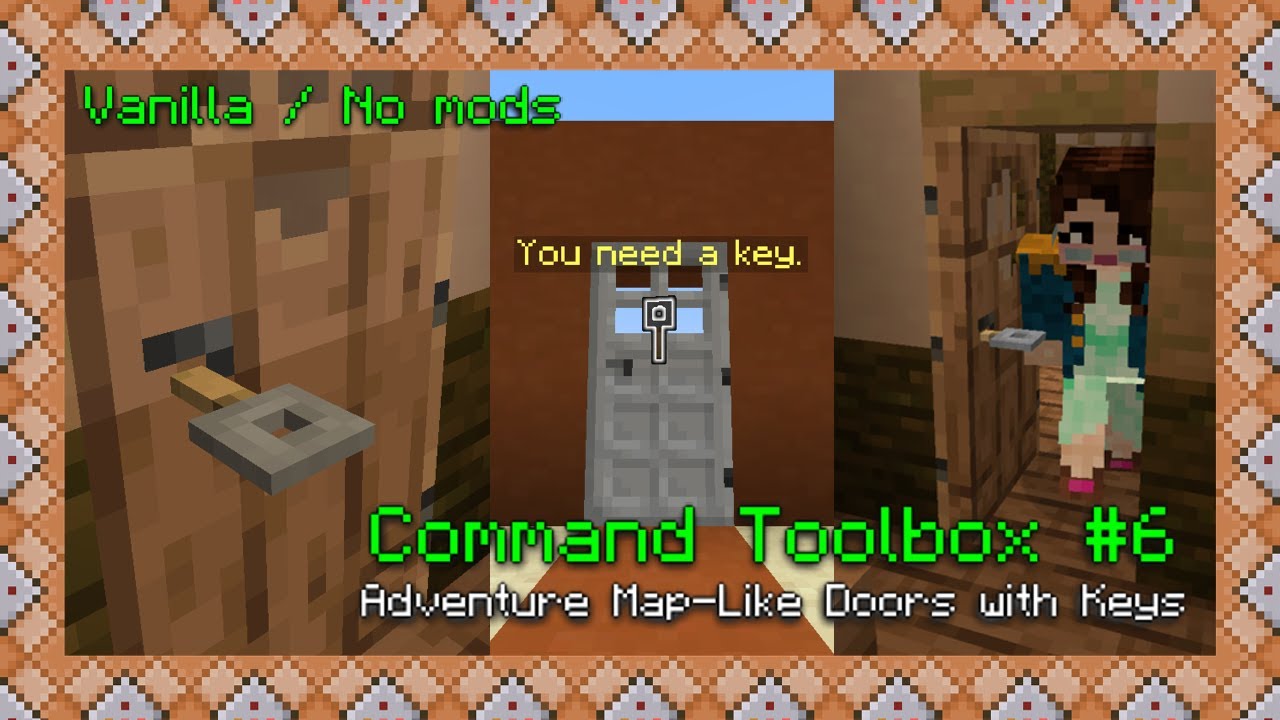
How I Made Adventure Map-Like Doors with Keys! | Minecraft Java 1.17+ | Command Toolbox #6
Автор: Winnie's Creations
Загружено: 2021-10-05
Просмотров: 16546
Описание:
Hello again! This video took a long time to make, I hope you’ll love the things I’ll be showing you (and teaching you)! This creation really looks like something you’d find in an adventure map, so I hope some mapmakers out there love this!
I’m using Minecraft Java 1.17.1.
Scroll down to the bottom of this description to find all commands used in this video!
♡♥♡♥
Thanks for watching! I hope that what you discovered today comes in handy for your adventure maps, playing around in Creative, or any other purpose.
★✰★✰★
Really, really liked this video? Here’s my tip jar! https://ko-fi.com/winniescreations Every little contribution helps and is greatly appreciated.
Ⓛⓐⓝⓖⓤⓐⓖⓔ
Este video, como todos mis videos, tiene subtítulos en español hechos por mí. ¡Activalos en el menú si los necesitás!
🖂 🖂 🖂
If you make any adventure maps using tricks you’ve learnt from me, I’d love to play them! You can email them to me at [email protected]
⇒ Reddit: / winniescreations
⇒ TikTok: / winniescreations
⇒ Planet Minecraft: https://www.planetminecraft.com/membe...
♪♫♬♩
All music used in this video has been made by c418, specifically for Minecraft!
You can purchase his albums here: https://c418.org/
🕛 🕐 🕑
Chapters
00:00 Example demonstration
02:35 Intro
03:08 #1 Instructions prompt
05:46 #2 Detect right clicking with the correct key
09:28 #3 Key animation
11:05 #4 Opening door and placing the key in the keyhole
11:53 #5 Blocking wooden doors
13:47 #6 Explaining today's creation
15:07 Outro
➽ ➽ ➽ ➽
Want more tutorials? Here’s the playlist of this series!
Command Toolbox: • Command Toolbox
♯ # ♯ # ♯
#MinecraftCommands #CommandToolbox #Tutorials #MCYT #Redstone
⇓⇓⇓⇓⇓⇓⇓
Commands used in this video:
Remember to write YOUR OWN coordinates!
#1 Instructions prompt
/execute if entity @a[x=150,y=56,z=0,distance=..3.5]
/summon armor_stand 150.20 55.45 0.50 {Invisible:1b,Invulnerable:1b,NoGravity:1b,CustomName:'{"text":"You need a key.","color":"yellow"}',CustomNameVisible:1b,DisabledSlots:4144959}
/summon item 150.30 57 0.50 {NoGravity:1b,PickupDelay:32767,Glowing:1b,Item:{id:"minecraft:tripwire_hook",Count:1b}}
/kill @e[name="You need a key."]
/kill @e[type=item,nbt={Item:{id:"minecraft:tripwire_hook",Count:1b}}]
#2 Detect right clicking with appropriate key
/execute if entity @p[nbt={SelectedItem:{id:"minecraft:tripwire_hook",tag:{display:{Name:'{"text":"Storage key","color":"yellow"}',Lore:['{"text":"Use this to open a determined door.","color":"dark_red"}']}}}}]
/setblock 157 56 3 air
/scoreboard objectives add Click minecraft.custom:minecraft.talked_to_villager
/summon minecraft:villager ~ ~ ~ {Invulnerable:1,NoAI:1,Silent:1b,ActiveEffects:[{Id:14,Amplifier:0,Duration:20000000,ShowParticles:0b}],CustomName:"\"Key\"",Rotation:[-90f]}
/tp @e[name=Key] 149.85 55.60 0.85
/scoreboard objectives remove Click
/tp @e[name=Key] ~ ~-5 ~
/setblock 157 56 3 minecraft:repeater[facing=west]
/kill @e[name=Key]
#3 Key animation
/execute if score @p Click matches 1..
/clear @p tripwire_hook{display:{Name:'{"text":"Storage key","color":"yellow"}',Lore:['{"text":"Use this to open a determined door.","color":"dark_red"}']}} 1
/summon armor_stand 150.15 56.22 0.43 {Invisible:1b,NoGravity:1b,ShowArms:1b,Rotation:[-90f],ArmorItems:[{},{},{},{}],HandItems:[{id:"tripwire_hook",Count:1b},{}],CustomName:'{"text":"Door1"}',DisabledSlots:4144959,Pose:{RightArm:[0f,0f,0f]}}
/execute as @e[name=Door1] at @s run tp ~-0.1 ~ ~
/kill @e[name=Door1]
#4 Opening door and key in keyhole
/setblock 149 54 1 minecraft:redstone_block
/summon armor_stand 149.55 56.22 -0.05 {Invisible:1b,NoGravity:1b,ShowArms:1b,ArmorItems:[{},{},{},{}],HandItems:[{id:"tripwire_hook",Count:1b},{}],CustomName:'{"text":"Open1"}',DisabledSlots:4144959,Pose:{RightArm:[0f,0f,0f]},Marker:1b,Fire:32767}
/setblock 157 56 3 air
#5 Blocking wooden doors
Remember to add a second barrier in needed.
/execute if entity @a[x=150,y=56,z=-19,distance=..8] run setblock 164 56 -20 minecraft:redstone_block
/summon minecraft:slime ~ ~ ~ {CustomName:"\"Barrier1\"",NoAI:1b,Silent:1b,Size:2,Invulnerable:1b,ActiveEffects:[{Id:14,Amplifier:0,Duration:20000000,ShowParticles:0b}]}
/tp @e[name=Barrier1] 149.25 56 -18.48
/tp @e[name=Barrier1] ~ ~-5 ~
/tp @e[name=Barrier1] 149.54 56.00 -19.57
#6 Explaining today's creation
/data merge entity @e[type=iron_golem,sort=nearest,limit=1] {Health:5f}
Повторяем попытку...
Доступные форматы для скачивания:
Скачать видео
-
Информация по загрузке:





![84: Villager dialogue [Minecraft Map Making]](https://imager.clipsaver.ru/omPCJzYfdU4/max.jpg)