How to Flash Redmi A1 / A1+ / POCO C50 (ice) Stock Firmware ROM | Free Tool | Hang on Logo Fix
Автор: Mr.Mobile XEBI KHAN
Загружено: 2025-10-15
Просмотров: 1992
Описание:
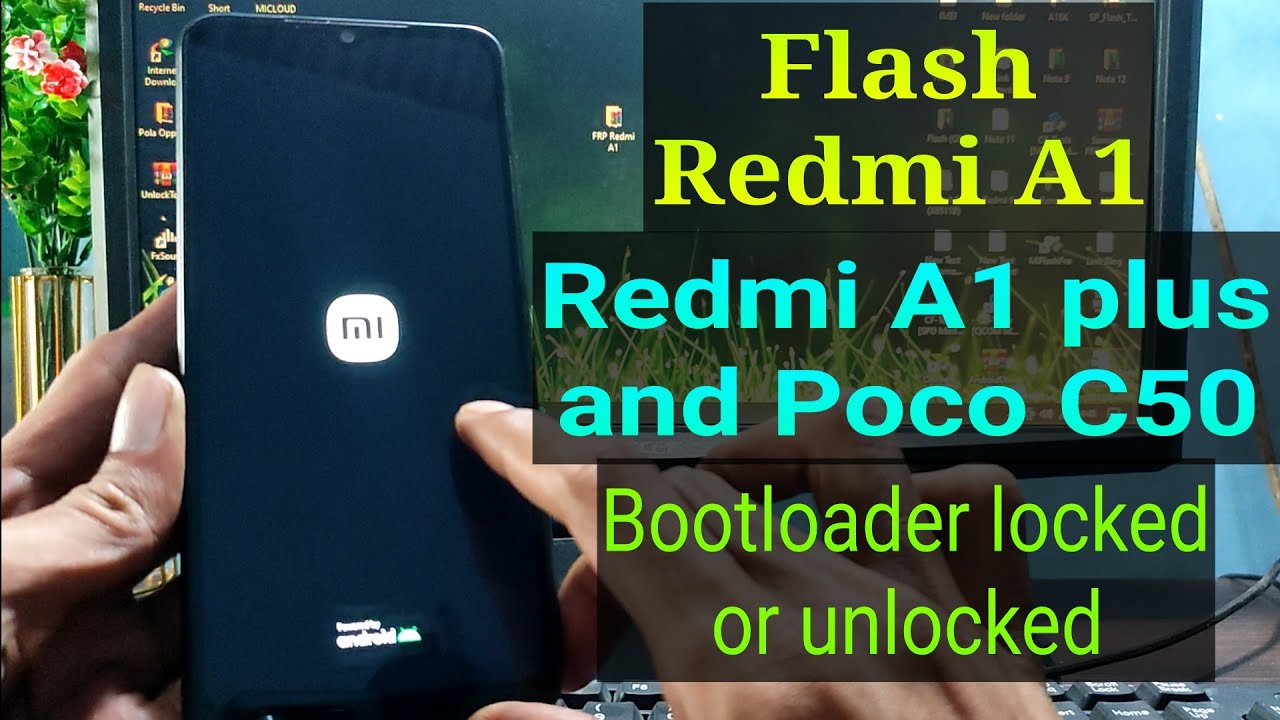
In this video, you will learn how to install Stock Firmware (Official ROM) on Xiaomi Redmi A1 / A1+ / POCO C50 (ice) using Free Tools — step by step!
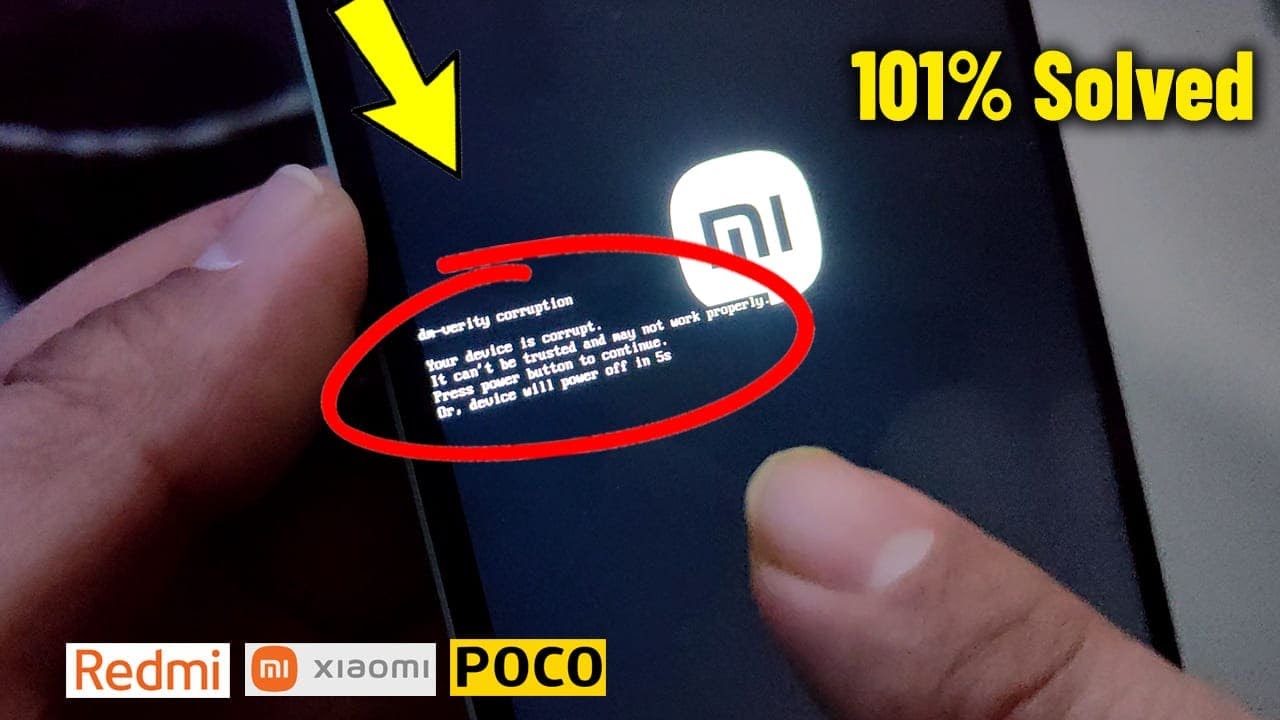
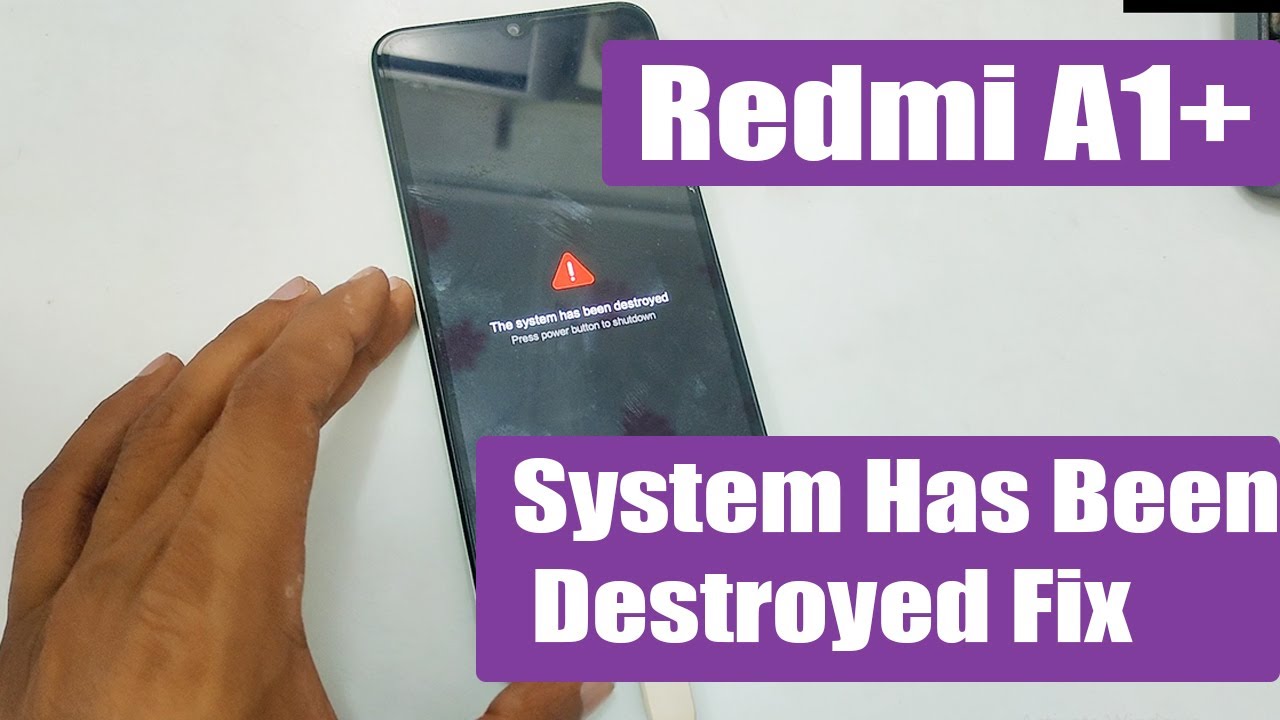
If your phone is stuck on logo, bootloop, or has software issues, this guide will help you fix it easily.
What’s Included:
How to download firmware from MiFirm
Step-by-step flashing guide using free tools
Fix Hang on Logo / Bootloop problem
100% Tested & Working Method
🌐 Download All Files, Free Tools & Firmware Here:
👉 Visit www.firmware4mobile.com
Just type your phone model name in the search box to find the required file instantly.
Supported Models:
Xiaomi Redmi A1
Xiaomi Redmi A1+
POCO C50 (ice)
Note:
This video is for educational purposes only. Always back up your data before flashing your device.
Повторяем попытку...

Доступные форматы для скачивания:
Скачать видео
-
Информация по загрузке: