How To Import CSV To Trello (𝟮𝟬𝟮𝟲) | 100% WORKS | NO Yapping, To The Point! | FAST & EASY
Автор: Guide Hub (2026 WORKING GUIDES)
Загружено: 2026-05-02
Просмотров: 25
Описание:
(2026) Learn How To Import CSV To Trello in this video (EASY FULL GUIDE) | Import CSV To Trello, for more videos like this then please leave a like.
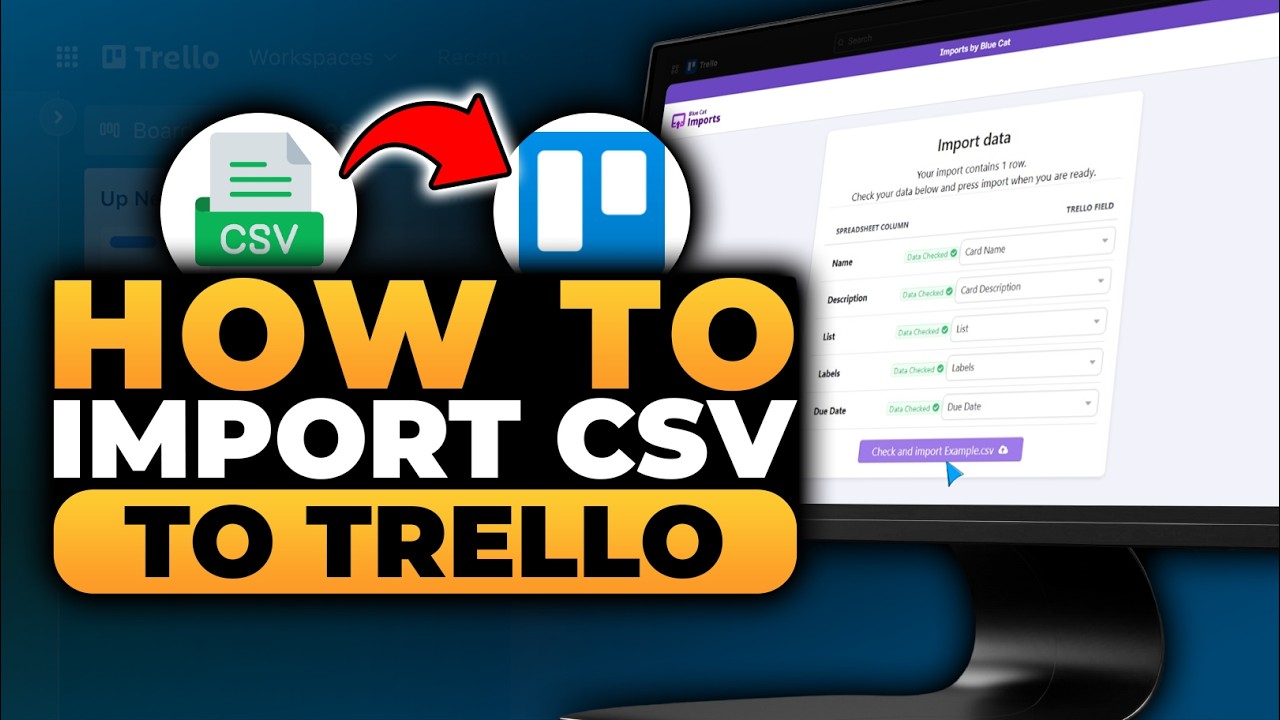
Without Yapping, Here's How To Import CSV To Trello. First open your browser on your computer. Then go to Trello.com by typing the website address into the address bar and pressing enter on your keyboard. After the website loads, open the board you want to use so you can manage your tasks in the correct workspace and ensure you are working on the right project. Next, click the Power-ups icon on the board menu to access additional features that can extend the functionality of your board. From the available options, click Add Power-ups to open the list of integrations that you can install. In the search bar, type Import to Trello and wait for the results to appear. Once the result is displayed, click on the search result, and it is recommended to choose Import to Trello by Blue Cat so you can use a reliable tool for importing data. After that, click the Add button on Import to Trello by Blue Cat to install the Power-up on your board. Then click Add again to confirm the installation and make sure the Power-up is properly activated. Next, check the box to accept the terms and conditions, then click Authorize with Trello to grant the required permissions so the Power-up can function correctly. Once the authorization is complete, click Choose File to begin selecting the data you want to import. Select the CSV file from your computer that you want to import, then click Open to upload it into the system. After the file is uploaded, make sure the spreadsheet columns and Trello fields are properly matched so all columns can be imported correctly, for example similar to the video. When everything is set correctly, click Check and Import to start the import process. Now the CSV file has been successfully imported and converted into cards. Go to the board view, and you can see that the cards have been created based on your CSV file. Click on one of the cards to open it, and you can see that the card name, labels, due date, and description are created according to the data in your CSV file. Congratulation, In this video you just learn and know everything about How To Import CSV To Trello, so this video is really perfect for people who are interested and looking for a topic related to : how to import csv to trello, how to import csv into trello, trello import csv, import csv to trello, how to import csv in trello, how to import csv on trello, how to import trello csv, how to import csv using trello, import csv in trello, import trello csv, import csv on trello, import csv using trello, csv import trello tutorial, trello csv import, importing csv to trello, importing csv in trello, importing csv on trello, importing trello csv, csv importing in trello
Guide Hub is Trusted Place For Clear & Simple How-To's and Guides (Helping You Solve Problems, Learn New Skills, and Tips)
𝗕𝘂𝘀𝗶𝗻𝗲𝘀𝘀 𝗜𝗻𝗾𝘂𝗶𝗿𝗶𝗲𝘀💌: [email protected]
Please Like, Comment, and Subscribe
Guide Hub
Повторяем попытку...
Доступные форматы для скачивания:
Скачать видео
-
Информация по загрузке: