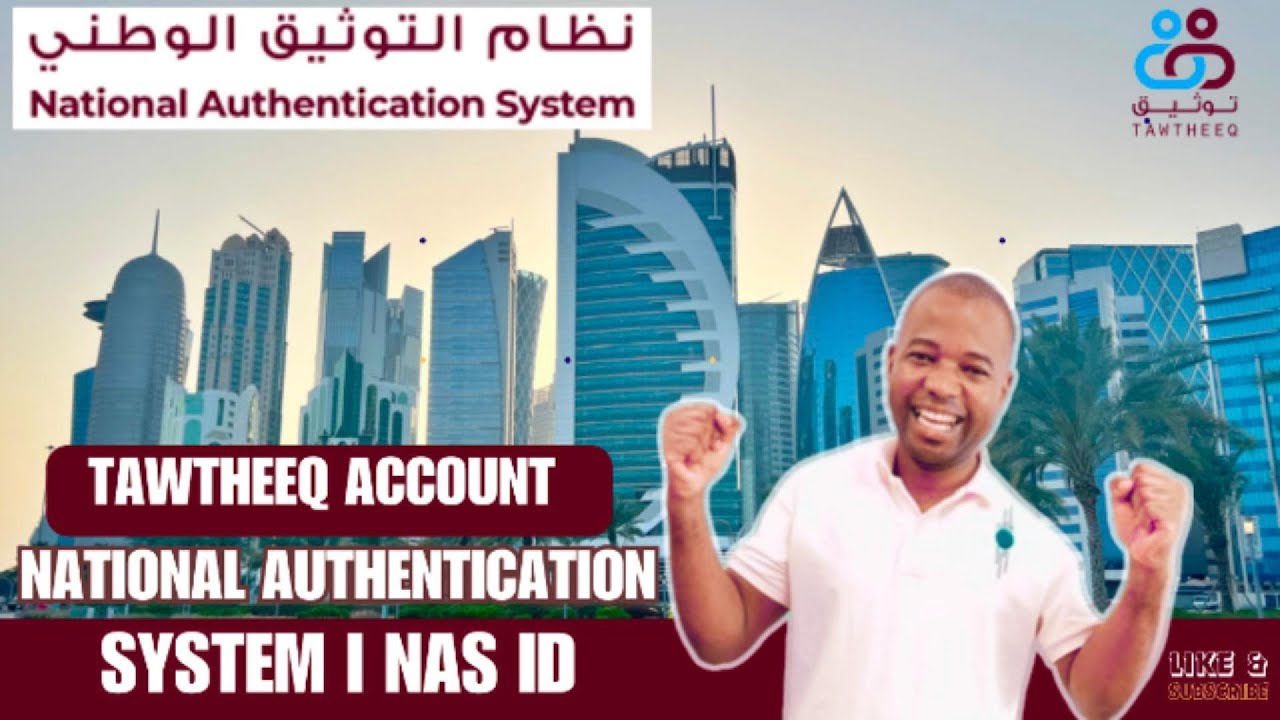
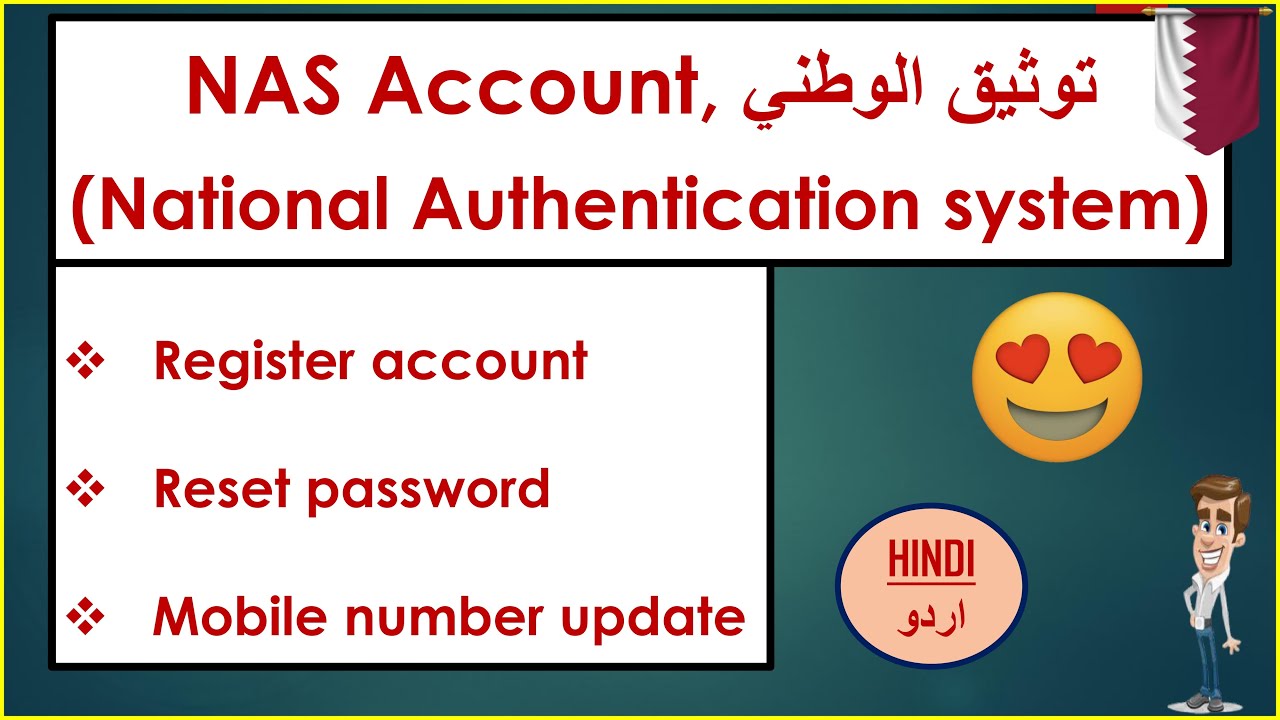
HOW TO CREATE NASS OR TAWTEEQ ACCOUNT IN QATAR নাস তাওতিক একাউন্ট তৈরী تعلم تسجيل الدخول خطوة بخطوة!
Автор: Tech Solution By TYEUB
Загружено: 2025-09-20
Просмотров: 196
Описание:
#HOW_TO_CREATE_NASS_OR_TAWTEEQ_ACCOUNT_IN_QATAR #নাস_তাওতিক_একাউন্ট_তৈরী تعلم تسجيل الدخول خطوة بخطوة! #techsolutionbytyeub #mdabutyeub #qa #tawtheeqregistrationqatar #HOW_TO_CREATE_NASS_OR_TAWTEEQ_ACCOUNT_IN_QATAR #doha #nassaccountcreateqatar #tawteeqaccountcreate #nasaccountregistration #tawtheeqaccountactivation #nasaccountqatarlogin #videotutorial #tech #HowtoCreateNassOrTawteeqAccountinQatar2025 كيف تسجل في منصة حكومية بسهولة؟ خطوات بسيطة لإنهاء تسجيلك بسرعة! هل واجهتك مشكلة في التسجيل؟ جرب هذه الطريقة! تعلم تسجيل الدخول خطوة بخطوة! #tranding #qatar
To create a National Authentication System (NAS) or Tawtheeq account in Qatar, visit the official registration page at www.nas.gov.qa or Dhareeba's guide, select whether you are a Qatari citizen/resident or a visitor, and provide your mandatory QID and a valid mobile number to receive an One-Time Password (OTP).
Steps to Register for a NAS/Tawtheeq Account
Go to the Registration Page: Open your web browser and navigate to the National Authentication System (NAS) self-service registration page: www.nas.gov.qa.
Choose Your Account Type: Select the appropriate option based on your status in Qatar:
"Qatari citizens and residents": Choose this if you have a valid Qatari ID (QID).
"Visitors and business representatives Select this if you do not have a QID and are visiting or a business representative.
Enter Personal Details: You will be prompted to provide:
Your QID: A valid 11-digit Qatari ID number is mandatory for citizens and residents.
Mobile Number: A valid mobile number on which you will receive an OTP to complete the registration.
Email: A valid email address.
Complete Captcha: Verify that you are not a robot by completing the CAPTCHA.
Complete Registration: Click "Continue" to send an SMS with an OTP to your registered mobile number. Enter the OTP to finalize your account creation.
Important Notes
QID and Mobile Number:
Ensure your mobile number is registered with your QID, as this is crucial for activating your account, according to www.mol.gov.qa.
Mobile Ownership:
If the mobile number is not under your ownership, your account may be created but will remain inactive, requiring you to contact the call center for activation, says Dhareeba.
Device Registration:
When using the Tawtheeq mobile app for the first time, you will need to register your device by logging into your NAS account and following the on-screen instructions.
Повторяем попытку...

Доступные форматы для скачивания:
Скачать видео
-
Информация по загрузке: