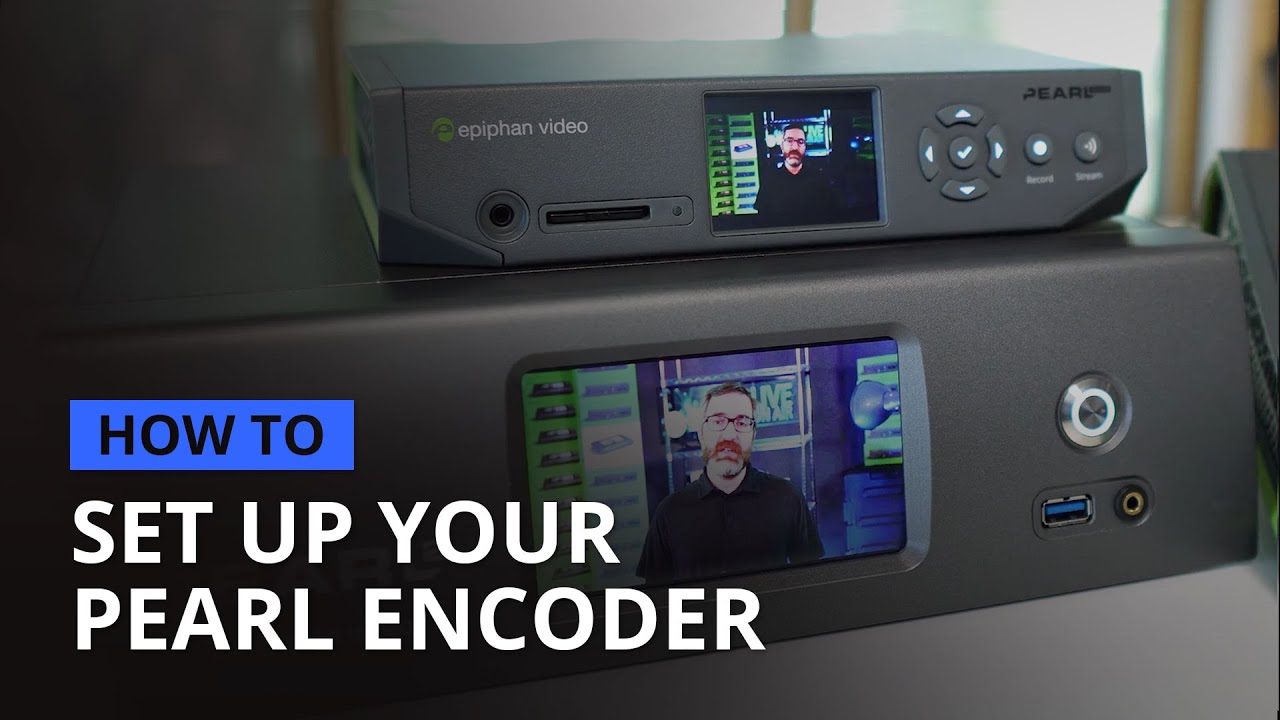
How to set up your Pearl hardware encoder
Автор: Epiphan Video
Загружено: 2021-08-25
Просмотров: 3663
Описание:
In this quick start video, you’ll learn how to get your Pearl-2, Pearl Mini, or Pearl Nano up and running. We’ll go over the initial steps you’ll need to take to register the device, upgrade the firmware, set up basic layouts, and ensure your Pearl unit is configured and ready for work.
INDEX
0:00 - Intro
0:26 - Install the SD card (Mini and Nano)
0:46 - Initial network setup
1:54 - Format the SD card (Mini and Nano)
2:03 - Register the unit
2:28 - Update firmware
3:04 - Configure channels and layouts
4:44 - Set up Epiphan Cloud (optional)
LINKS
How to create a simple channel and layout: • Create a simple channel & layout [Pearl fa...
How to create a channel with multiple layouts: • Create a channel with multiple layouts [Pe...
Learn more about Pearl systems: https://www.epiphan.com/compare-pearl...
Pearl-2 user guide: epiphan.com/userguides/pearl-2
Pearl Mini user guide: epiphan.com/userguides/pearl-mini
Pearl Nano user guide: epiphan.com/userguides/pearl-nano
DISCOVER THE POWER OF PEARL
Epiphan Pearl hardware encoders simplify live video production with a host of advanced features along with professional-grade construction and components – all backed by rock-solid customer support.
Directly connect HDMI, SDI, and USB video equipment and XLR/TRS professional audio gear. Stream to multiple destinations with support for a wide range of streaming protocols including SRT, HLS, and MPEG-DASH, and standards like RTMP and RTMPS. Elevate the appearance of your video programs with the easy-to-use custom layout builder. Verify your video and audio at-a-glance with the built-in screen. That’s the power of Pearl.
Learn more at https://www.epiphan.com/products or email [email protected] to schedule a one-on-one demo.
Повторяем попытку...
Доступные форматы для скачивания:
Скачать видео
-
Информация по загрузке:


![Почему работает теория шести рукопожатий? [Veritasium]](https://image.4k-video.ru/id-video/ggI1xKzoANs)





![Quick setup of Pearl Mini [Pearl Mini]](https://image.4k-video.ru/id-video/TJuWsdM6eeY)


