How to Create and Edit a Playlist in Apple Music on Your iPhone
Автор: GuideWise
Загружено: 2026-02-12
Просмотров: 9617
Описание:
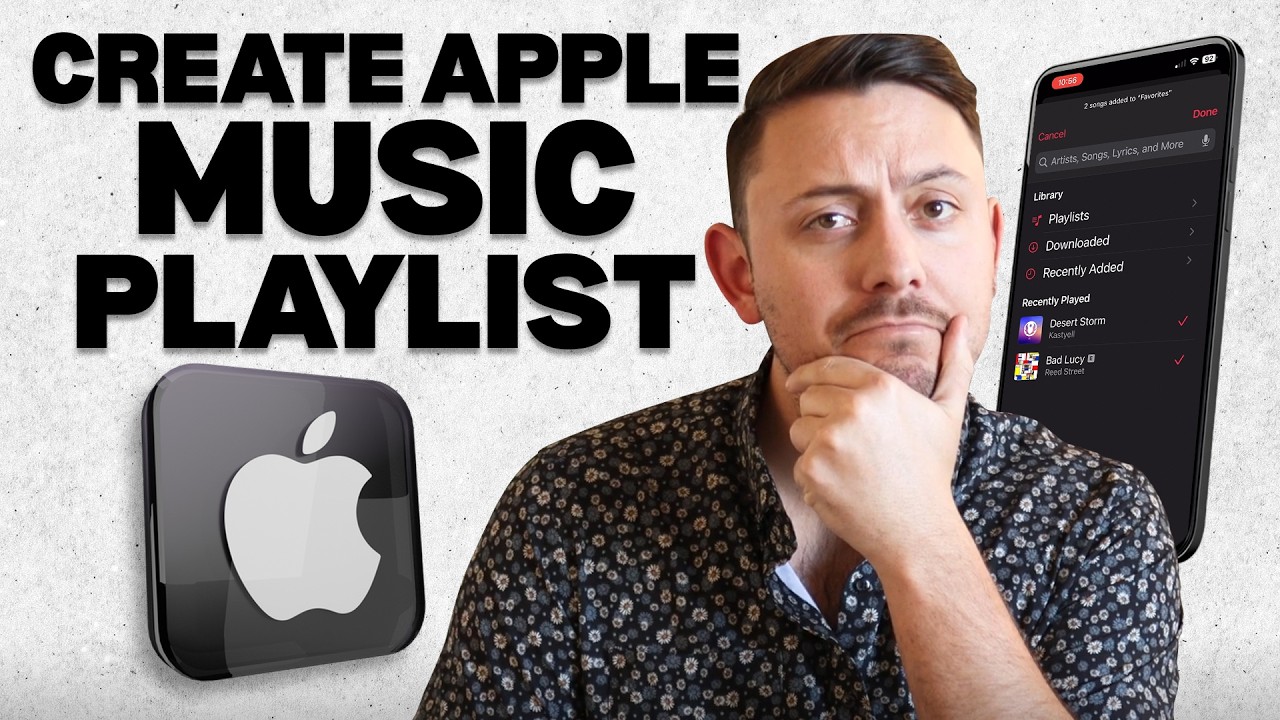
In this video, I’ll go over how to create and edit a playlist in Apple Music on your iPhone step by step. I show how to open the Apple Music app, tap Library, and create a new playlist on iPhone in seconds. You’ll see how to add songs, remove tracks, change the playlist name, and rearrange music in the right order. This Apple Music playlist tutorial covers playlist creation, playlist editing, song management, iOS settings, music streaming, and saving your custom music list.
Be sure to watch this video all the way as I cover how to organize songs, update playlist details, and manage your Apple Music library with ease. I explain how to search for songs, add music from your library, and edit a playlist without losing tracks or changes. You’ll learn how to fix common playlist issues, manage downloads, and keep your iPhone music app clean and simple. These tips help with Apple Music features, iPhone navigation, playlist sorting, music organization, and daily listening control.
This guide makes iPhone and Apple Music playlist setup clear and stress free. It walks through Apple Music on iPhone, from creating a playlist to editing songs and saving updates in the Music app. The steps help solve problems like playlists not saving, missing songs, or trouble finding the create playlist button in iOS. With simple instructions for Apple Music, iPhone settings, music library management, and playlist customization, managing music on iPhone becomes fast and smooth.
If you want to see more tutorials, check out our other videos:
How to Customize Your iPhone Home Screen (Move Apps, Add Widgets, Create Folders)
• How to Customize Your iPhone Home Screen (...
How to Create iPhone Shortcuts to Automate Daily Tasks (Step-by-Step Tutorial)
• How to Create iPhone Shortcuts to Automate...
Subscribe to our channel for easy-to-follow tutorials, tips, and tricks! GuideWise is here to help you learn new skills, solve problems, and make life easier.
Thank you for watching and have a great day!
– Brett
#AppleMusic #iPhoneTips #MusicApp
Timeline:
0:00 - Introduction
0:06 - Opening Apple Music
0:10 - Tapping Library
0:16 - Creating Playlist
0:30 - Adding or Editing Songs
0:44 - Saving Playlist
Disclaimer: Some of the links above may be affiliate links, which means that if you click on them, I may receive a small commission. The commission is paid by the retailers at no cost to you, and this helps support our channel and keep our videos free. Thank you! All information in our videos is compiled from online sources and our own experience, and we encourage you to do your own research. We appreciate your support!
Повторяем попытку...
Доступные форматы для скачивания:
Скачать видео
-
Информация по загрузке: