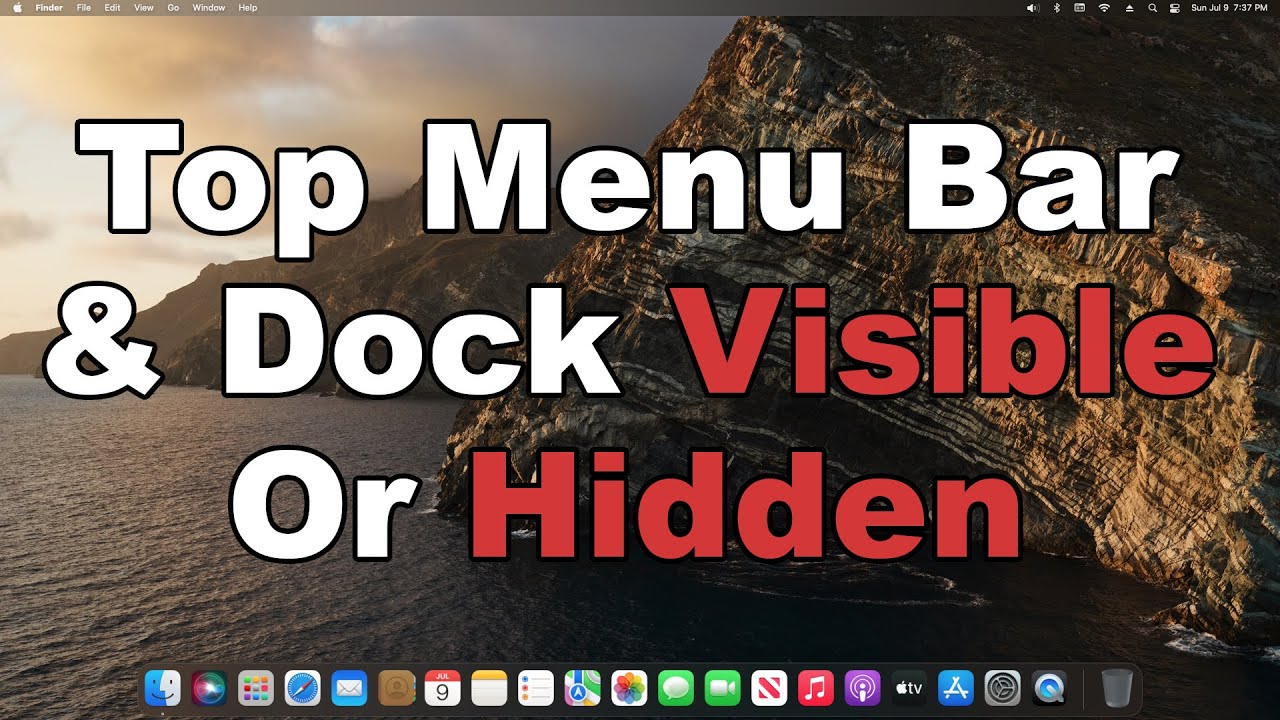
How to Move or Hide the Dock on Mac
Автор: ProgrammingKnowledge2
Загружено: 2025-05-13
Просмотров: 1252
Описание:
🧭 How to Move or Hide the Dock on Mac | Customize Your macOS Dock for Better Productivity
In this quick and easy macOS tutorial, you’ll learn how to move the Dock to a different side of the screen or hide it automatically to keep your desktop clean and distraction-free. Whether you want the Dock on the bottom, left, or right — or want it hidden when not in use — macOS makes it simple to customize with just a few clicks.
This guide works on macOS Ventura, Monterey, Big Sur, and earlier.
🧰 What You’ll Learn in This Video:
✅ How to move the Dock to the left, right, or bottom of the screen
✅ How to enable or disable automatic Dock hiding
✅ How to adjust Dock settings from System Settings (Ventura+) or System Preferences
✅ Bonus: How to change Dock size, magnification, and animation settings
🛠 Step-by-Step Instructions:
🔹 For macOS Ventura and newer:
1. Click the Apple menu → System Settings
2. Scroll down and click Desktop & Dock
3. Under “Position on screen,” select: Left, Bottom, or Right
4. Toggle “Automatically hide and show the Dock” to enable auto-hide
5. Adjust Dock size and magnification if desired
🔹 For macOS Monterey and earlier:
1. Go to System Preferences → Dock & Menu Bar
2. Use the “Position on screen” options to move the Dock
3. Check the box “Automatically hide and show the Dock”
4. Adjust size and magnification sliders
📌 Shortcut Tip:
Right-click (or Control-click) on the Dock divider line and select:
→ Position on Screen → Left / Bottom / Right
→ Turn Hiding On / Off
📥 Helpful Resources:
👉 Apple Guide – Customize the Dock: [https://support.apple.com/guide/mac-h...](https://support.apple.com/guide/mac-h...)
👍 Like, Comment & Subscribe for More Mac Tips!
If this video helped you personalize your Dock, give it a thumbs up, drop your questions in the comments, and subscribe for more Mac customization tutorials and productivity hacks.
📲 Stay tuned for more ways to make your Mac work better for you!
\#MacDock #HideDockMac #MoveDockMac #macOSDock #CustomizeMac #macOSVentura #MacTips #MacTutorial #SystemSettings #AppleSupport #MacHelp #macOSProductivity #DockSettings
💻 Organize your Mac your way — hide or move the Dock in seconds and enjoy a cleaner workspace!
Would you like a follow-up tutorial on customizing the Dock icons or using third-party Dock tools?
Повторяем попытку...

Доступные форматы для скачивания:
Скачать видео
-
Информация по загрузке: