The Good Grants application form builder
Автор: Good Grants
Загружено: 2023-11-15
Просмотров: 276
Описание:
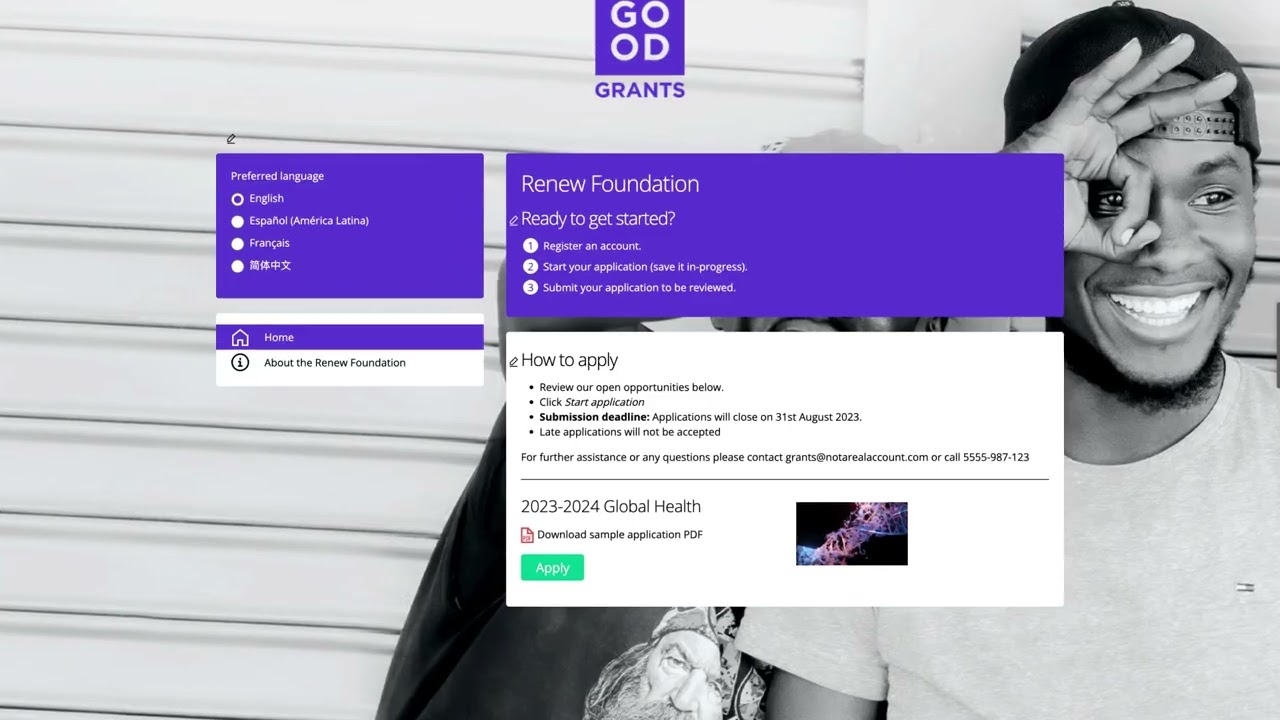
The application form builder in Good Grants gives you complete control over your grant application form, letting you tailor every question, tab and content block to your programme’s needs. In this walkthrough, you’ll see how to enter Configuration Mode, preview what applicants see, add new fields, and arrange tabs—all from within a live demo account.
Start by toggling on Configuration Mode at the top right, then observe the tab structure that organises questions into manageable sections. Under each tab, use Content Blocks to insert instructions, images or video specific to that section of the form. To add a new field, hover over your chosen location, click the plus icon and select from over 17 field types—checkboxes, radio buttons, multiline text, dates, email or phone number inputs. In our example, we add a Phone Number field, label it “Please add your phone number,” and set it as required with elevated data protection.
Once saved, drag and drop to reorder fields, then click the edit icon on any element to tweak labels, hint text or help tooltips. To group related questions, click the plus icon at the end of the tab row, choose a Fields tab, name it “Project Background,” set visibility to all categories and save. Reorder tabs by dragging them along the row, and insert content blocks as needed.
With the application form builder in Good Grants, you’ll craft intuitive, branded forms that guide applicants seamlessly—without a single line of code. And if you need assistance, the “Need Help” tab on the right offers articles, videos and direct support from our team.
Learn more: https://www.goodgrants.com/features/p...
Follow us on social media for updates and tips.
Facebook: / goodgrants
X: https://x.com/good_grants/
LinkedIn: / goodgrants
Повторяем попытку...

Доступные форматы для скачивания:
Скачать видео
-
Информация по загрузке: