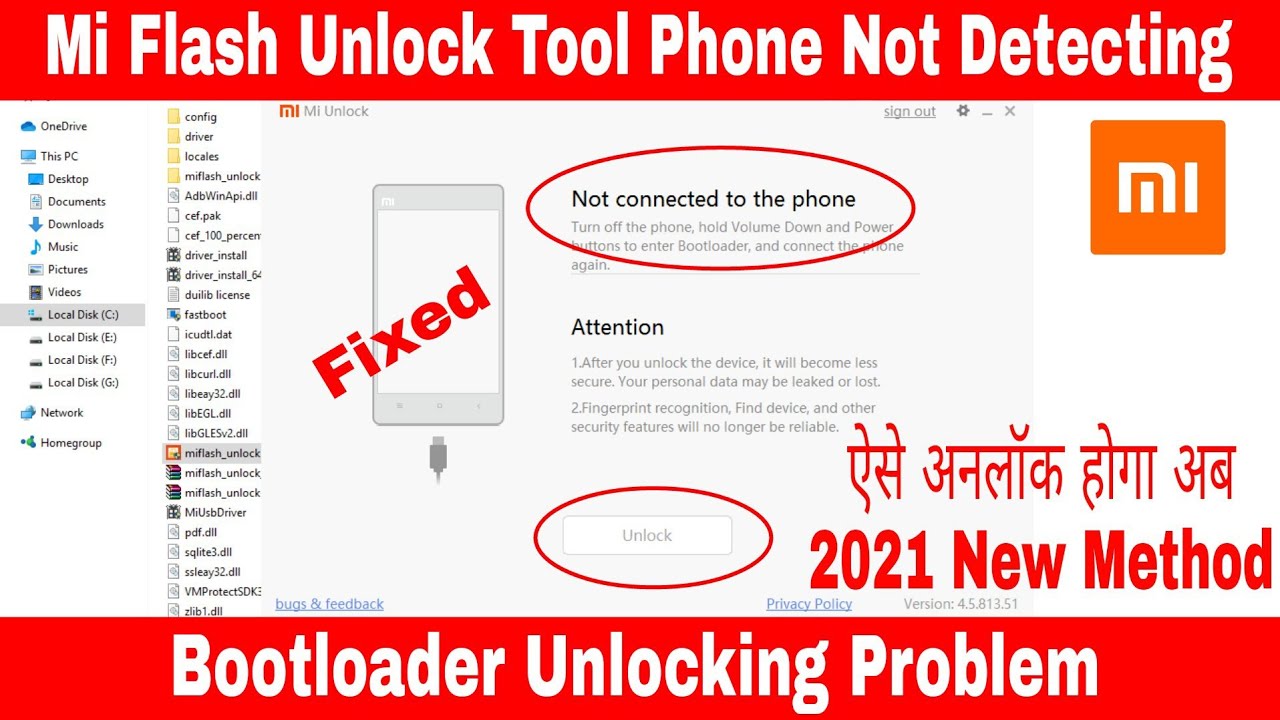
Unlock MI bootloader instant 2023 || No Waitng time [EASY METHOD] [ ONLY FOR MEDIATEK DEVICES ]
Автор: BhardwajTechVlogs
Загружено: 2023-09-30
Просмотров: 36779
Описание:
Unlocking the bootloader on a Xiaomi Redmi Note 9 is a necessary step if you want to root your device or install custom ROMs. Please note that unlocking the bootloader will erase all data on your device, so make sure to back up any important data before proceeding. Also, be aware that unlocking the bootloader may void your warranty.
Here are the general steps to unlock the bootloader on a Xiaomi device like the Redmi Note 9:
*Prerequisites:*
1. A Xiaomi Redmi Note 9.
2. A computer with ADB and Fastboot tools and mtk driver installed
*Steps:*
1. **Enable Developer Options and USB Debugging**:
On your Redmi Note 9, go to "Settings."
Scroll down and tap on "About phone."
Find the "MIUI Version" or "Build Number" and tap on it seven times to enable Developer Options.
Now, go back to the main settings screen, and you should see "Developer Options" or "Additional settings."
Go into Developer Options and enable "USB Debugging."
File link : https://drive.google.com/file/d/1HQT7...
telegram:
mr_bhaardwaj
Your Redmi Note 9 should now have an unlocked bootloader, allowing you to install custom recoveries, flash custom ROMs, and perform other advanced modifications. Remember that this process can be risky and may void your warranty, so proceed with caution and at your own risk.
#redminote9 #redmi #miindia #miphone #customroms #android #hardbrick
Повторяем попытку...
![Unlock MI bootloader instant 2023 || No Waitng time [EASY METHOD] [ ONLY FOR MEDIATEK DEVICES ]](https://imager.clipsaver.ru/OR1J2tdKnP8/max.jpg)
Доступные форматы для скачивания:
Скачать видео
-
Информация по загрузке:
![🔥 How-To Unlock Bootloader In Any Xiaomi Phone With Pc [English Tutorial] 🔥](https://imager.clipsaver.ru/yTM04C4qub8/max.jpg)








![Ultimate Guide: Unbricking Hard-Bricked Redmi Devices | Restore Your Device in Minutes! [MEDIATEK]](https://imager.clipsaver.ru/meDynJFk3vI/max.jpg)