Audio Modeling Camelot Pro iPad for Live Performance - Tutorial Part 3: Timeline
Автор: SoundForMore Tutorials
Загружено: 2021-08-16
Просмотров: 5798
Описание:
Audio Modeling Camelot Pro iPad for Live Performance - Tutorial Part 3: Timeline
https://apps.apple.com/gb/app/camelot...
Audio Modeling Camelot Pro • Audio Modeling Camelot Pro
Audio Modeling Camelot Pro - Tutorial Part 1: Getting Started
• Audio Modeling Camelot Pro iPad for Live P...
Audio Modeling Camelot Pro - Tutorial Part 2: SetList, Song and Scene
• Audio Modeling Camelot Pro iPad for Live P...
Audio Modeling Camelot Pro - Tutorial Part 3: Timeline
• Audio Modeling Camelot Pro iPad for Live P...
Audio Modeling Camelot Pro - Tutorial Part 4: connect an external midi controller
• Audio Modeling Camelot Pro iPad for Live P...
Audio Modeling Camelot Pro - Tutorial Part 5: how to add layers
• Audio Modeling Camelot Pro iPad for Live P...
Audio Modeling Camelot Pro for Live Performance - Tutorial Part 6: Layers Connectors
• Audio Modeling Camelot Pro iPad for Live P...
This is a fantastic app for live performance, but you can also use it as your DAW (Digital Audio Workstation). You can also have PDF documents showing up on the screen for your music scores. The amazing thing is that it also comes with a vast number of hardware instruments already mapped in (like for Roland, Yamaha, Korg etc.). It is definitely a good competitor to AUM and I would say it has some unique features to it. I like how you can have the tool to change to a different AUv3 on the same track as you are playing, that is something AUM cannot do. You can also group songs into racks and set lists and you can have multiple scenes per song with multiple layers… quite remarkable really… it is fantastic for midi instruments, AUv3 instruments and effects, midi program changes and much more…
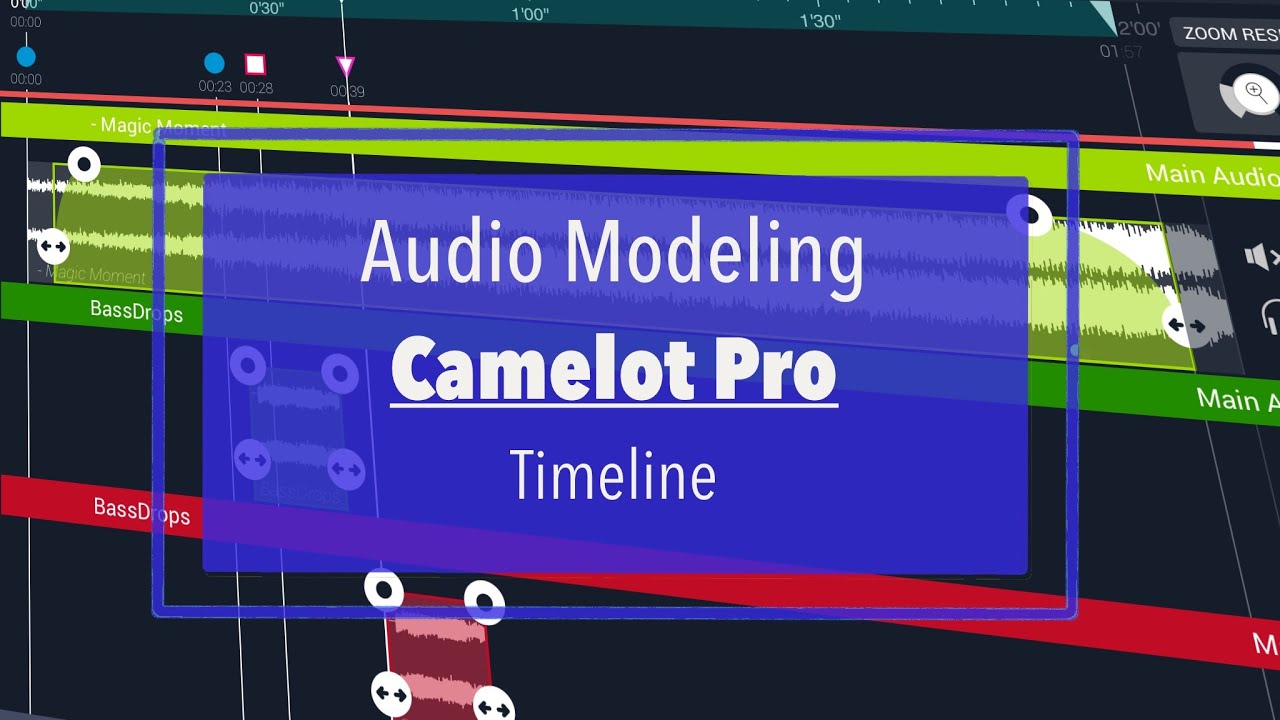
Part 3 is about timeline and how you can organise things like audio tracks on the timeline; of course this becomes quite important in creating and arranging your live performance. Timeline is also where you can bring in different scenes and therefore you can move from playing an instrument to another one easily between different scenes for example…
Paypal: if you like the channel and would like to make a donation follow this link https://paypal.me/soundformore?locale...
Follow me on Twitter at / soundformore
Follow me on Facebook at / soundfor.more.1
Follow me on Instagram at / soundformore
Contact me on: [email protected]
#AudioModeling #CamelotPro #Tutorial
Повторяем попытку...
Доступные форматы для скачивания:
Скачать видео
-
Информация по загрузке: