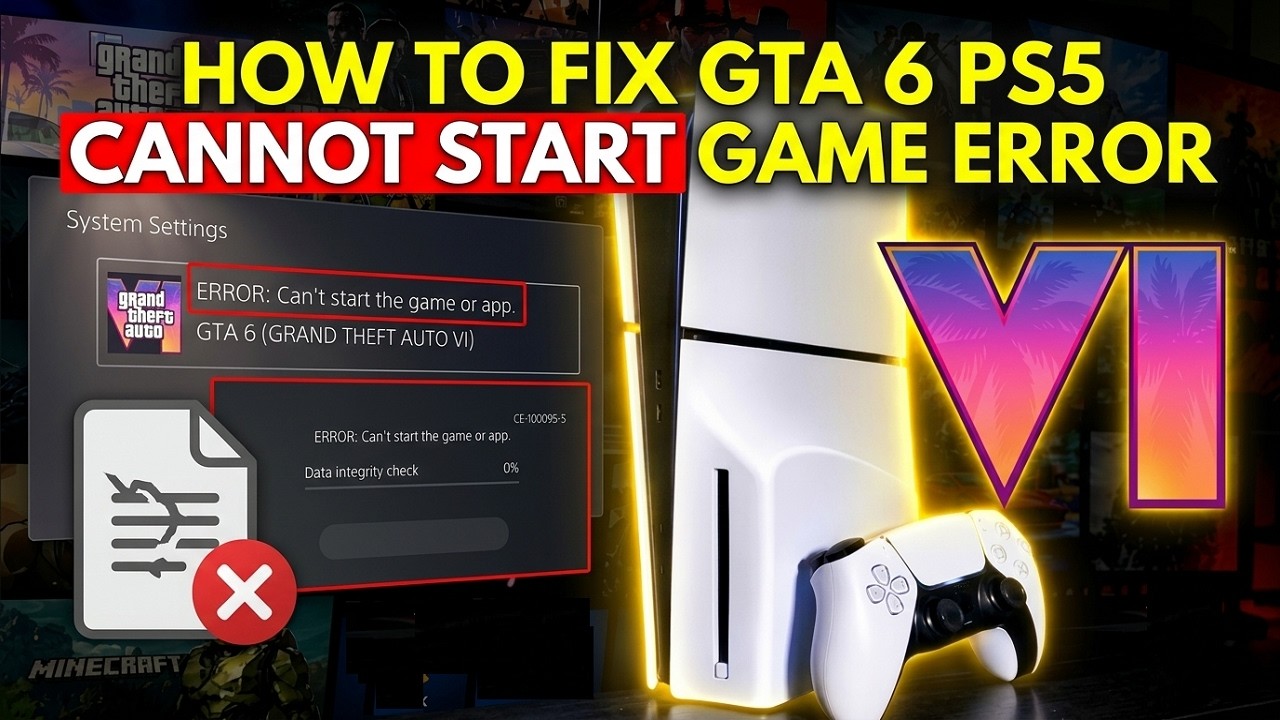
How to Fix Gta 6 PS5 Cannot Start Game Error [100% FIXED]
Автор: FixPS5
Загружено: 2026-11-10
Просмотров: 403
Описание:
How to Fix Gta 6 PS5 Cannot Start Game Error
If you get the Cannot Start Game error while launching GTA 6 on PS5, first restart your console and check whether the game is fully installed. Go to Settings, Storage, Console Storage, Games and Apps, and make sure there is enough free space. Also check for available game updates and PS5 system software updates. If you own the digital version, go to Settings, Users and Accounts, Other, Restore Licenses.
How to Fix Gta 6 PS5 Cannot Start Game Error
If GTA 6 still shows the Cannot Start Game error on PS5, turn off your console completely and start it in Safe Mode by holding the power button until you hear the second beep. Connect your controller using a USB cable, select Clear Cache and Rebuild Database, then choose Clear System Software Cache. These steps can help resolve corrupted cache or temporary system issues that prevent the game from starting.
How to Fix Gta 6 PS5 Cannot Start Game Error
#gta6 #ps5 #gta6ps5
Повторяем попытку...
Доступные форматы для скачивания:
Скачать видео
-
Информация по загрузке: