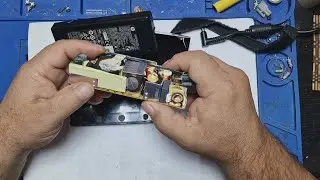
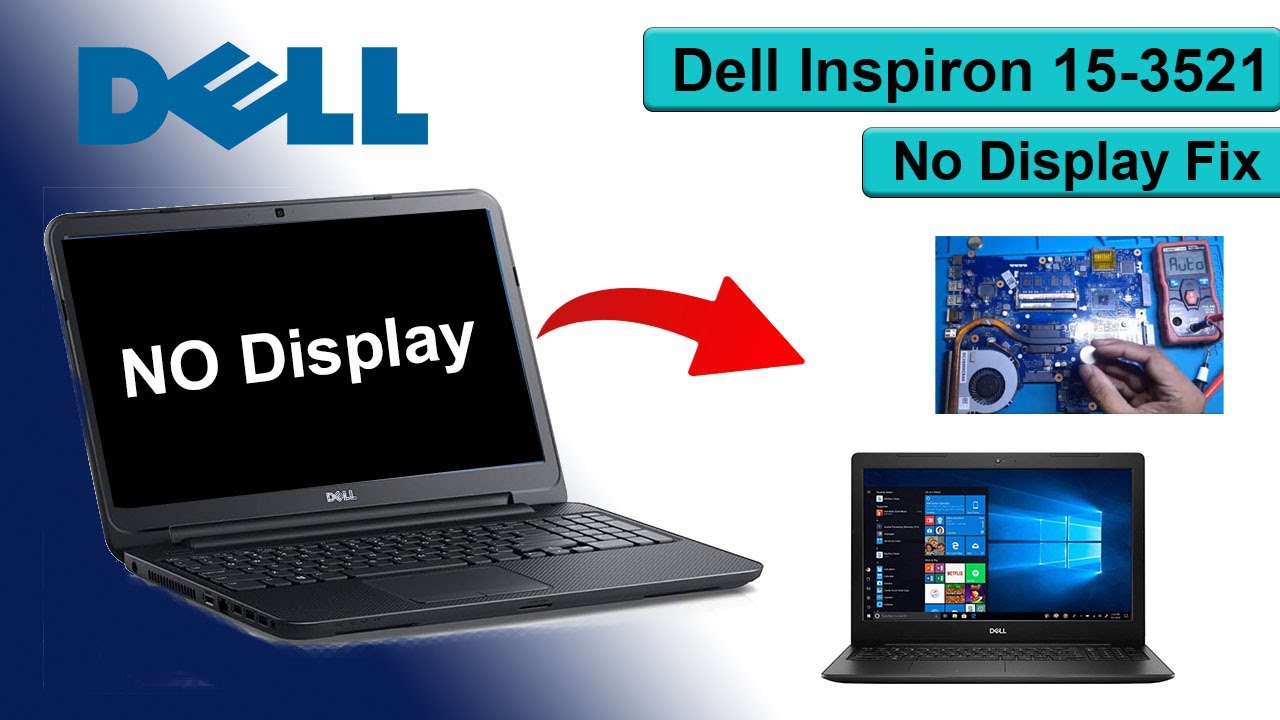
Dell Inspiron 15-3521 No Display Fix 5 beep
Автор: TECH SHADOW
Загружено: 2025-06-05
Просмотров: 446
Описание:
Dell Inspiron 15-3521 No Display Fix | Full Repair Guide
Is your Dell Inspiron 15-3521 showing a black screen or no display at all? In this step-by-step repair video, we troubleshoot and repair a common issue using a combination of CMOS battery replacement and IC jumper repair.
🔧 What We Cover in This Video:
Diagnosing the no display problem
5 beep
Checking CMOS battery voltage
Replacing the dead CMOS battery
Identifying the faulty IC jumper
Resoldering and jumper repair process
Cleaning the motherboard and connectors
Final assembly and display test
Whether you're a technician, student, or tech hobbyist, this video will help you learn how to fix a dead Dell laptop with no display response.
👍 Like, Comment & Subscribe for more repair tutorials and electronics fixes!
📢 Don't Forget To:
✅ Watch till the end for the successful boot!
✅ Share this video to help others fix the same issue
✅ Subscribe and hit the bell icon 🔔 for future updates
#DellInspiron #LaptopRepair #NoDisplayFix #CMOSBattery #ICJumperFix
#DellLaptopFix #TechRepair #ElectronicsRepair #DeadLaptopFix
Повторяем попытку...
Доступные форматы для скачивания:
Скачать видео
-
Информация по загрузке: