How to Enable and Use AI on Vivo V70 FE
Автор: TechQA
Загружено: 2026-04-29
Просмотров: 2937
Описание:
How to Enable and Use AI on Vivo V70 FE
Follow the step-by-step instructions below to enable and use AI features on your Vivo V70 FE. These features enhance photography, productivity, and overall smart usage.
Enable AI Features in Settings
Step 1: Open Settings
⮕ Unlock your Vivo V70 FE
⮕ From the Home Screen, tap on the Settings app
Step 2: Access AI or Smart Features
⮕ Scroll down and tap on Shortcuts & Accessibility or Special Features
⮕ Look for AI Features, Smart Services, or similar options depending on system version
Step 3: Turn On AI Options
⮕ Enable features such as Smart Suggestions, AI Optimization, or Context Awareness
⮕ Toggle ON the features you want to use
Use AI in Camera
Step 1: Open Camera
⮕ Launch the Camera app
Step 2: Enable AI Mode
⮕ Look for AI, AI Enhance, or Scene Recognition
⮕ Toggle it ON
Step 3: Capture Photos
⮕ The AI will automatically adjust lighting, colors, and details for better results
Use AI Editing Tools
Step 1: Open Gallery
⮕ Go to the Gallery app
Step 2: Select a Photo
⮕ Choose an image you want to edit
Step 3: Use AI Tools
⮕ Tap Edit
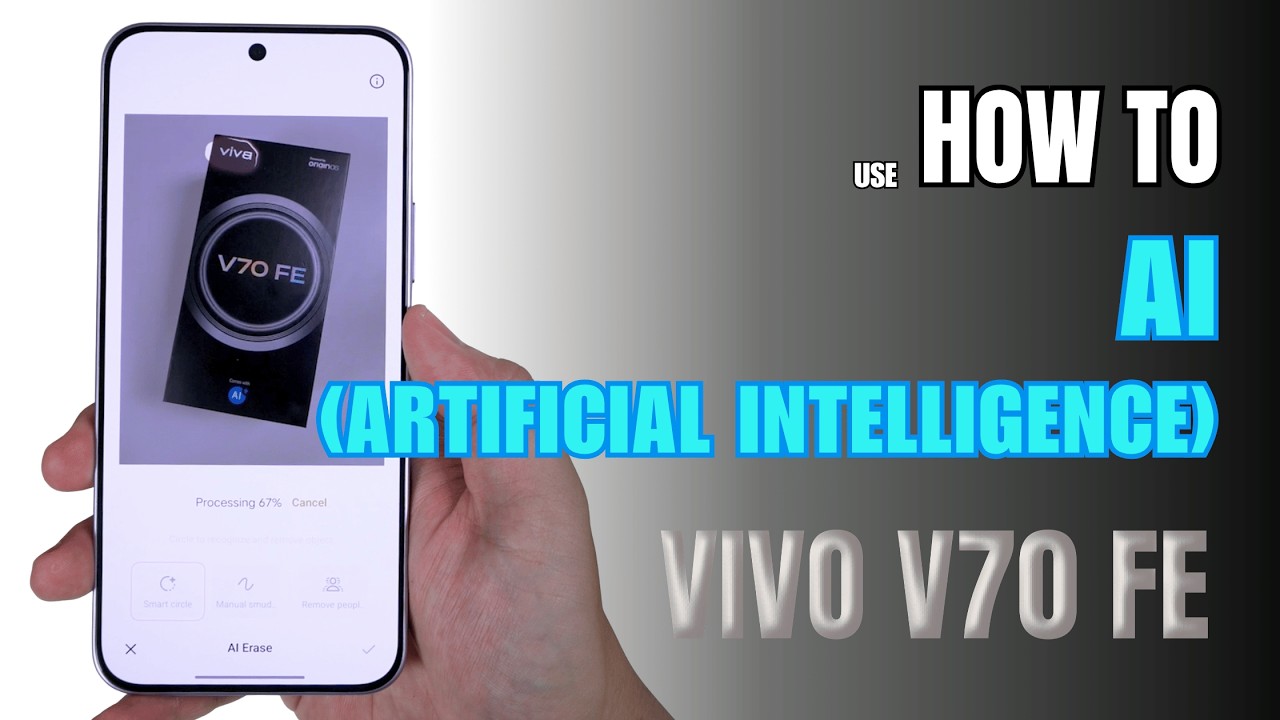
⮕ Use features like AI Erase, AI Enhance, or AI Retouch
⮕ Save your edited photo
Use AI for Productivity
Step 1: Use Smart Search
⮕ Open system search
⮕ Type naturally to find apps, files, or settings quickly
Step 2: Use AI Writing Tools
⮕ In supported apps, use AI features for suggestions, corrections, or text improvements
Step 3: Use Live Captions
⮕ Enable captions for videos or audio if available
⮕ View real-time subtitles on screen
Use AI Voice Assistant
Step 1: Open Assistant Settings
⮕ Go to Settings
⮕ Tap on Voice Assistant or Google settings
Step 2: Enable Assistant
⮕ Turn ON the assistant
⮕ Complete setup instructions
Step 3: Use Voice Commands
⮕ Activate using voice or button shortcut
⮕ Ask questions, open apps, or control your device
Important Tips
⮕ AI features may vary depending on software version and region
⮕ Some features require an internet connection
⮕ You can disable any AI feature if you prefer manual control
After completing these steps, AI features on your Vivo V70 FE will be enabled and ready to use.
#vivov70series
#vivov70fe
#vivotips
#techqa
#vivotricks
#ai
#aiphotoediting
#aisummary
#artificialintelligence
#vivoai
0:00 How to enable Gemini
0:20 Smart side bar
1:05 AI photo editing
Повторяем попытку...
Доступные форматы для скачивания:
Скачать видео
-
Информация по загрузке: