Managing the Manage Section of
Автор: Remindax
Загружено: 2024-12-03
Просмотров: 49
Описание:
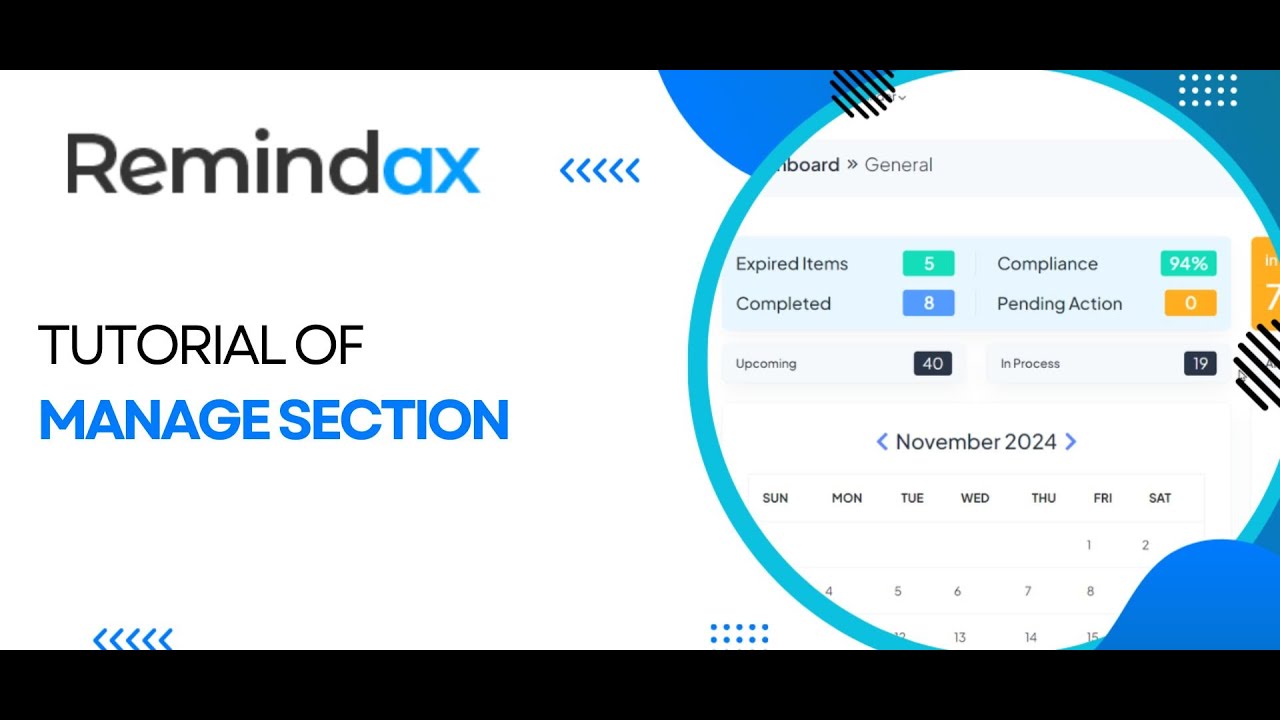
In this tutorial, learn how to fully utilize the Manage section in Remindax to tailor the platform to your needs.
The Manage section is your control center for organizing document types, contacts, users, companies, departments, and templates, ensuring a smooth and efficient workflow.
Here’s what we cover in this video:
1. Document Types Management
Create, Delete, and Duplicate Document Types: Add document types that match your needs, and easily duplicate existing types for faster setup.
Custom Fields: Add unique fields to your document types, such as expiration dates, categories, or notes, to ensure all important data is captured.
2. Contacts Management
Unlimited Contacts: Add as many contacts as needed. Contacts are the recipients of your reminders.
Grouping Contacts: Organize contacts into groups to streamline sending reminders and updates.
3. User Management
Adding and Deleting Users: Manage the list of people who can access and control Remindax.
Audit Logs: Track user actions and ensure accountability with detailed audit logs.
User Permissions: Set different access levels for users based on roles and responsibilities.
Admin Roles and Two-Factor Authentication (2FA): Assign admin privileges and check whether users have 2FA enabled for added security.
4. Companies Management
Create Multiple Companies: Set up separate profiles for each company, allowing you to allocate resources accordingly.
Resource Allocation: Assign specific documents, reminders, and tasks to the relevant company for better organization.
5. Departments Management
Adding, Deleting, and Setting Default Departments: Create and manage departments within companies to keep your workflow organized.
6. Templates Management
Email, SMS, and WhatsApp Templates: Access pre-designed templates and customize them for your messaging needs. This includes instructions on how to edit and use these templates effectively.
Why You Should Master the Manage Section:
✅ Tailored Solutions: Customize document types and contacts for your specific needs.
✅ Enhanced User Control: Assign roles and track activity to maintain security and efficiency.
✅ Better Organization: Manage companies and departments to streamline workflows.
✅ Consistent Communication: Use templates to ensure all messages are clear and professional.
Get Started Today:
Sign up and explore the benefits of fully customized task management: https://app.remindax.com/signup
Helpful Resources:
🌐 Visit our website: www.remindax.com
📧 Contact support at: [email protected]
Stay Connected:
Like, comment, and subscribe for more tutorials and updates!
Повторяем попытку...
Доступные форматы для скачивания:
Скачать видео
-
Информация по загрузке: