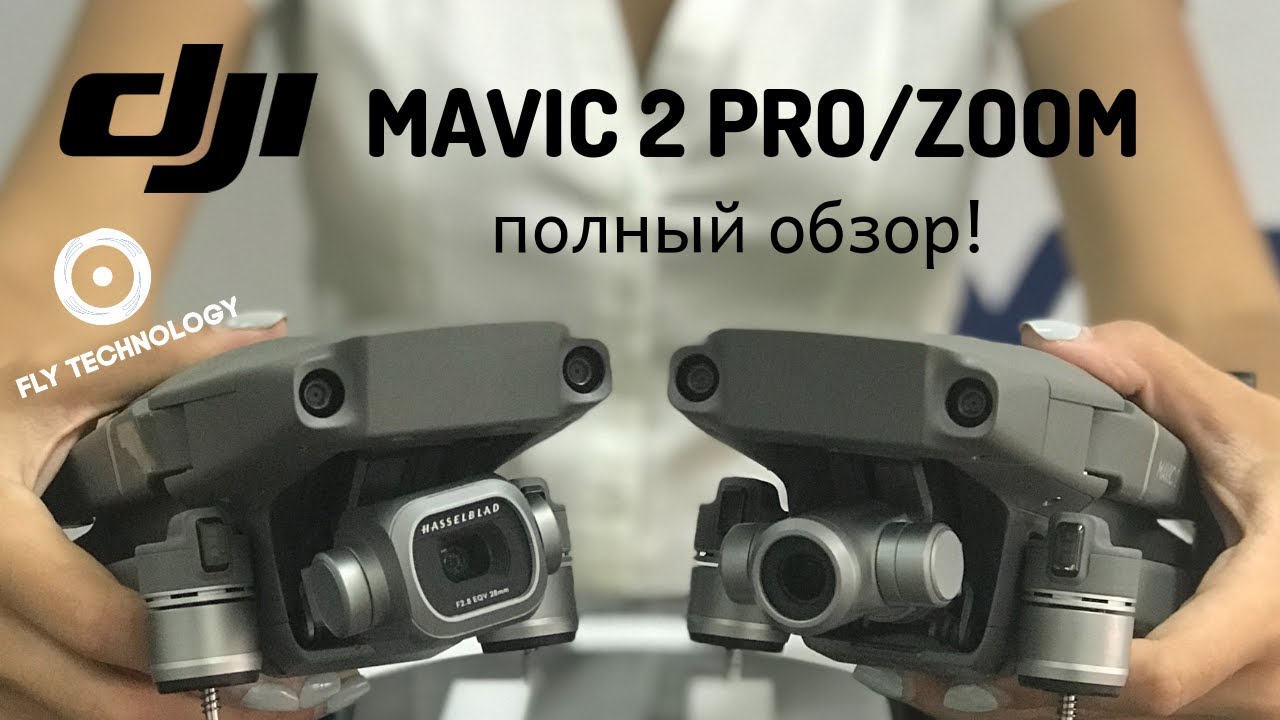
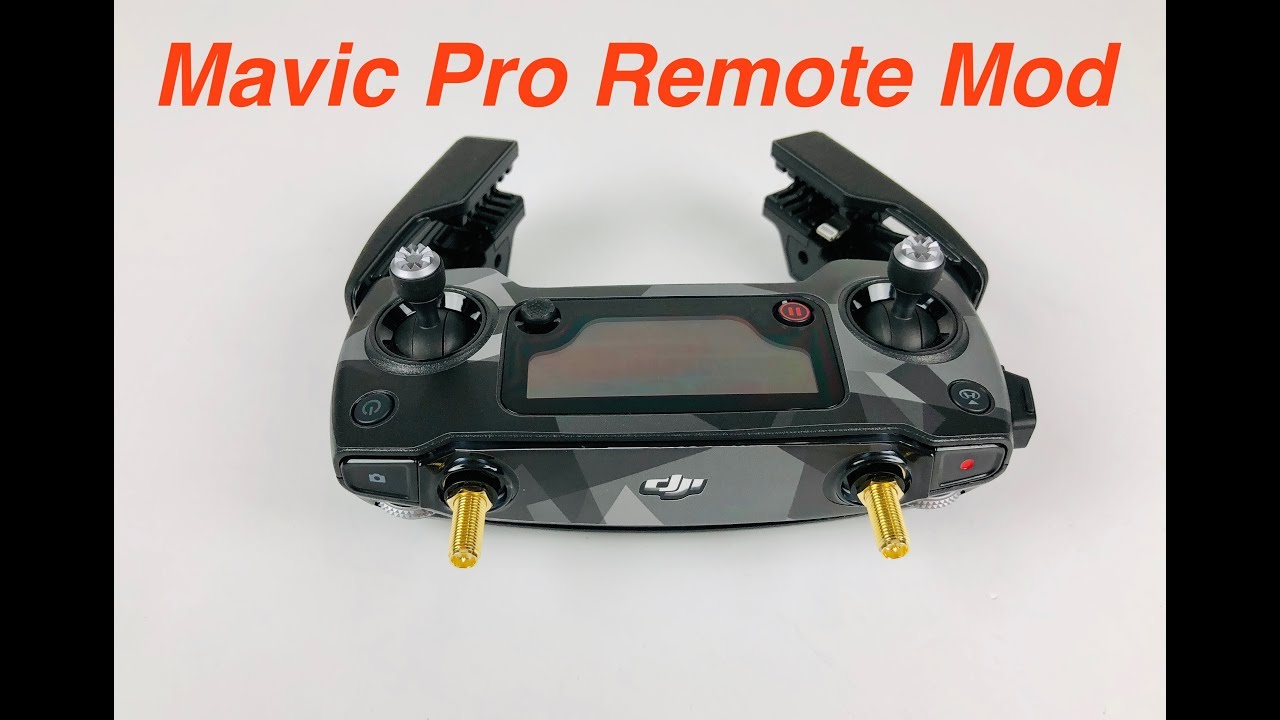
How to change into FCC mode for DJI Mavic2Pro
Автор: Edward Productions
Загружено: 2019-03-18
Просмотров: 3673
Описание:
1. 於平板/手機安裝 Fake GPS
2. 入 DJI Go 4,download 你需要的離線地圖
3. 於起飛點:開著平板/手機,在有網絡的情況下,進入 Fake GPS,揀選一個行FCC 的地區(如美國)
4. 將平板/手機進入飛行模式或關閉行動網絡及GPS等
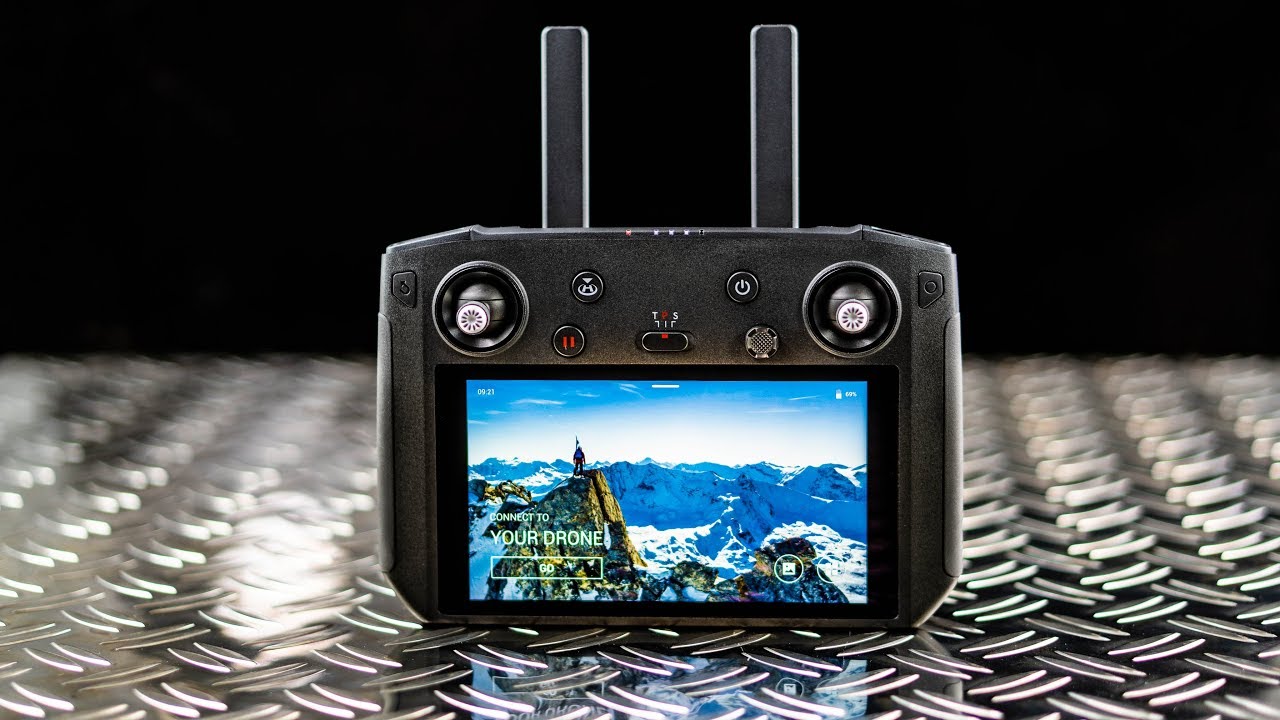
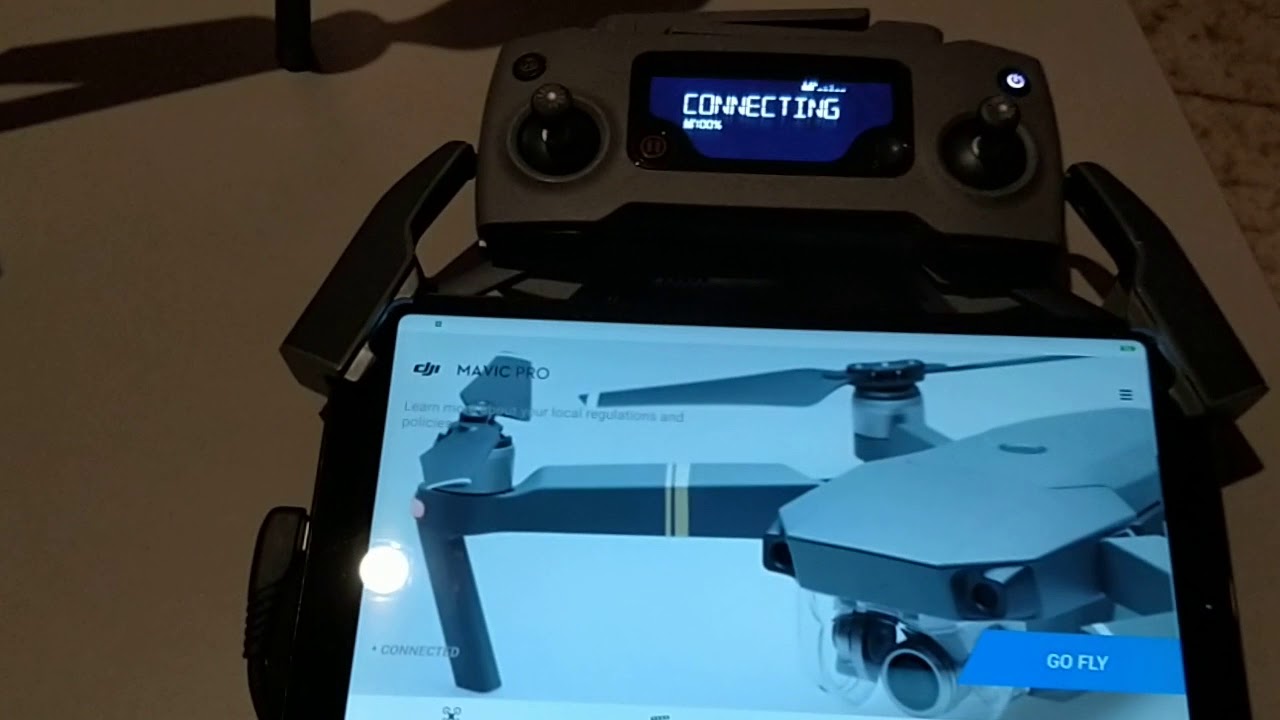
5. 著遙控(不要著機),將遙控接上平板/手機
6. 進入 DJI Go 4,「進入設備亅,「進入飛行介面」
7. 著機,當開關制的四盞燈全著了,立即地用手按注機的前半部分,當聽見開機的聲響完畢後,心裏數三秒鐘,然後「非常迅速亅地起飛(當刻遙控及航拍機會已經聯上了),飛機會進入姿態模式及在半空中等候衛星訊號(姿態模式是會限制高度的)
8. 當衛星訊號收齊後,返航點會自行設立,檢查一下設置中的HD圖傅狀態的訊號圖表,如果 ~1km 線是高於 -90dBm/MHz 及 ~4km 線是高於 -100dBM/MHz,便確認你已成功進入了 FCC 模式
留意:
a. 當飛機進入姿態模式後,會受現場的風向影响 ,有機會會飄來飄去,請留意個人及附近環境的安全
b. 每次換電,我個人習慣會將遙控關閉,及清除平板/手機的記憶體裏面的軟件再重新進入 DJI Go 4 及連接上遙控,當換上新電池之後,會由 Step 5 開始再進行
c. 版本 : DJI Go 4 4.3.14(735-googlePlay) + Mavic 2 Pro,雖然沒有在 Mavic 2 Zoom 上測試,但我估計大致上是差不多的
In English:
1. Install the app “Fake GPS” in your Android tablet/phone
2. In DJI Go 4, make sure you have downloaded sufficient offline maps you may need
3. At point of taking off, switch on your tablet/phone, and with mobile data on, run “Fake GPS” and choose a FCC-zone country (e.g. the US)
4. Set your tablet/phone into flight mode or switch off the mobile data and as well the GPS
5. Switch on the Remote Controller (but not the drone) and connect with the tablet/phone
6. Run DJI Go 4 and enter into the flight interface
7. Switch on the drone; once all the circular LEDs of the switch are on, use your palm to cover the front part of the drone immediately; after you heard the startup tone from the drone, count 3 seconds and then swiftly take off your drone into the air (your Remote Controller and the drone should have been connected at that time); the drone will be in OPTI mode (with height limited) for a short while and awaiting GPS signals
8. Once the GPS mode is on, the drone will soon set the RTH point; check the HD Transmission status- if the ~1km line is shown higher than -90dBm/MHz and the ~4km line is shown higher than -100dBM/MHz, yes, you have been successfully entered into the FCC mode
Please note:
a. Once the drone is in OPTI mode, it will be highly affected by wind and you may need to take extra care to hoover it safely
b. For each time I change the battery, my practice is to switch off the Remote Controller and get a fresh start of my tablet/phone before running the DJI Go 4 app and then to follow the step again
c. Version : DJI Go 4 4.3.14(735-googlePlay) + Mavic 2 Pro; although I haven’t tested these steps using Mavic 2 Zoom, I guess it will be pretty similar
@Edward Productions
Повторяем попытку...

Доступные форматы для скачивания:
Скачать видео
-
Информация по загрузке: