Aeroqual Particulate Matter (PM) Sensor with Series 500 Base
Автор: Gas Sensing
Загружено: 2018-12-24
Просмотров: 7445
Описание:
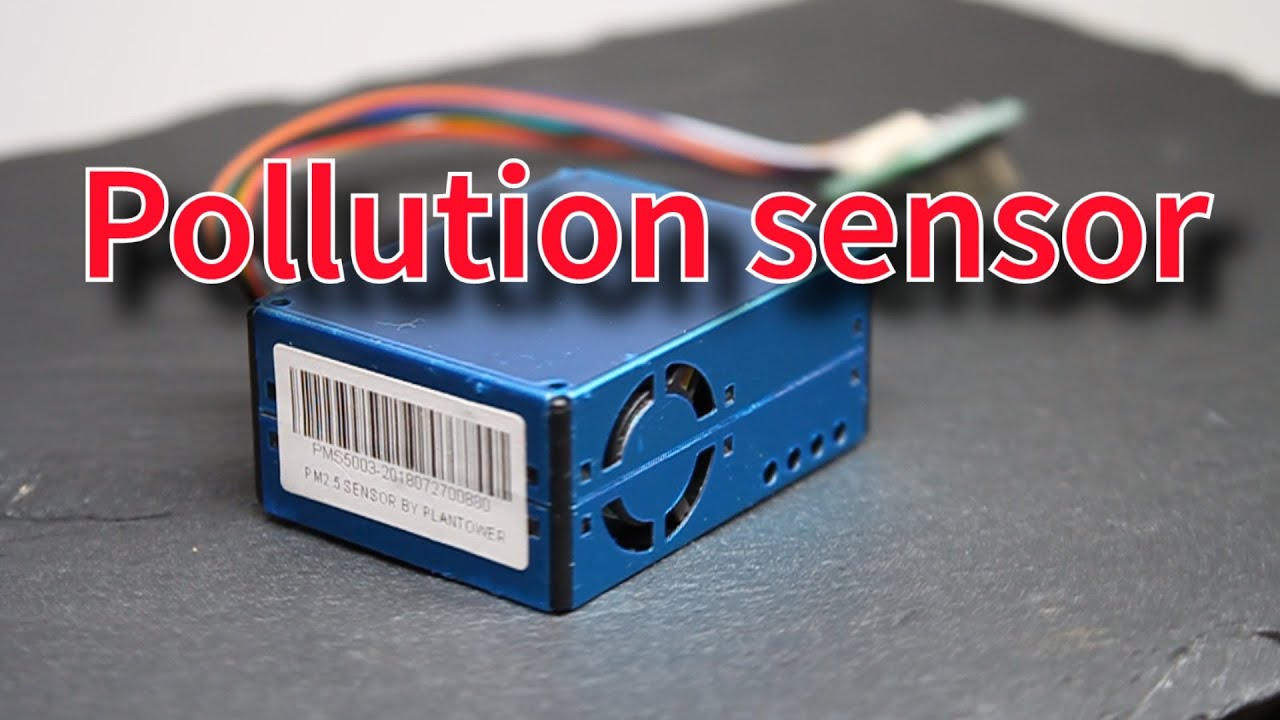
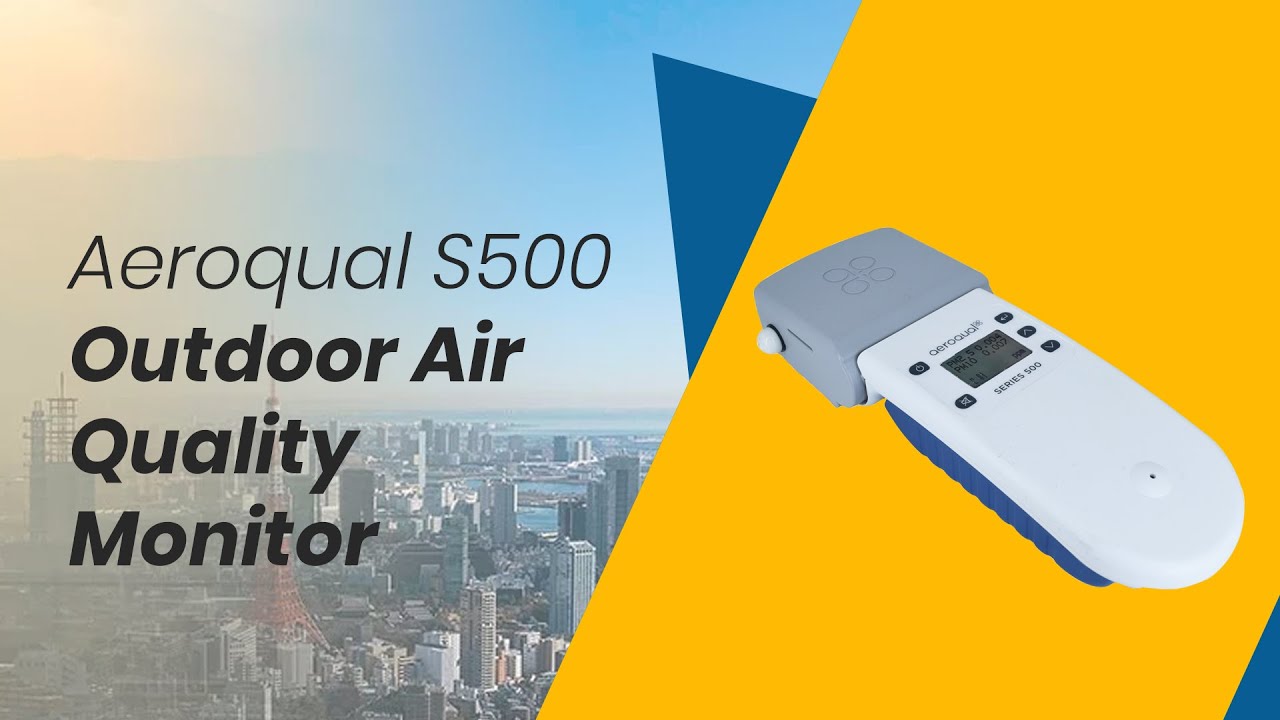
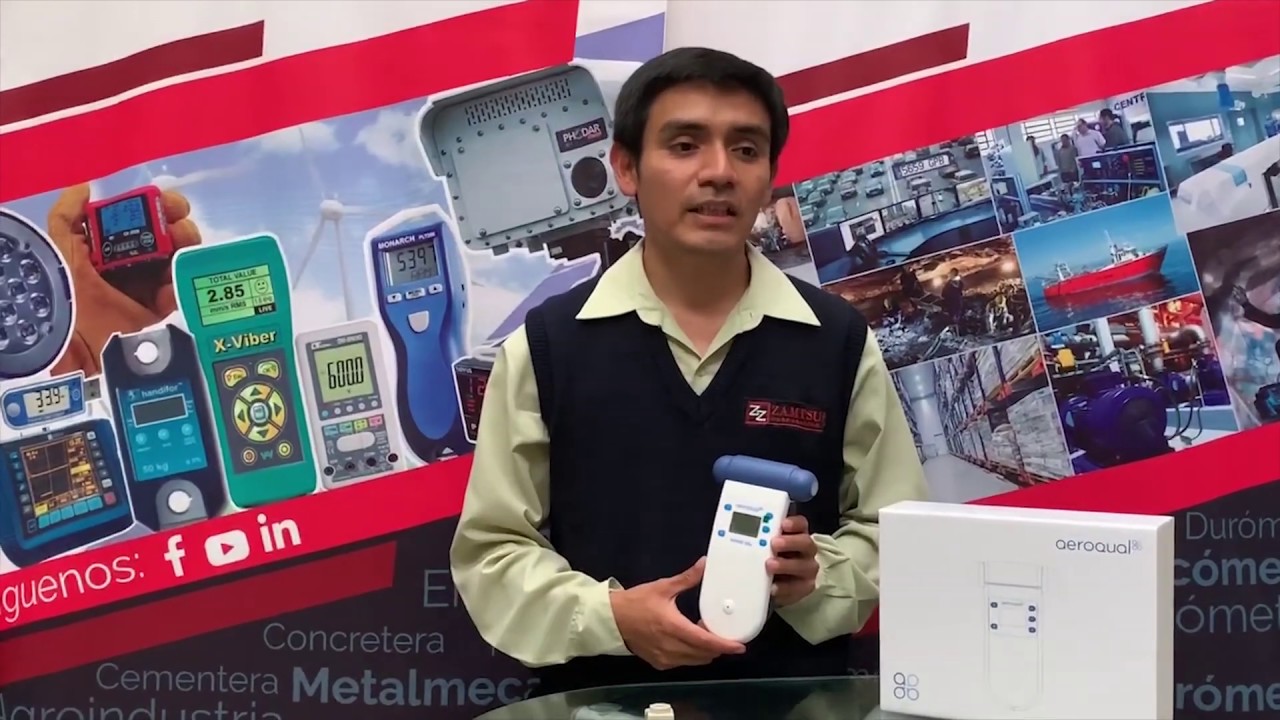
The Aeroqual PM sensor is an economical gas detector that measures particulate matter (PM) air pollution. It pairs with the portable Aeroqual Series 500 monitor base, which has a 24-hour battery life, safety level audible alarms, relay control switch, and datalogging.
Purchase Aeroqual PM Sensor with S500 Base here:
https://www.gas-sensing.com/portable-...
Always remove the protective cap from the PM sensor inlet before operating.
To access the Series 500 detector's menu, press the Enter key. To cycle through the menu options, press an arrow key.
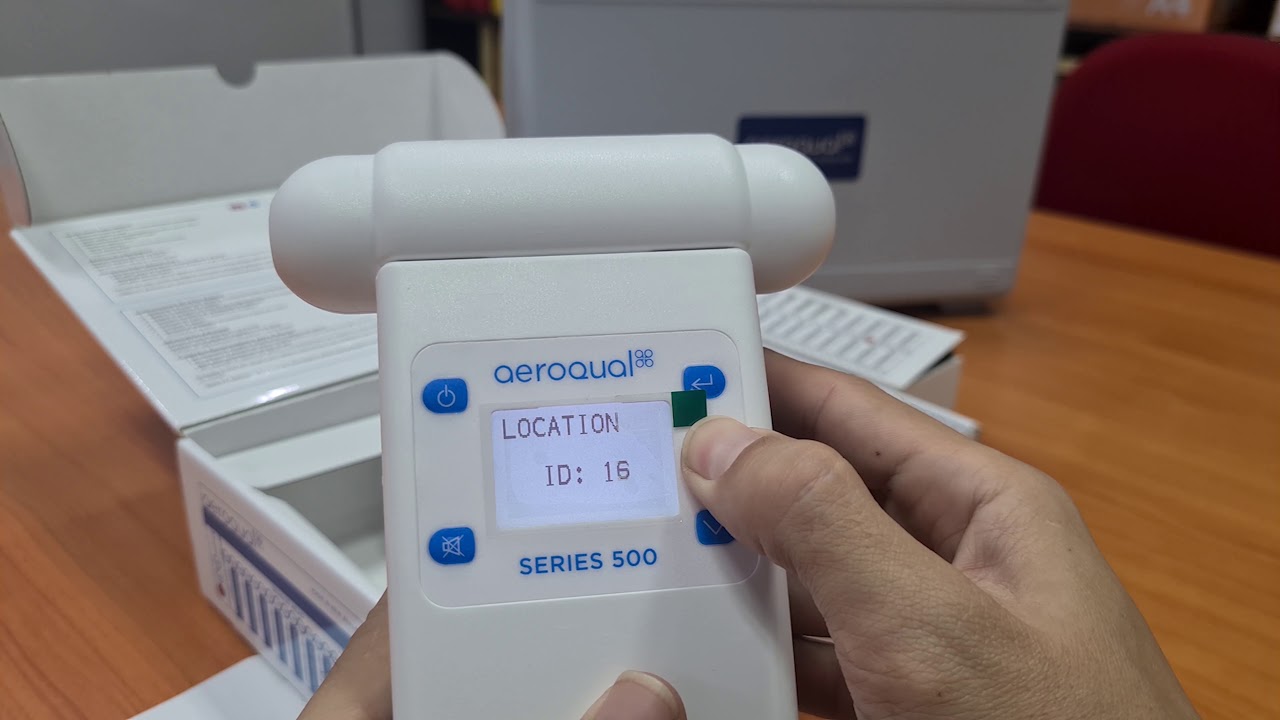
Location ID is used when you are datalogging PM pollution levels measurements in multiple locations. Set a separate Location ID for each spot where you are collecting data with the same sensor. The logged data will be tagged with the Location ID.
Selecting the Min/Max/Av menu item on the Series 500 detector causes the word “Start” to appear. When you return to the screen readout, you can see that the minimum, maximum, and average readings now appear. These readings are referencing the measurements taken since the PM detector was powered on. The current PM measurement reading is still listed at the top of the screen.
When you return to the menu and deselect Min / Max / Average, the word “Start” disappears. The screen readout is once again just the current Particulate Matter air pollution measurements.
The next menu item, “Calibrate,” should only ever be accessed by a trained professional in a certified calibrating lab used to calibrate PM sensors.
Selecting the Monitor Setup menu item on the S500 PM Monitor opens another layer of menu items.
Monitor ID is used if you are logging data with multiple Aeroqual PM sensors. You can download the logged data to one computer, and that data will be tagged with its specific sensor used to collect that data.
Concentration units can be set to either parts per million (ppm) or milligrams per cubic meter (mg/m3).
The Aeroqual PM sensor simultaneously detects two different measurements, PM2.5 and PM10. However, only ONE Particulate Matter measurement, selected by the menu item “Output Sensor,” is used for the safety alarm level, relay switch, and datalogging. You can select either PM2.5 or PM10 as the meter reading that triggers the audio alarm, the relay switch, and the datalogging measurements.
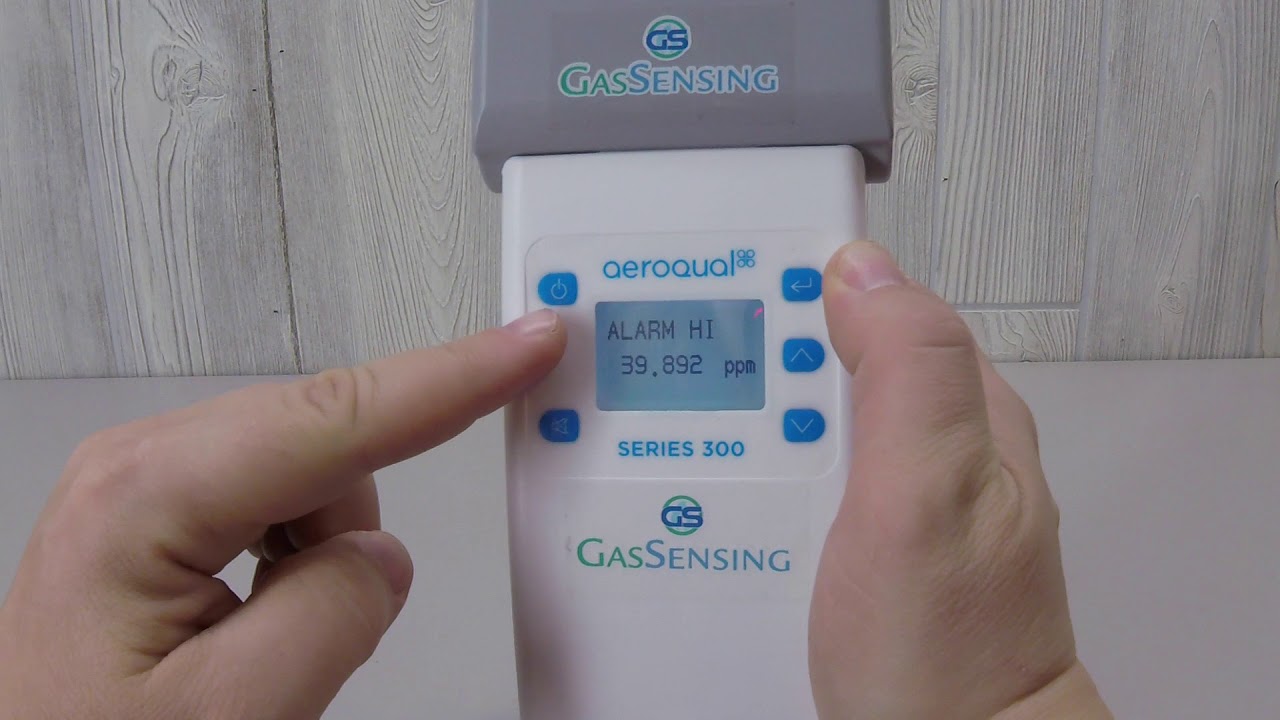
The Alarm Points set the measurement levels that trigger two separate audio alarms. The Hi Alarm sets off a fast beeping noise, and the Lo Alarm sets off a slow beeping noise.
The audio alarm can be enabled or disabled.
The menu item Control Points allows you to set the two measurement levels at which the relay switch is activated.
When Mute Key is selected, key presses become silent.
When deselected, key presses again beep.
Adjust the clock times using the arrow keys.
Exiting the Monitor Setup menu will take you back to the Main Menu. The final menu item, Logging Setup, allows you to set logging frequency, gives the option of clearing your recorded data, and allows you to turn datalogging on or off.
When you exit the main menu and return to the readout screen, the triangle symbol in the lower section of the screen indicates that datalogging is turned on.
Before removing the PM sensor head, always power off the Series 500 monitor base. Hold the power key down until the screen goes dark. To remove the sensor head, pull it from the base.
Повторяем попытку...

Доступные форматы для скачивания:
Скачать видео
-
Информация по загрузке: