Loopout Expressions in After Effects: Pingpong, Offset, Continue & Cycle!
Автор: Animation Express
Загружено: 2025-02-19
Просмотров: 4095
Описание:
New to After Effects? Let’s talk about LoopOut Expressions!
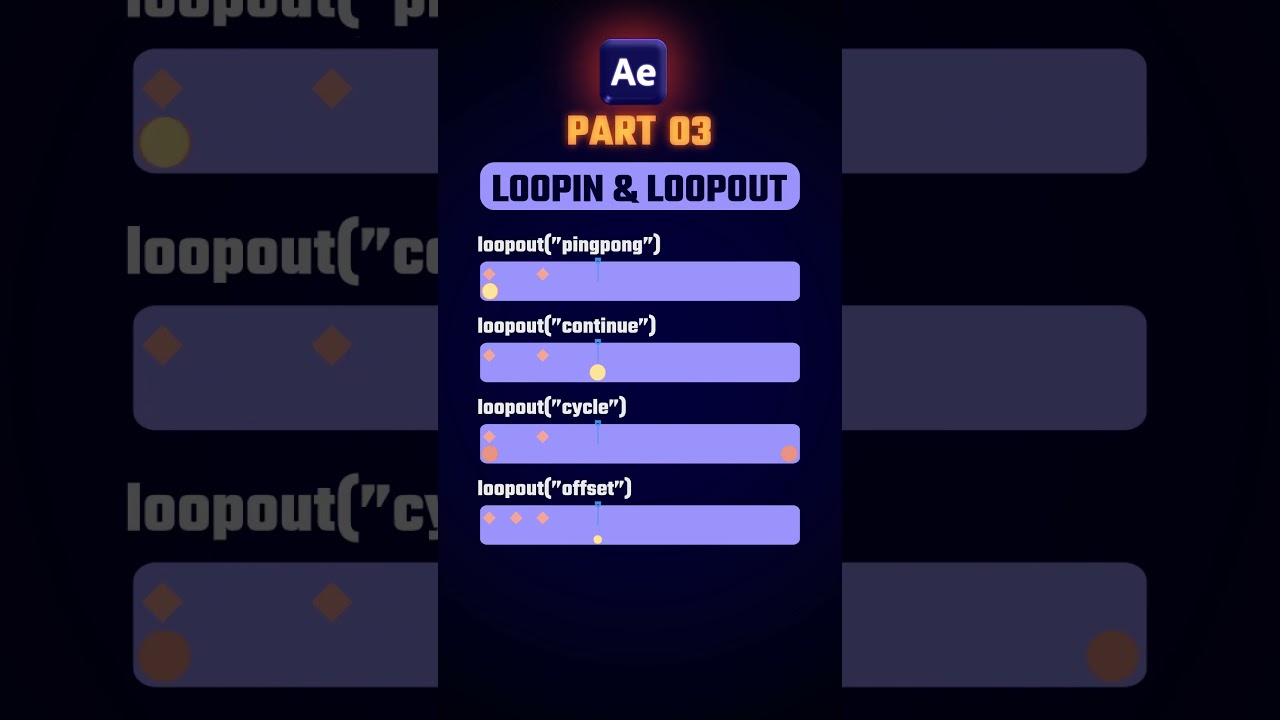
Want to make animations repeat automatically? The LoopOut Expression has different modes to create seamless motion:
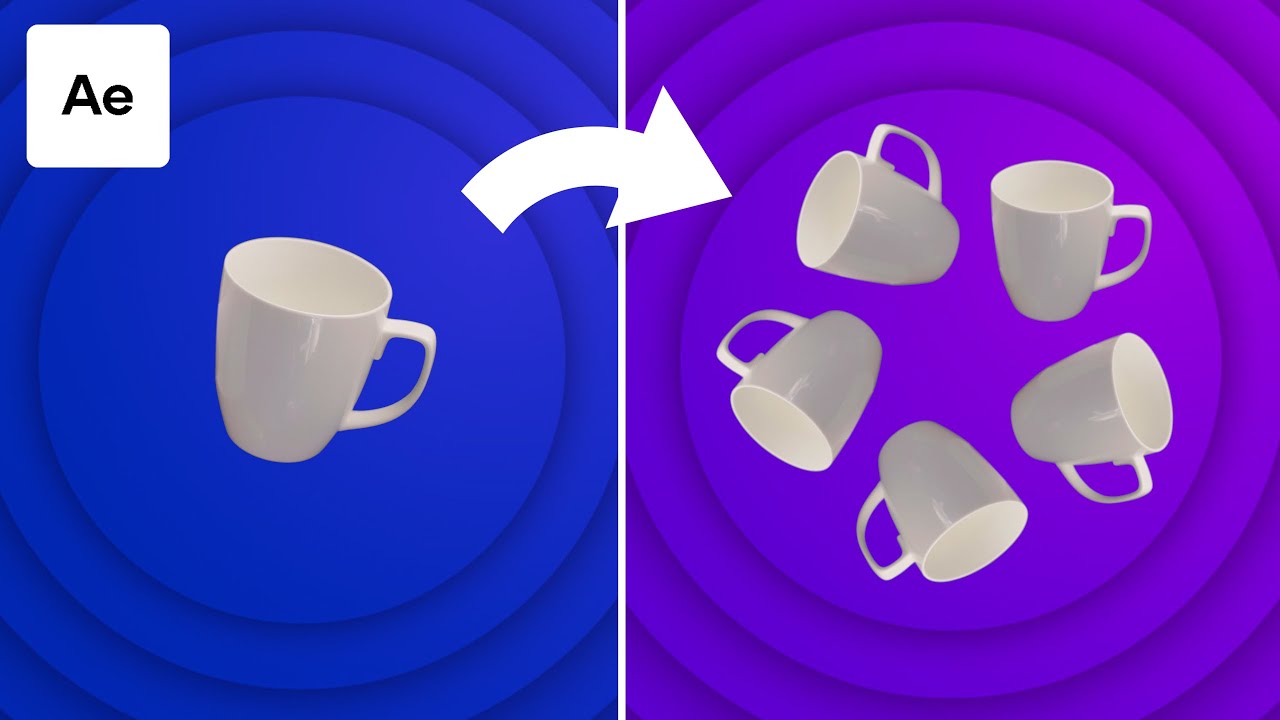
loopOut("cycle") – Repeats the animation from the start.
loopOut("pingpong") – Moves back and forth like a bouncing ball.
loopOut("offset") – Continues the motion but shifts the value forward.
loopOut("continue") – Keeps moving in the last keyframe’s direction.
Perfect for background loops, character movements, and smooth transitions! Try these expressions to speed up your animation workflow!
Don’t forget to like, subscribe, and comment if you have any questions! 🎥
SOCIAL MEDIA SITE
🔔 Subscribe for more tutorials: Animation Express
🌟 Follow us on Instagram: @AnimationExpress2002
Related Searches:
How to use LoopOut expressions in After Effects
LoopOut("pingpong") vs LoopOut("cycle")
How to create seamless loop animations
LoopOut("offset") for continuous motion
LoopOut("continue") explained with examples
Best loop expressions for After Effects
Animating with expressions instead of keyframes
How to repeat motion smoothly in After Effects
Advanced looping techniques for motion graphics
LoopOut expression tricks for faster animation
#AfterEffects #LoopOutExpression #MotionGraphics #VideoEditingTips #LoopAnimation #AdobeAfterEffects #EditingTools #SeamlessLoops #LearnAfterEffects #ShortsTutorial #CreativeEditing #EditingWorkflow #AnimationTips #AEBasics #VideoProduction #YouTubeShorts #VideoEditingBasics
Повторяем попытку...
Доступные форматы для скачивания:
Скачать видео
-
Информация по загрузке: