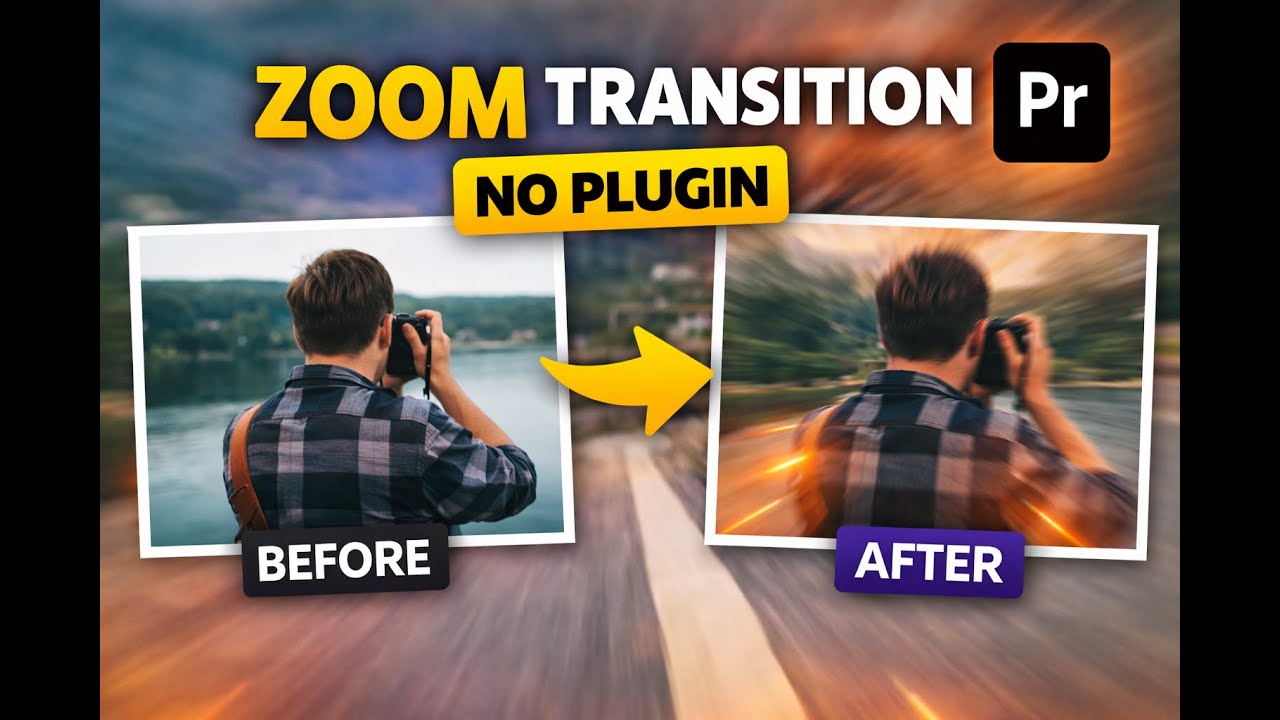
Smooth Zoom Transition in Premiere Pro (No Plugin | Beginner Tutorial)
Автор: Edit With Giwa
Загружено: 2026-01-08
Просмотров: 14
Описание:
Want to add a cinematic smooth zoom transition to your videos? 🎬
In this beginner-friendly tutorial, I’ll show you how to create a smooth zoom transition in Adobe Premiere Pro — NO plugin required.
This simple technique will instantly make your edits look more professional and cinematic.
📚 New to Premiere Pro? Start from Lesson 1 (Full Beginner Playlist):
👉 • Premiere Pro Beginner Tips
🎬 WHAT YOU’LL LEARN IN THIS VIDEO:
How to create a smooth zoom transition in Premiere Pro
How to add professional zoom effects without plugins
Simple transition techniques to upgrade your video edits
This tutorial is perfect for beginners, YouTubers, filmmakers, and content creators.
👍 SUPPORT & CONNECT
If this tutorial helped you:
👍 Like the video
🔔 Subscribe for more Premiere Pro tutorials
💬 Comment if you have questions
📩 Follow me for weekly Premiere Pro tips, effects, and editing tutorials.
📌 SUBSCRIBE HERE:
👉 / @editwithgiwa
🎞️ WATCH MORE PREMIERE PRO TUTORIALS
Premiere Pro for Beginners (Step-by-Step):
👉 • Premiere Pro Beginner Tips
Premiere Pro Effects & Transitions:
👉 • Premiere Pro Transitions & Effects
Premiere Pro Text & Titles Tutorials:
👉 • Premiere Pro Text & Titles
🛠️ TOOLS USED
• Adobe Premiere Pro
⚠️ Disclaimer:
This video is for educational purposes only.
👍 Like | 💬 Comment | 🔔 Subscribe for more video editing tutorials
#ZoomTransition #PremiereProTutorial #AdobePremierePro #PremiereProBeginner #VideoEditingTutorial #NoPlugin
Повторяем попытку...
Доступные форматы для скачивания:
Скачать видео
-
Информация по загрузке:


