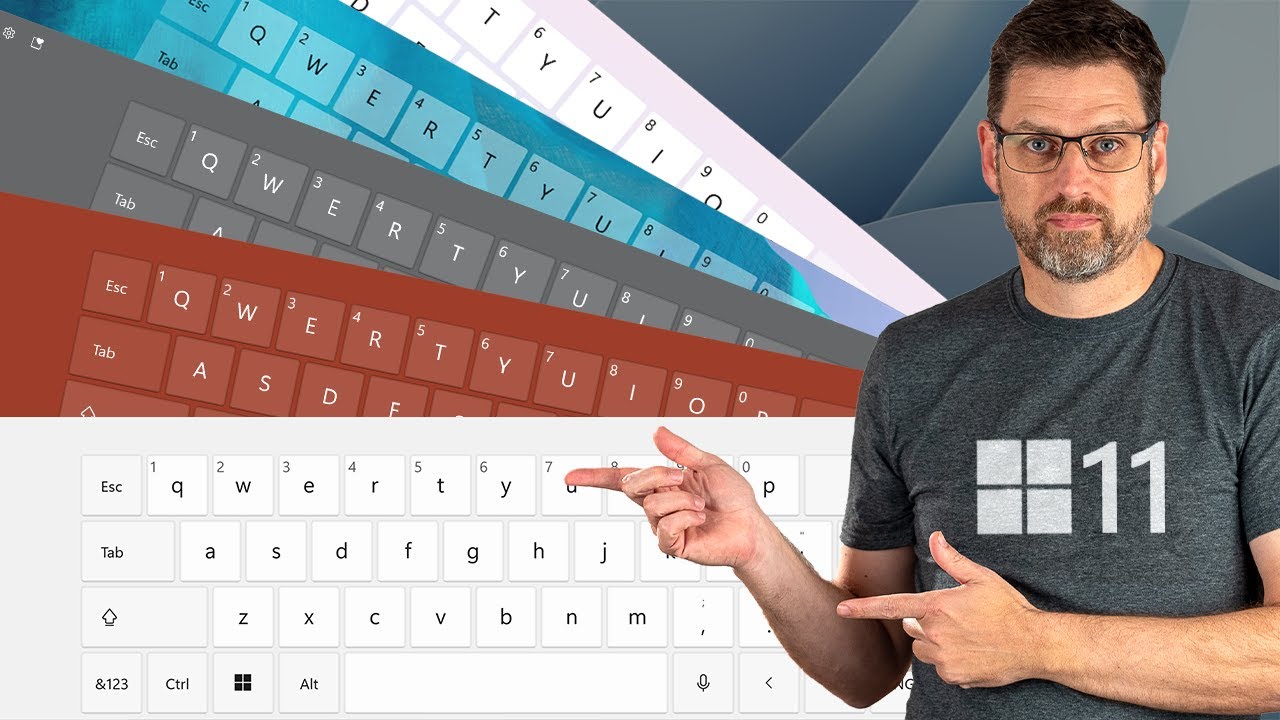
How to Enable SwiftKey Suggestions & Autocorrections Features on Windows 10
Автор: AAN Creation - Tech
Загружено: 2020-04-04
Просмотров: 3906
Описание:
In Windows 10, Microsoft has brought over its popular SwiftKey technology, which is designed to enhance typing accuracy by learning your personal style and providing better autocorrections and suggestions. While SwiftKey has long been available on iOS and Android, this functionality is now integrated into Windows 10 when using the touch keyboard. Over time, the technology adapts to your typing habits, offering more tailored and precise predictions, improving your experience whether you're writing emails, notes, or anything else.
Here's how you can enable or disable SwiftKey for autocorrections and suggestions on Windows 10.
Steps to Enable or Disable SwiftKey for Autocorrections and Suggestions:
Step 01:
Open Settings. You can do this by either pressing Windows + I on your keyboard or by clicking the Start menu and selecting the gear icon.
Step 02:
In the Settings window, click on Devices. This section is where you manage your hardware devices, including your keyboard.
Step 03:
From the left-hand menu, select Typing. This section handles all the settings related to your keyboard input, including features like autocorrection and predictive text.
Step 04:
Scroll down until you find the section titled More keyboard settings, and click on the Suggestions and autocorrections link.
Step 05:
Under this menu, you'll see the toggle switches for each language installed on your device. Simply turn on or off the switch for the languages you want SwiftKey to assist with.
For example, if you write in both English and French, you can enable SwiftKey for both languages and let it learn your typing patterns in each one.
Additional Information:
Personalization:
One of the best features of SwiftKey is that it learns and adapts to your typing style over time. The more you use it, the better it becomes at predicting what you're trying to say. It remembers your frequently used words, learns the context in which you use them, and adjusts its suggestions accordingly. This makes it much more than just a generic autocorrection tool—it becomes a personalized assistant that feels like it's reading your mind.
Language Support:
SwiftKey's ability to handle multiple languages is another powerful feature. You don’t have to stick to one language—if you often switch between English, Spanish, or any other languages, you can set it up to support all of them. Once enabled, SwiftKey will switch languages seamlessly and provide the same accurate predictions and autocorrections no matter what language you're typing in.
Consistency Across Devices:
If you're familiar with SwiftKey from using it on your phone, you'll be pleased to know that it works similarly on Windows 10. This creates consistency if you're bouncing between typing on your phone and on your computer, ensuring you get the same quality of text suggestions across platforms.
By following these steps, SwiftKey will become part of your typing experience, whether you need it for one language or multiple. It’ll help reduce typing errors, speed up your writing, and make everything feel a bit smoother—especially as the system learns more about how you type.
Once you've finished the steps, Windows 10 will automatically provide better text suggestions and autocorrections based on your preferences. It’s one of those features that, once set up properly, you won’t want to go without.
More Windows Tips: http://www.aancreation.com/2020/04/ho...
********* 👤Connect with Us: *****************
AAN Website: www.aancreation.com
MAKE DONATE: https://paypal.me/aancreationD
Facebook: / aancreationfan
Twitter: / aan_creation
******** // Other Great Resources: **********
Gaming: / aangame
AAN: / @aan4933
AAN Farm: / aanoshamo
Повторяем попытку...

Доступные форматы для скачивания:
Скачать видео
-
Информация по загрузке: