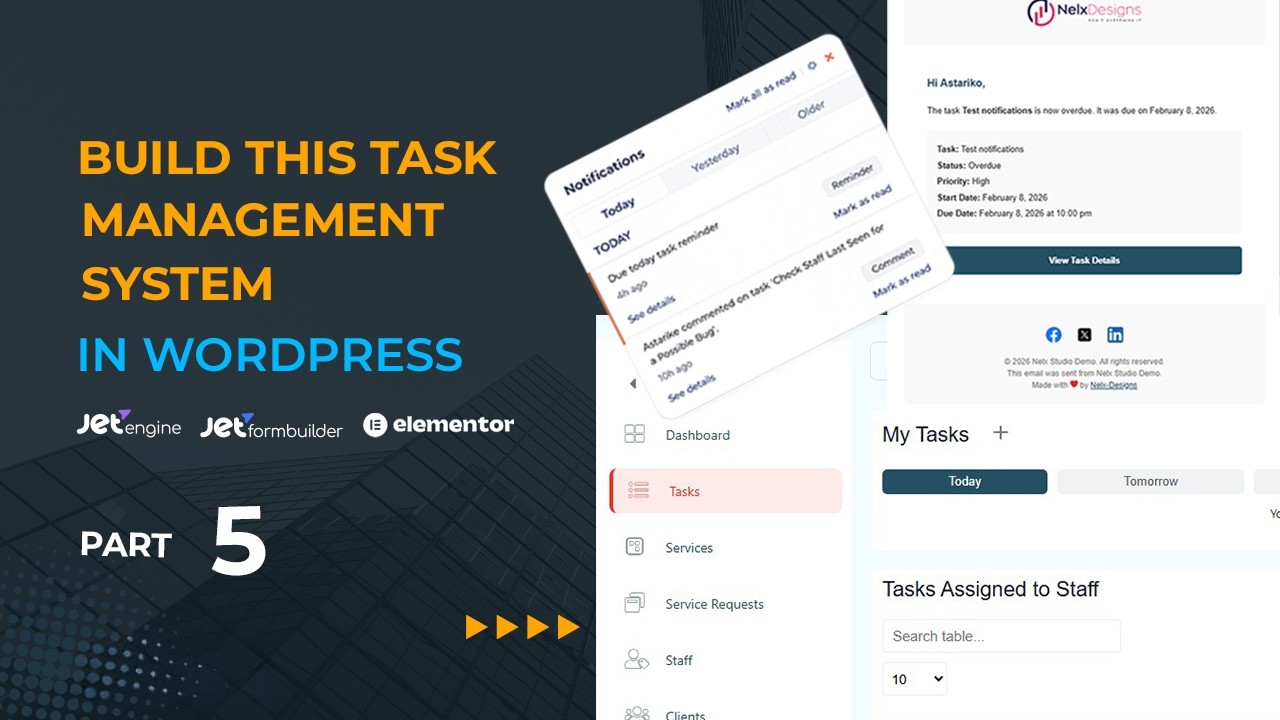
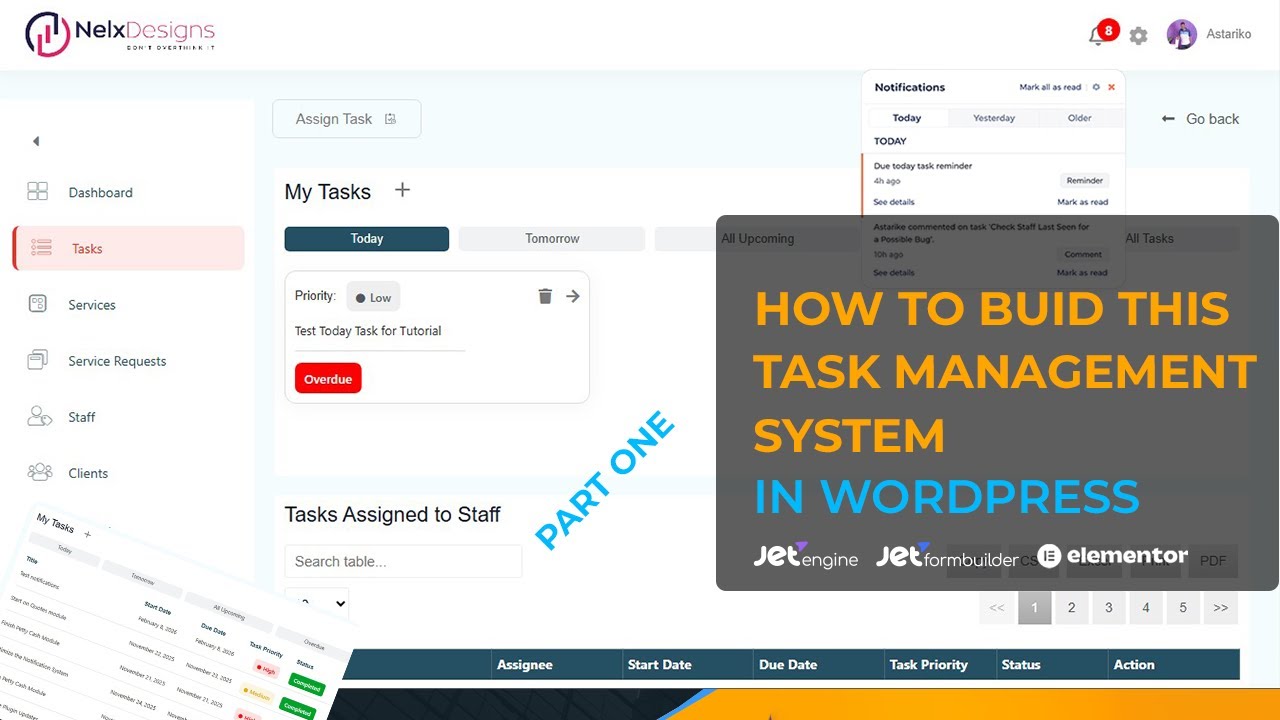
How to Build a Frontend Task Management System in WordPress (Part 1) — Complete Setup & UI Design
Автор: LinkWordPress
Загружено: 2026-02-09
Просмотров: 226
Описание:
In Part 1 of this series, you will learn how to build a Task Management System in WordPress by setting up the full foundation properly. This is a detailed WordPress task management tutorial focused on structure, not dashboards yet.
We start by reviewing everything you need, then we build the core database structure step-by-step using JetEngine Custom Post Types (CPT), Custom Content Types (CCT), and taxonomies. If you want a solid system that can later support a task dashboard + task list, notifications, comments, and subtasks, this is the correct starting point.
Tools / Stack Used
JetEngine
JetFormBuilder
JetPopup
Page Builder (Elementor, Bricks, etc.)
Code Snippet plugin
User Role Manager plugin
Nelx Notifications (optional)
JetEngine Modules Used
Custom Content Types (CCT)
Profile Builder
Dynamic Visibility
Dynamic Tables Builder (external module)
Attachment File Link by ID (external module)
Custom Visibility Conditions (external module)
What We Build in This Video
1) Custom Post Types (CPT)
Tasks
Personal / Individual Tasks
2) Custom Content Types (CCT)
Assigned Task Subtask
Personal Task Subtask
Assigned Task Comments
3) Taxonomies
Tasks
Task Status (task-status) — pending, in-progress, on-hold, completed, canceled, overdue
Priority (task-priority) — high, medium, low
Personal Tasks
Task Status (personal_task_status) — pending, in-progress, on-hold, completed, canceled, overdue
Priority (personal_task_priority) — high, medium, low
This is the “from scratch” setup you need before building the UI in later parts.
==============================================================================================================================
#WordPress
#JetEngine
#JetFormBuilder
#JetPopup
#Crocoblock
#WordPressTutorial
#TaskManagement
Повторяем попытку...
Доступные форматы для скачивания:
Скачать видео
-
Информация по загрузке: