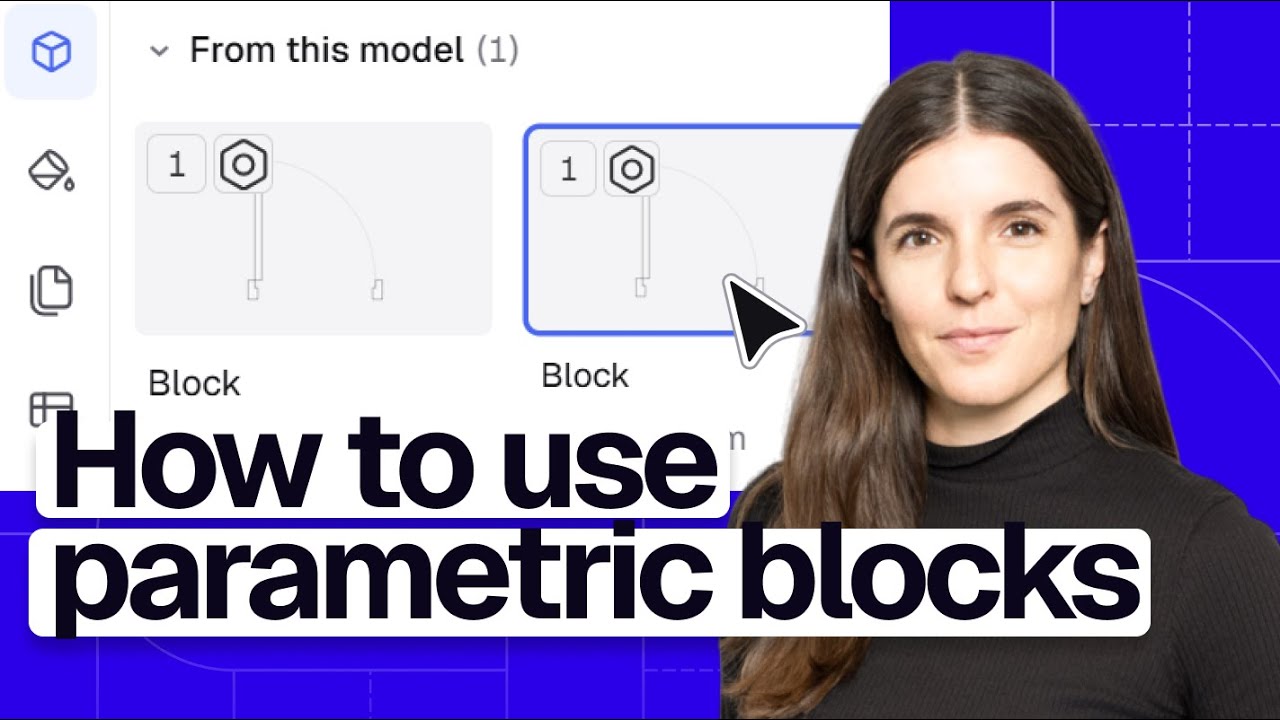
How to Use & Create Blocks in Rayon
Автор: Rayon.design
Загружено: 2025-11-18
Просмотров: 3259
Описание:
Learn how to create, manage, and scale powerful block libraries in Rayon, from basic blocks to parametric, hosted, and AI-generated CAD blocks.
🚀 Signup (for free): https://rayon.design/r/v4_how_to_blocks
🔗 Use the drawing in this tutorial: https://rayon.design/r/template_v4_ho...
📅 Book a demo: https://rayon.design/r/basics_tutoria...
In this Rayon blocks tutorial, you’ll learn everything you need to build a smart, scalable CAD block workflow for interior design and architecture. We start with the basics of what blocks are, how to create them from shapes, and how to edit or override instances while keeping a clean block definition. You’ll see how to use custom properties (like price, brand, client approval) to power procurement lists and FF&E schedules, and how to work efficiently with Rayon's in-model block list and large built-in block libraries. The tutorial also covers creating block families for top/front/side views, using hosted blocks for doors and windows that cut walls, leveraging parametric doors and stairs, and generating accurate CAD blocks directly from images with Rayon's AI panel. Finally, you’ll learn how to import DWG/PDF vendor catalogs, curate your own reusable block libraries, publish them, and share them across your team.
---
00:00 Welcome, tutorial scope, and how to follow along
00:18 Overview of blocks in Rayon and what you can do with them
01:25 Creating your first simple block from shapes
02:13 Editing a block definition and updating all instances at once
03:41 Making blocks unique and overriding individual instances
05:01 Adding custom properties (price, brand, client approval) to blocks
08:37 Exploring the block panel: in-model blocks vs library blocks
10:03 Browsing Rayon's 10K+ block libraries and searching by type
11:52 Creating block families with top, front, and side views
14:05 Using hosted blocks for doors and windows that cut into walls
17:05 Working with parametric blocks for doors and stairs
20:47 Generating CAD blocks from images using the AI panel
23:08 Importing DWG vendor blocks and turning them into libraries
25:46 Publishing a custom block library and reusing it in other models
26:41 Final recap of blocks, libraries, AI, and next steps
📚 Learn more about Rayon in our documentation: https://docs.rayon.design/
---
Follow Rayon on...
🌍 Join our community: https://community.rayon.design/
Instagram: / rayon.design
TikTok: / rayon.design
LinkedIn: https://www.linkedin.com/company/rayo...
Twitter: / rayonapp
Pinterest: / rayonapp
Read our blog: https://www.rayon.design/blog
Discover our resources: https://www.rayon.design/knowledge-base
Download our assets: https://www.rayon.design/assets/libra...
---
#interiordesign #interiordesigner #architecture #collaboration #section #elevation #layout #floorplans #floorplan #drawings #drawing #rayon #rayonapp #cadblocks #blocks #furniture #furnituredesign #interiorarchitecture #interiorarchitectureanddesign #design
Повторяем попытку...

Доступные форматы для скачивания:
Скачать видео
-
Информация по загрузке: