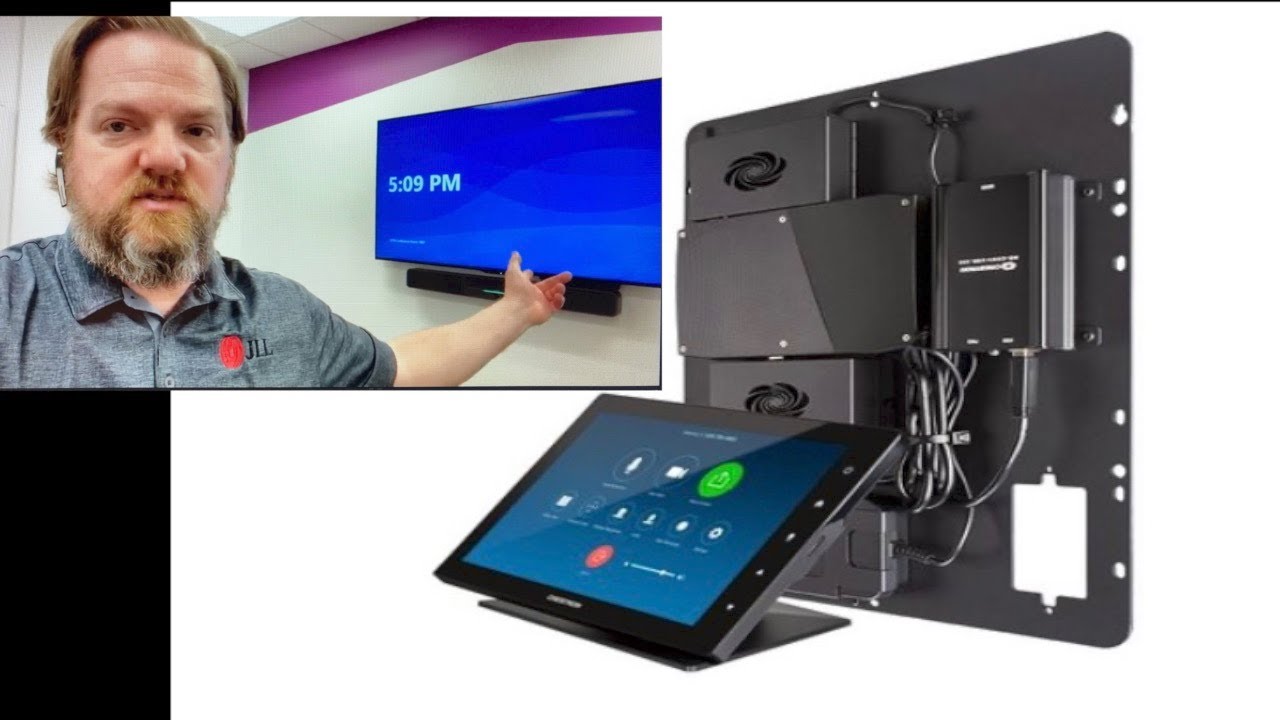
Re-Imaging a Microsoft Teams Room
Автор: Graham Walsh
Загружено: 2021-07-07
Просмотров: 17561
Описание:
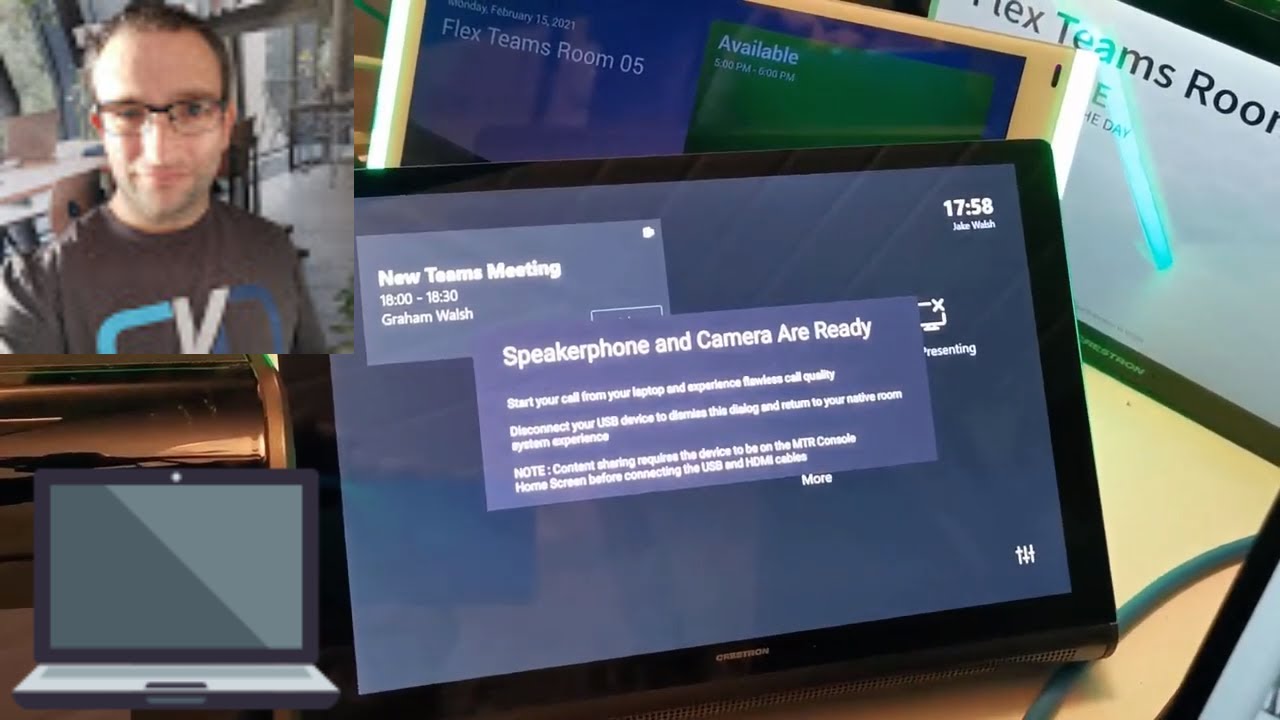
In this videoo, I show you how to re-image a Microsoft Teams Room, in this video I am using a Crestron Flex Gen2 system. Just with a keyboard, a can factory reset the system, back to the Out of Box Experience (OOBE). Then I show you how to do a manual update of the Microsoft Teams Room (MTR) app followed by manual Windows Updates.
There is a guide from Microsoft here on updating the MTR app https://docs.microsoft.com/en-us/micr...
To download the MTR App for a manual update, grab that here https://go.microsoft.com/fwlink/?link...
Feel free to view my blog here for other Microsoft Teams Devices tips and tricks https://www.graham-walsh.com
Table of Contents:
00:00 - Introduction
00:10 - Intro
01:12 - Recovery Image Proceedure
04:51 - Out of Box Experience Setup
05:59 - Updating the Microsoft Teams Room App
13:59 - Checking the MTR Settings
16:09 - Manualy running Windows Update
18:42 - Closing Comments
Повторяем попытку...
Доступные форматы для скачивания:
Скачать видео
-
Информация по загрузке: