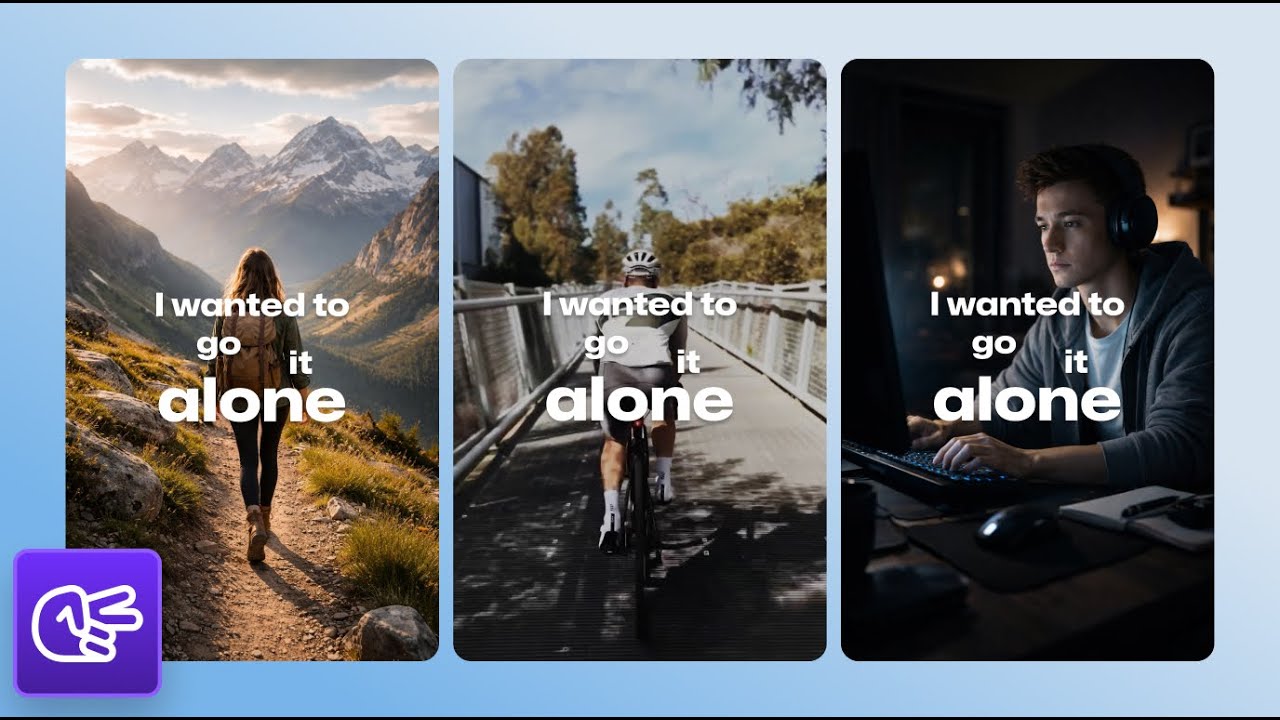
How to Track Multiple (2-5+) Speakers Automatically in your Short Clips | Choppity Tutorial
Автор: Choppity
Загружено: 2026-01-19
Просмотров: 44
Описание:
How to Automatically Track Multiple Speakers (2–5+) in Short Clips | Choppity Tutorial
👉 https://choppity.com
The step-by-step guide to creating perfectly framed, multi-speaker short clips using AI.
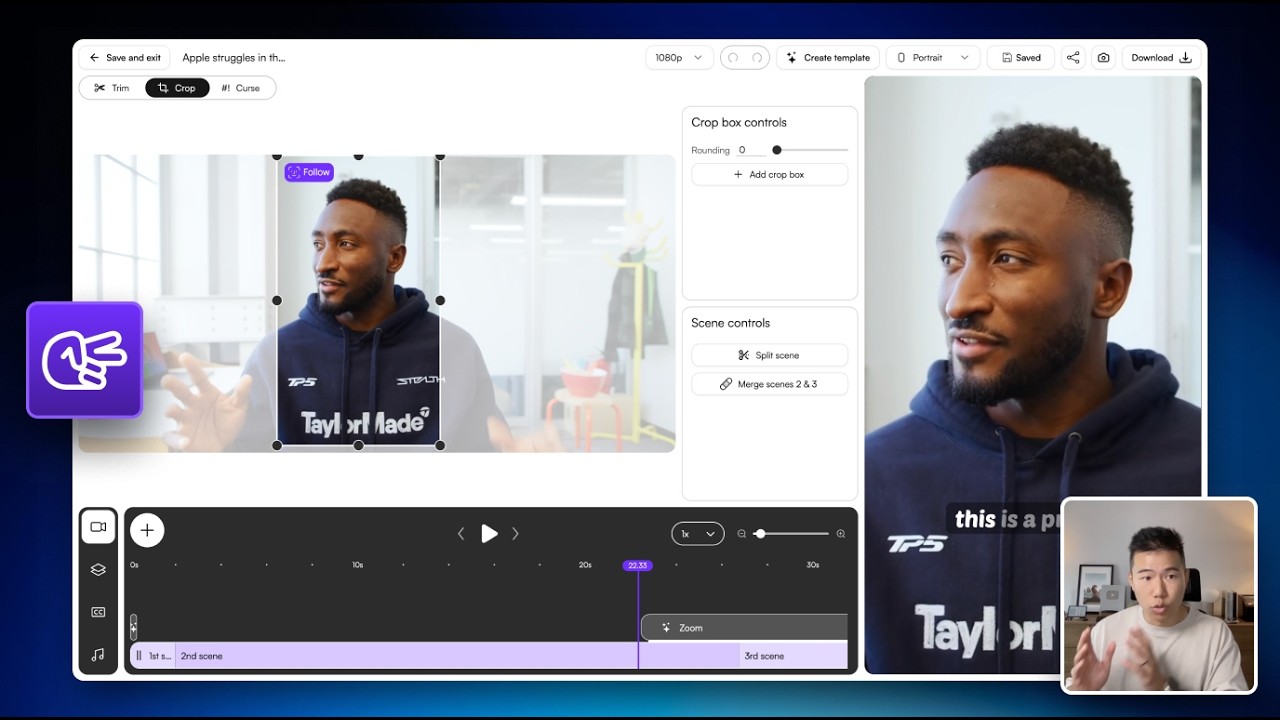
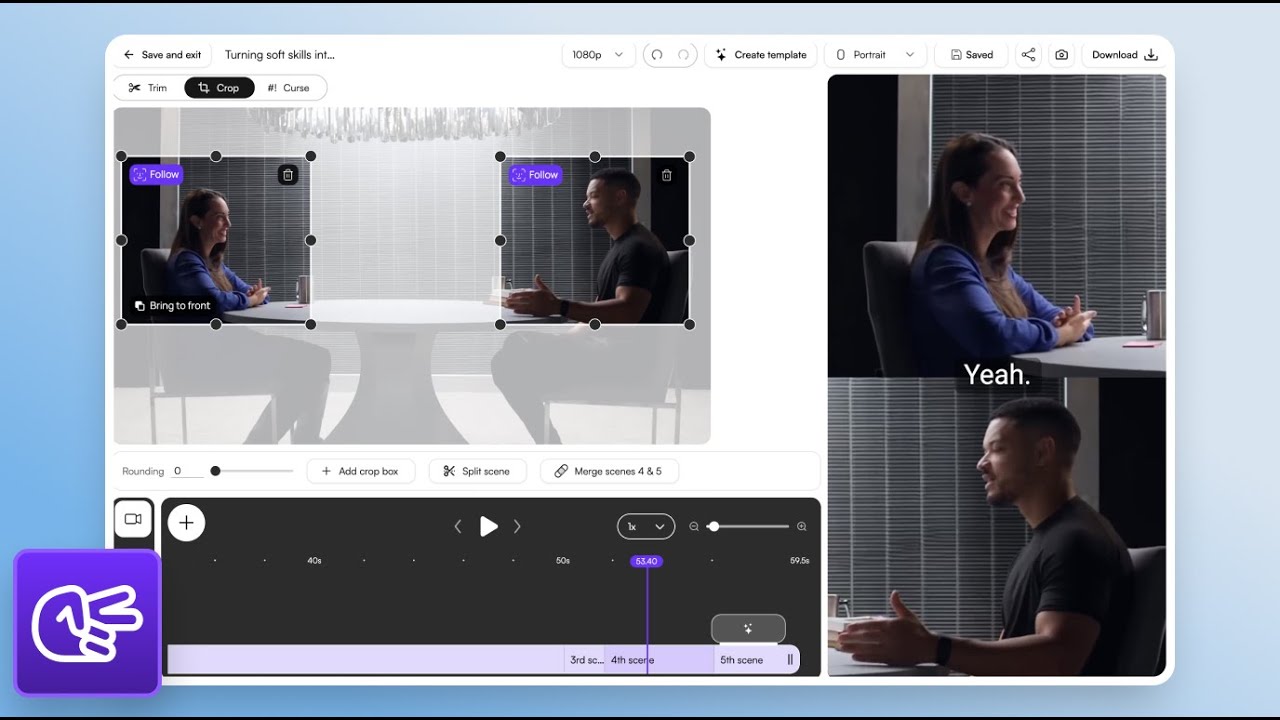
In this tutorial, you’ll learn how to automatically track and frame 2, 3, 4, or even 5+ speakers in your short-form videos using Choppity - ideal for podcasts, interviews, panels, remote recordings, and roundtable content.
Choppity intelligently detects who’s speaking and dynamically reframes your video for vertical, square, or landscape formats - so every clip stays engaging without manual keyframing or timeline work.
Whether you’re a creator, podcaster, marketer, agency, or business, this walkthrough shows you exactly how to use Choppity like a pro in 2026.
🔥 What you’ll learn
How AI automatically detects and tracks multiple speakers
Keeping every speaker perfectly framed in vertical short clips
Creating engaging short clips without manual cropping or cuts
Turning long-form conversations into high-performing short content
Maintaining visual clarity and engagement as speakers change
🎯 This tutorial is for
Content creators & influencers
Podcasters & YouTubers
Interview & podcast shows
Social media managers
Marketing teams & agencies
Businesses using video for growth
If you want to save hours of editing, publish more consistently, and create professional multi-speaker clips without technical headaches - this tutorial is for you.
💡 Why Choppity?
Choppity is one of the most powerful AI short-form video editors in 2026 - built to handle complex layouts, multiple speakers, and fast content workflows without sacrificing control.
👉 Like, subscribe, and comment if you want more AI content creation tutorials.
🔔 Turn on notifications so you don’t miss future updates.
Повторяем попытку...
Доступные форматы для скачивания:
Скачать видео
-
Информация по загрузке: