How do other artists create stunning mockups of their art? They are using Smart Spaces!
Автор: ArtPlacer
Загружено: 2024-04-03
Просмотров: 110
Описание:
There’s a new collection with +1100 Smart Spaces available in many styles that fit any aesthetic and highlight your art.
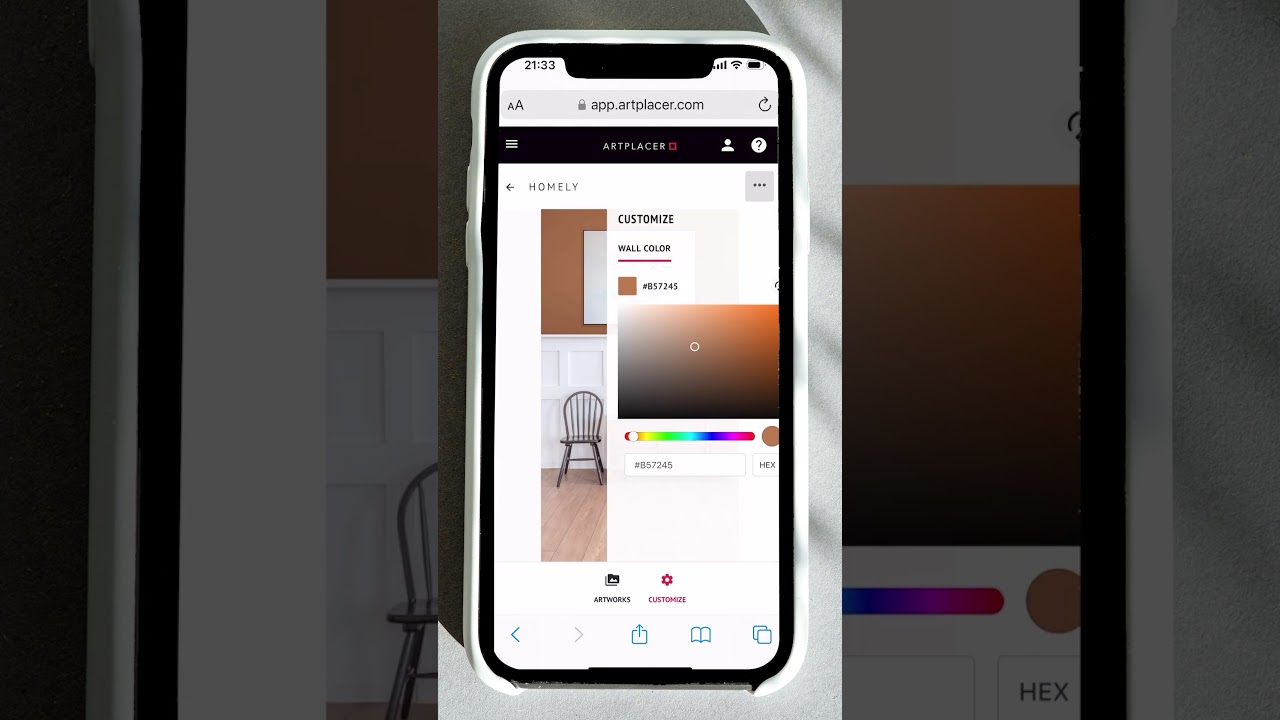
These rooms have enhanced customization options like layering your artwork behind objects for a more realistic look and the user's favorite feature is the “eyedropper” that allows you to choose a wall color even picking from your art to create a stunning setting for your art piece.
How can you create your Room Mockups using Smart Spaces? It’s simple, save this post and follow these steps:
Pick a Smart Space from the ArtPlacer library using the filter or clicking on the Smart Spaces collection
2. Drag and drop your artworks
3. Pick a wall color using the eyedropper
4. Frame your artworks
5. For the final touch align your art on the wall and even layer them behind objects to obtain a more realistic look.
6. Upload the result to Instagram with the hashtag #artplacer and tag @artplacer.app to get featured
Impressed with the final look? Is all thanks to top-notch technology like the implementation of global lighting effects. Try it today and see it for yourself!
#artwork #artplacer #artplacerapp #visualart #artgallery #artcollector #artcollection #wallart #artshare_ig #buyart #artworld #livewithart #homedecor #artforsale #collectingart
Повторяем попытку...
Доступные форматы для скачивания:
Скачать видео
-
Информация по загрузке: