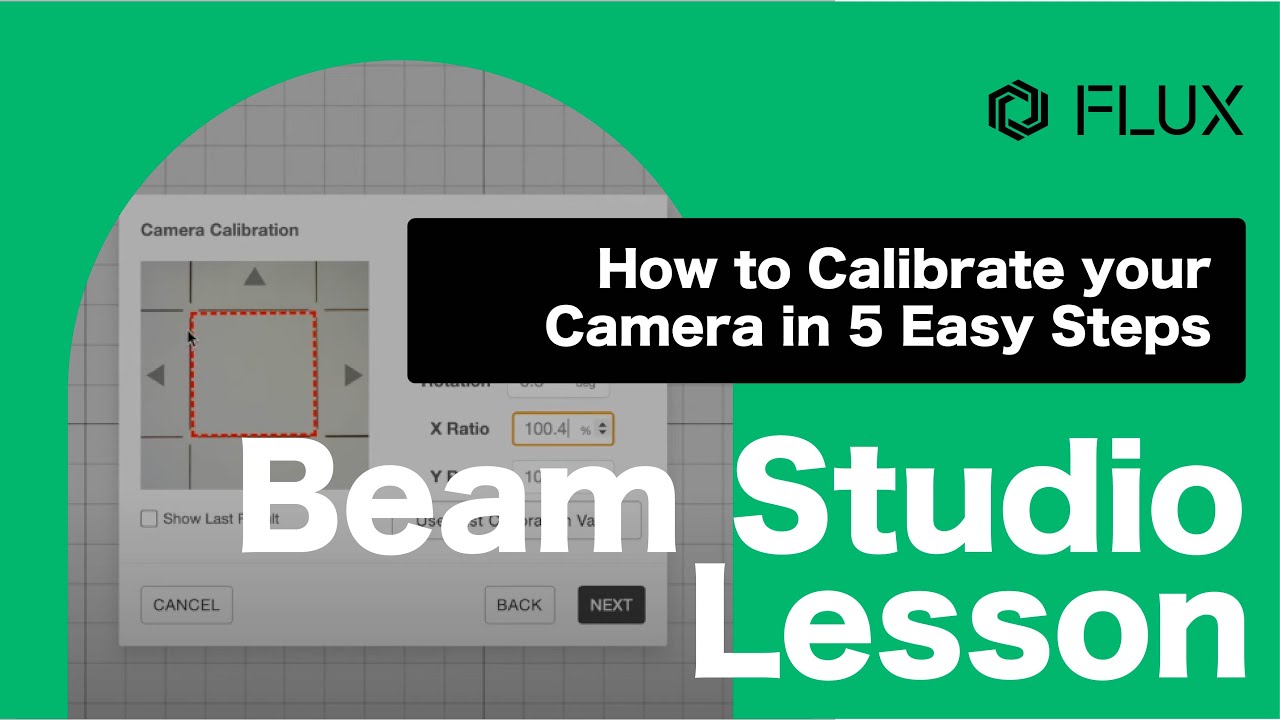
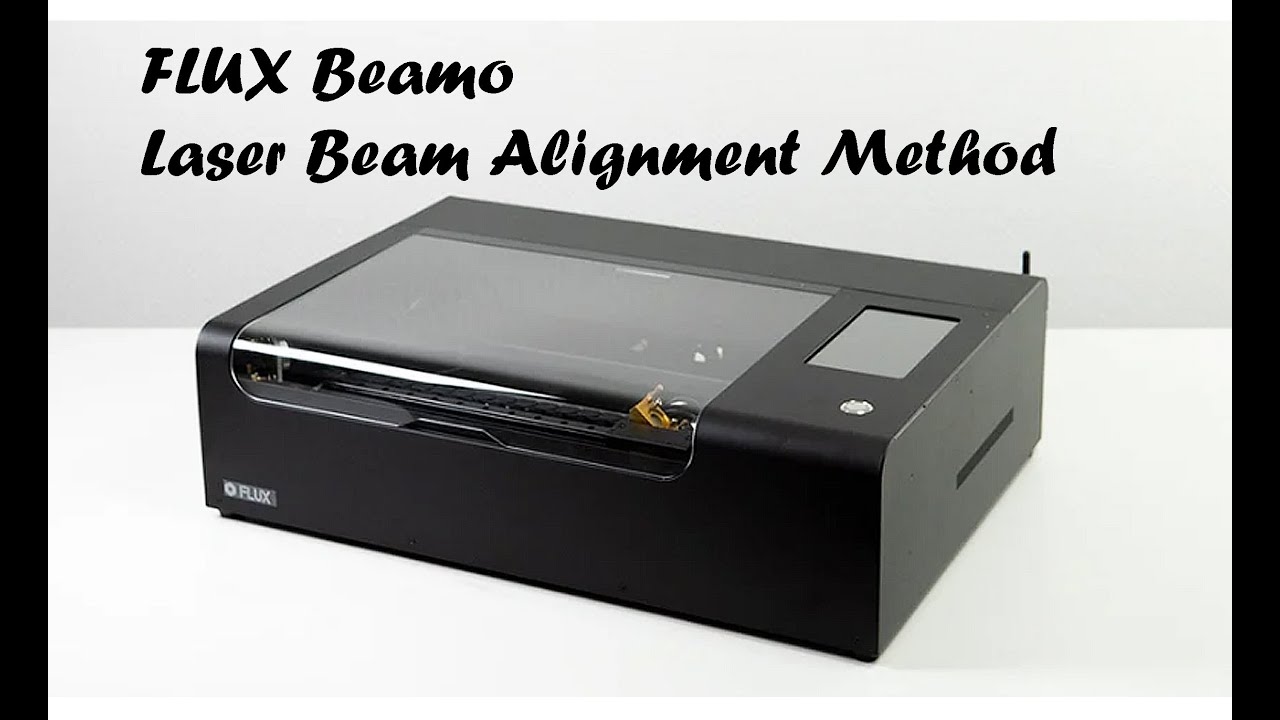
U3DPS | How to Calibrate the Camera on a FLUX Laser Cutter
Автор: Ultimate 3D Printing Store
Загружено: 2020-09-03
Просмотров: 4572
Описание:
#3dprinting #lasercutter #FLUX
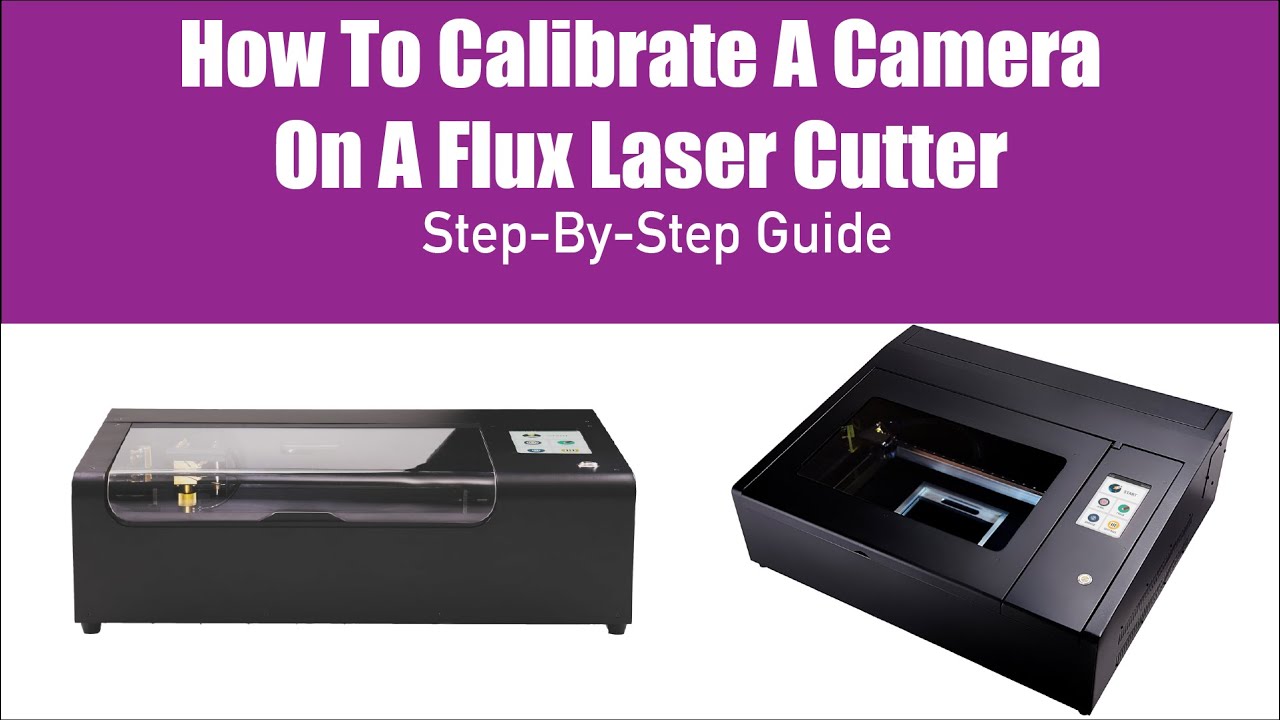
Watch this step-by-step video to learn how to calibrate the camera on a FLUX Laser Cutter using Beam Studio. This process works on all FLUX Laser Cutters including beamo, Beambox Compact, and Beambox Pro.
You may need to calibrate your camera if:
• The laser cutter does not cut through the material all the way with the preset settings
• The camera preview is misaligned
• The performance varies from print to print
✘ Products shown in video:
► FLUX beamo 30W Desktop Laser Cutter & Engraver - https://ultimate3dprintingstore.com/c...
► FLUX Beambox 40W Desktop Laser Cutter & Engraver - https://ultimate3dprintingstore.com/c...
► FLUX Beambox Pro 50W Desktop Laser Cutter & Engraver - https://ultimate3dprintingstore.com/c...
___________________________________
Ultimate 3D Printing Store (U3DPS) is your source for all products, education, and inspiration related to additive and subtractive manufacturing. We carry a variety of technology ranging from 3D printers for dental labs and CNC machines for education facilities, to laser cutters and water jets for the tinkerer/hobbyist. Gain the knowledge from U3DPS to get the most out of your machines and technology.
https://ultimate3dprintingstore.com/
___________________________________
SUBSCRIBE FOR ALL THINGS 3D PRINTING & MORE:
➥ / ultimate3dprintingstore
__________________________________
❐ LET'S GET SOCIAL ❏
➥ Facebook: / ultimate3dprintingstore
➥ Instagram: / ultimate3dprintingstore
➥ Twitter: / u3dps
➥ Pinterest: / _created
__________________________________
THANKS SO MUCH FOR WATCHING!
Повторяем попытку...
Доступные форматы для скачивания:
Скачать видео
-
Информация по загрузке:













![Почему реактивный двигатель не плавится? [Veritasium]](https://imager.clipsaver.ru/F6UB0V2Fct4/max.jpg)