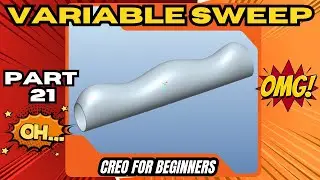
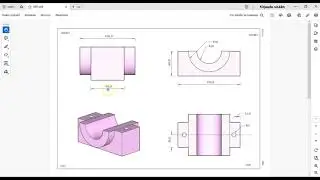
Part 20 – Shell, Rib & Color Tools | Creo Beginner Series
Автор: Custom cad man
Загружено: 2025-12-13
Просмотров: 8
Описание:
Welcome to Part 20 of my Beginner Creo Parametric Tutorial Series!
In this video, we explore three important tools that help you refine, strengthen, and present your models: Shell, Rib, and Color/Appearance.
These features allow you to hollow out parts, add structural support, and apply visual styling for clearer communication and better design reviews.
In this lesson, you’ll learn:
How to use the Shell Feature to hollow out a solid body
How to remove faces and control uniform wall thickness
How shell interacts with rounds, drafts, and cutouts
How to create Ribs for structural reinforcement
How to select rib profiles and set thickness directions
Best practices for strengthening thin-walled parts
How to apply Color & Appearance to your model
Changing part colors, surface colors, transparency & materials
Pro workflow tips for clear visuals and lightweight, strong designs
This tutorial continues to build your modeling foundation, giving you the tools needed to design stronger, cleaner, and more professional-looking 3D parts.
👉 Watch the full Beginner Creo Series playlist here:
• Creo Beginner Tutorial Series – Learn Creo...
👉 Subscribe for more Creo tutorials, drafting tips, engineering workflows, and beginner-friendly CAD lessons here:
/ @customcadman
Creo shell tutorial, rib feature creo, add color creo, appearance settings creo, Creo beginners series, PTC Creo shell tool, structural ribs creo, hollow part creo, model color creo, surface appearance creo, mechanical design tutorial, learn creo, cad basics, creo training
#Creo #CreoParametric #ShellFeature #RibFeature #CAD #3DModeling
#EngineeringDesign #MechanicalEngineering #CADTutorial #LearnCreo
#ColorTool #AppearanceSettings #creosettings #learncad #creotraining
#ProductDesign #DraftingSkills
Повторяем попытку...

Доступные форматы для скачивания:
Скачать видео
-
Информация по загрузке: