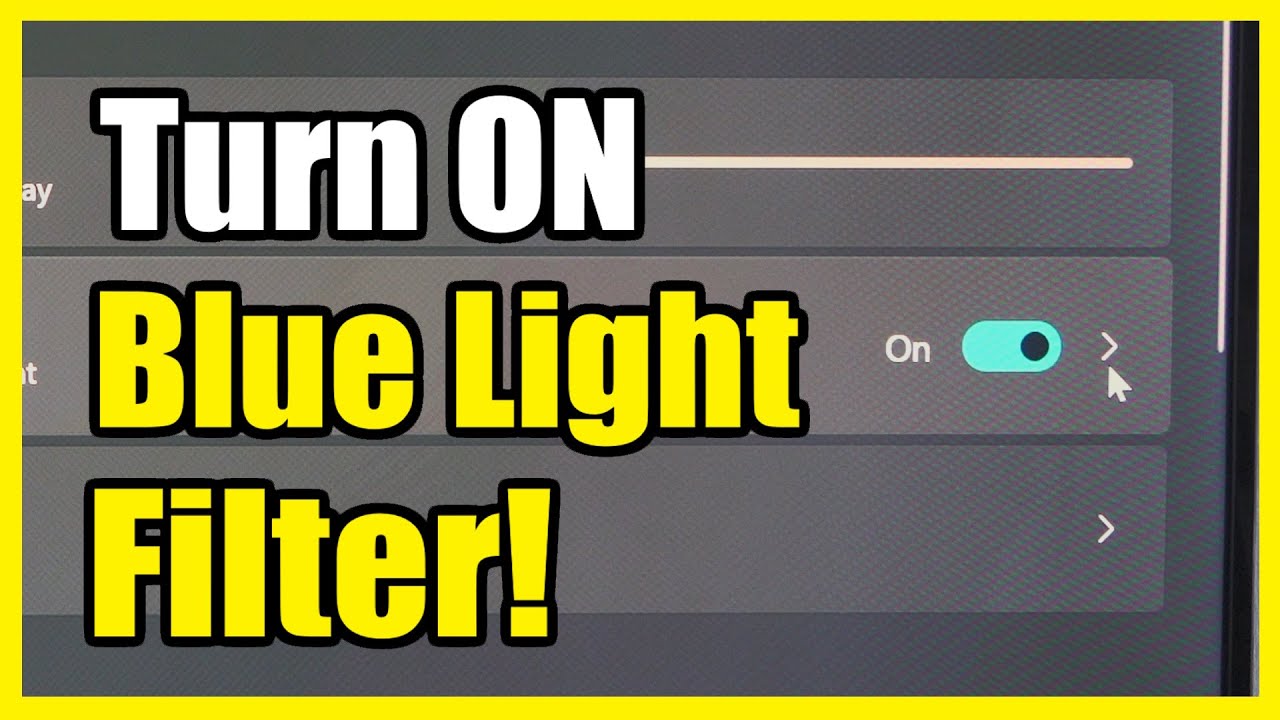
How to Turn On Blue light Filter for Eye Strain on Windows 11 PC (Settings Tutorial)
Автор: YourSixTech
Загружено: 2024-08-31
Просмотров: 5195
Описание:
To reduce eye strain caused by blue light on your Windows 11 PC, you can enable the Night Light feature. Here are a couple of methods to do so:
Settings
Settings
Using Settings:
Click on the Windows icon in the taskbar or press Win + I to open the Settings app.
In the left pane, select System.
Under System settings, choose Display from the right pane.
Turn on the toggle switch next to Night Light.
Your screen will immediately shift to warmer colors, reducing blue light exposure.
To customize the filter, adjust the Strength slider (ranging from 0 to 100) and set a schedule for the night light if desired1.
Registry Modification (Advanced):
Press Win + S and type regedit to open the Registry Editor.
...
Twitter: https://twitter.com/YourSixStudios?la...
Twitch: / yoursixstudios
Discord: / discord
Instagram: / yoursixstudios -
((( Subscribe to my LIVE STREAMING )))
((( Gaming Channel "YourSixGaming" )))
/ @yoursixgaming ...
((( Subscribe to my ADVENTURE CHANNEL )))
((( Travel, Cameras & More "YourSixAdventures)))
/ @yoursixadventures
Повторяем попытку...
Доступные форматы для скачивания:
Скачать видео
-
Информация по загрузке: