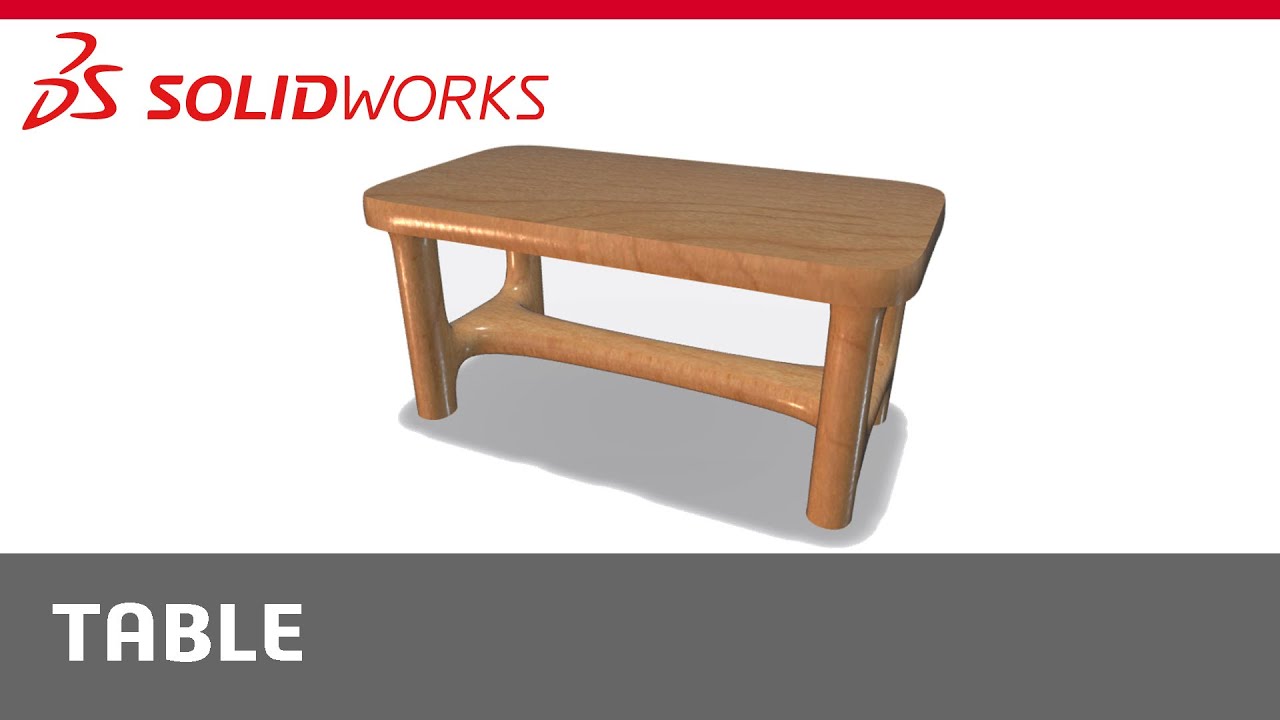
Beginners Guide to xShape: Table
Автор: SOLIDWORKS
Загружено: 2024-09-24
Просмотров: 2332
Описание:
#xShape #CADBeginner #CADTutorial #ProductDesign #LearnCAD
Welcome back to our Beginners tutorial series on xShape! This is the last episode in the series. In this episode, we'll create a simple table using a box. We’ll use Symmetry to quickly create the table. We’ll also use Extrude to quickly bridge 2 faces together. At the end of the video, I’ll show you how all of the components we created in this playlist can be assembled together. If you’d like to see how I created the assembly, leave a comment below.
---
Chapters:
0:00 - Introduction
0:27 - Creating a Tabletop
2:12 - Creating the Legs
4:07 - Adding Final Touches
Explore additional content by visiting solidworks.com/learn/xShape.
Link to Beginners Guide to xShape playlist: • Beginner's Guide to xShape
Other videos in this series:
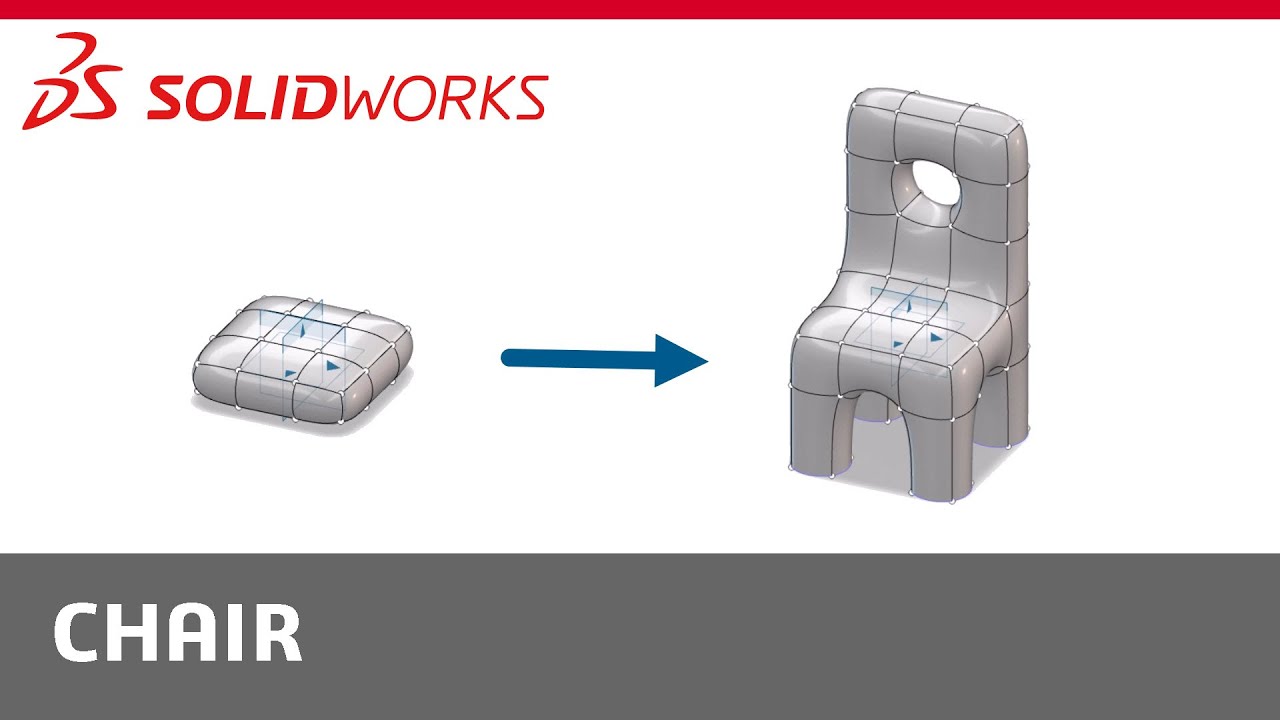
Beginners Guide to xShape: Chair
• Beginners Guide to xShape: Chair
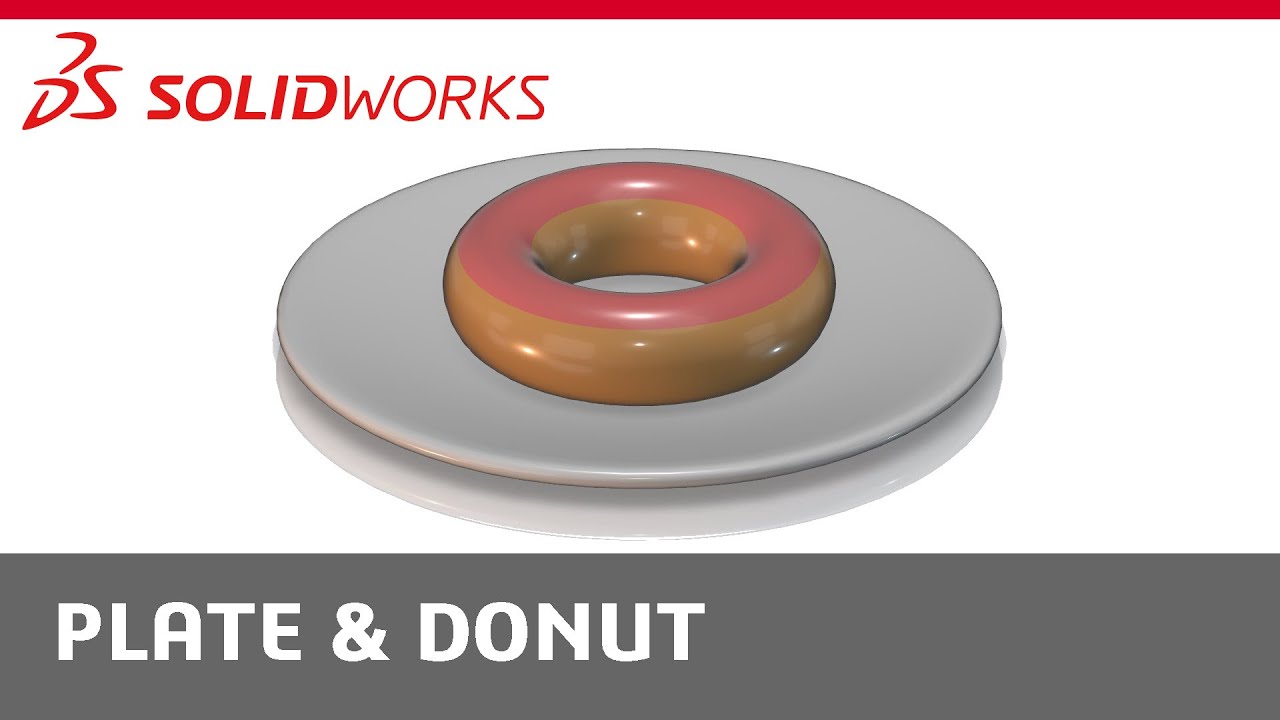
Beginners Guide to xShape: Plate & Donut
• Beginners Guide to xShape: Plate & Donut
Subscribe to our channel: https://www.solidworks.com/swsub
Visit our website: http://www.solidworks.com/
Request a Quote: https://www.solidworks.com/ytquote
Request a Demo: https://www.solidworks.com/ytdemo
Follow us!
Instagram: / solidworks
Facebook: / solidworks
X (formerly Twitter): https://x.com/solidworks
LinkedIn: / 5003792
Повторяем попытку...
Доступные форматы для скачивания:
Скачать видео
-
Информация по загрузке: