Using the Tools in Bluebeam Revu CAD
Автор: ZenTek Consultants
Загружено: 2020-06-04
Просмотров: 17015
Описание:
This video is for Bluebeam Revu CAD version 20 and earlier. Bluebeam Revu CAD no longer exists in Bluebeam Revu 21.
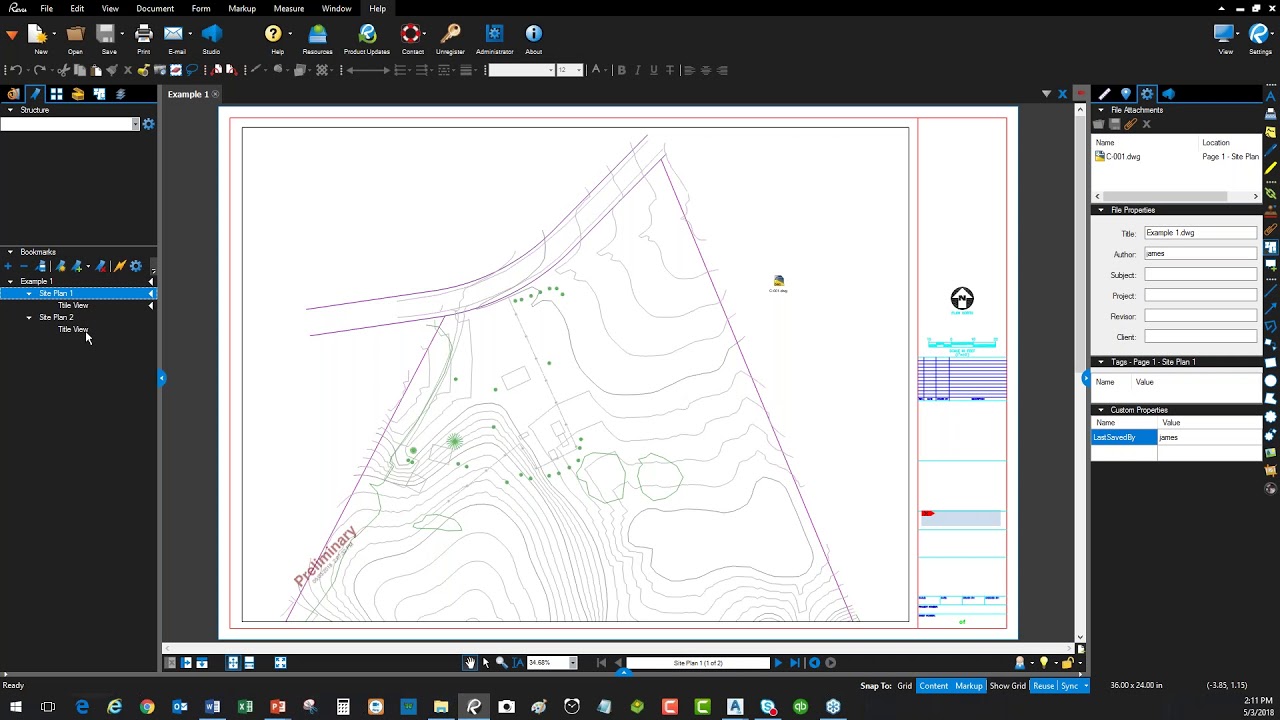
Bluebeam Revu CAD gives you all the benefits of Bluebeam Revu, with extended features that plug into your CAD system, but do you know what those CAD tools really do? Did you know you could make CAD block attributes searchable in Bluebeam? How about password protecting PDFs, or creating bookmarks from your Layout Tab names? You can do all that and much more.
ZenTek Consultants shows you how to create intelligent PDFs directly from your CAD system, that are optimized and ready for use with Bluebeam or any other PDF Reader. We'll cover:
• General Settings
• Page Setups
• PDF Security
• Creating Bookmarks
• Adding Stamps and Attaching Files
• Adding Digital Signatures to a PDF
• Generating 3D PDF’s from BIM Models
Looking for:
► Bluebeam Revu software? Visit https://zentekconsultants.net/bluebea...
► Bluebeam Revu tool sets? Visit https://zentekconsultants.net/zentek-...
► Bluebeam Revu estimating sets? Visit https://zentekconsultants.net/zenesti...
► Bluebeam Revu Tool Chest Customization? Visit https://zentekconsultants.net/bluebea...
► Bluebeam Revu training? Visit https://zentekconsultants.net/bluebea...
Повторяем попытку...
Доступные форматы для скачивания:
Скачать видео
-
Информация по загрузке: