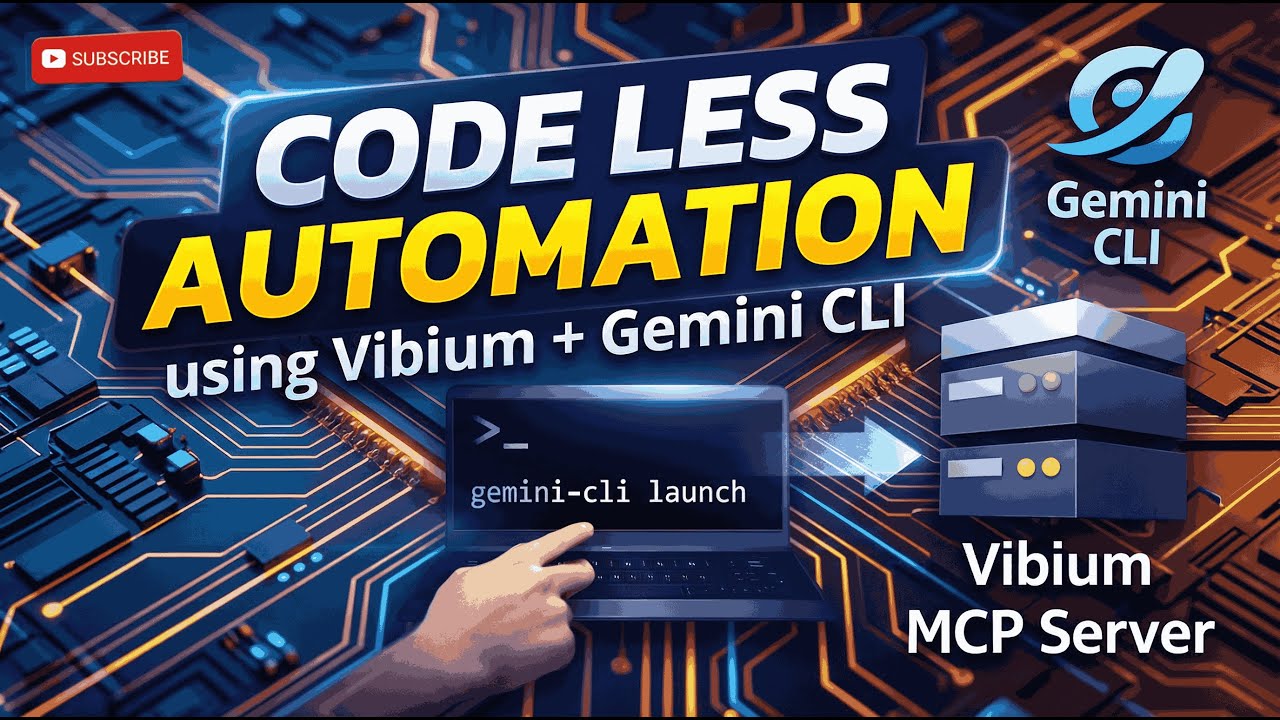
Vibium Automation MCP + Gemini CLI (Free)= Terminal-Based Codeless AI Browser Automation
Автор: Raghavan's QA Academy
Загружено: 2026-01-22
Просмотров: 1759
Описание:
In this video, I’ll show you how to perform browser automation directly from your terminal, command prompt, or PowerShell using Gemini CLI integrated with Vibium MCP server — without writing automation code.
If you’ve already watched my Claude Code + Vibium MCP video, this setup will feel familiar.
But there’s a big difference here 👇
🚀 Why Gemini CLI + Vibium?
✅ No paid subscription
✅ No API keys
✅ No credit card
✅ Free tier available
✅ Perfect for learning, demos, and internal POCs
With Gemini CLI, you get:
60 AI requests per minute
Up to 1000 requests per day
Login using just your Google account
That makes Gemini CLI + Vibium MCP one of the most practical and cost-effective ways to explore AI-driven browser automation today.
🤖 What You’ll Learn in This Video
✔️ How to automate a real browser from the terminal
✔️ How natural language instructions control the browser
✔️ How Gemini decides and Vibium executes
✔️ How MCP connects AI to real browser actions
✔️ Headless vs real browser automation
✔️ Clicking, typing, navigating, screenshots — all without writing test scripts
🧠 Simple Architecture Explanation (Easy to Remember)
Think of it like the human body:
Gemini CLI → 🧠 Brain (decides what to do)
Vibium MCP Server → ✋👀 Hands & Eyes (executes actions)
MCP (Model Context Protocol) → 🧬 Nervous System (communication)
Chrome for Testing → 🌐 Actual Browser
Gemini decides. Vibium executes. Chrome does the real work.
🔁 Complete Flow Explained
1️⃣ You type a natural instruction in the terminal
2️⃣ Gemini understands the intent
3️⃣ Gemini plans the browser steps
4️⃣ Gemini sends instructions via MCP
5️⃣ Vibium opens Chrome and performs actions
6️⃣ Results (screenshots, actions) come back to the terminal
All of this happens within seconds.
🛠️ Setup Covered Step-by-Step
Install Gemini CLI
Authenticate using Google account
Configure Vibium MCP Server
Verify MCP connection
Run real browser automation from:
Command Prompt
PowerShell
VS Code / IntelliJ Terminal
⚠️ Only requirement:
Node.js 20+ (recommended)
🧪 Live Demo Includes
Opening Quality Adda website
Clicking Login
Entering username & password
Handling element identification
Using CSS selectors (Vibium supports CSS only)
Headless & non-headless execution
Screenshot capture
Browser close
All done using plain English instructions.
💰 Cost Comparison (Important!)
Claude Code → Powerful but costly
Gemini CLI → ✅ Free tier available
👉 For learning, demos, and internal POCs — Gemini CLI + Vibium is more than enough.
🎯 Who Should Watch This?
QA Engineers
Automation Engineers
Test Architects
AI Testing Enthusiasts
Anyone curious about future-ready, agentic automation
👍 Final Note
If you liked this video:
👍 Like the video
🔔 Subscribe to Quality Automation Adda
📢 Share with your QA & Automation friends
More real AI-driven automation videos are coming very soon 🚀
Повторяем попытку...
Доступные форматы для скачивания:
Скачать видео
-
Информация по загрузке: