GOOGLE Pixel Watch 4 41mm – How to Factory Reset (Recovery Menu)
Автор: HardReset.Info
Загружено: 2026-01-22
Просмотров: 28
Описание:
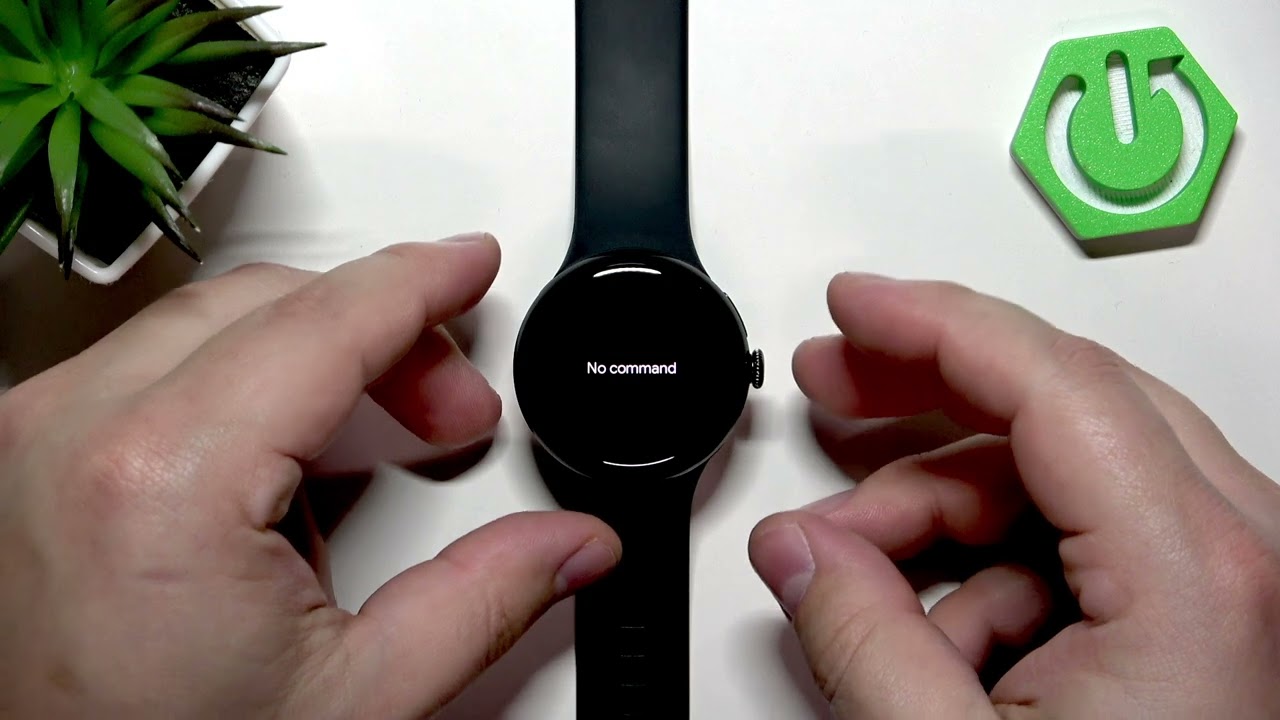
In this video I show how to factory reset the GOOGLE Pixel Watch 4 41mm using the recovery menu. You will learn how to turn the watch off, enter fastboot, tap the screen corners when the Google logo appears, boot into recovery and select Wipe data / Factory reset. I also explain navigation in the recovery menu (touch and crown button), why you may still need your Google account or PIN/pattern to confirm ownership after reset, and what to expect when the watch reboots and asks to pair with a phone. This step-by-step method is useful when you cannot unlock the watch because of a forgotten pattern or PIN, but remember activation lock requires the original Google account or the PIN/pattern to finish setup.
How to factory reset GOOGLE Pixel Watch 4 41mm using the recovery menu?
How to wipe data on GOOGLE Pixel Watch 4 41mm and remove settings?
How to remove pattern or PIN on GOOGLE Pixel Watch 4 41mm after factory reset?
0:00 Introduction — What this reset does and when to use it
0:09 Why recovery reset may be needed and account verification note
0:59 Turn off the watch and start the boot sequence
1:28 Enter fastboot — tap bottom-right and top-left corners on Google logo
1:56 Select Recovery Mode using the crown and upper button
2:18 Enter recovery menu (no command) — hold crown and swipe up
2:38 Navigate recovery menu — touch vs crown behavior
2:54 Choose Wipe data / Factory reset and confirm
3:35 Reboot system now and wait for pairing screen
4:02 Pairing and activation lock — Google account or PIN required
5:26 Wrap up and final reminder about unlocking after reset
#PixelWatch4 #FactoryReset #WearOS #PixelWatch
Find out more:
https://www.hardreset.info/devices/go...
Follow us on Instagram ► / hardreset.info
Like us on Facebook ► / hardresetinfo
Tweet us on Twitter ► / hardreseti
Support us on TikTok ► / hardreset.info
Use Reset Guides for many popular Apps ► https://www.hardreset.info/apps/apps/
Повторяем попытку...
Доступные форматы для скачивания:
Скачать видео
-
Информация по загрузке: