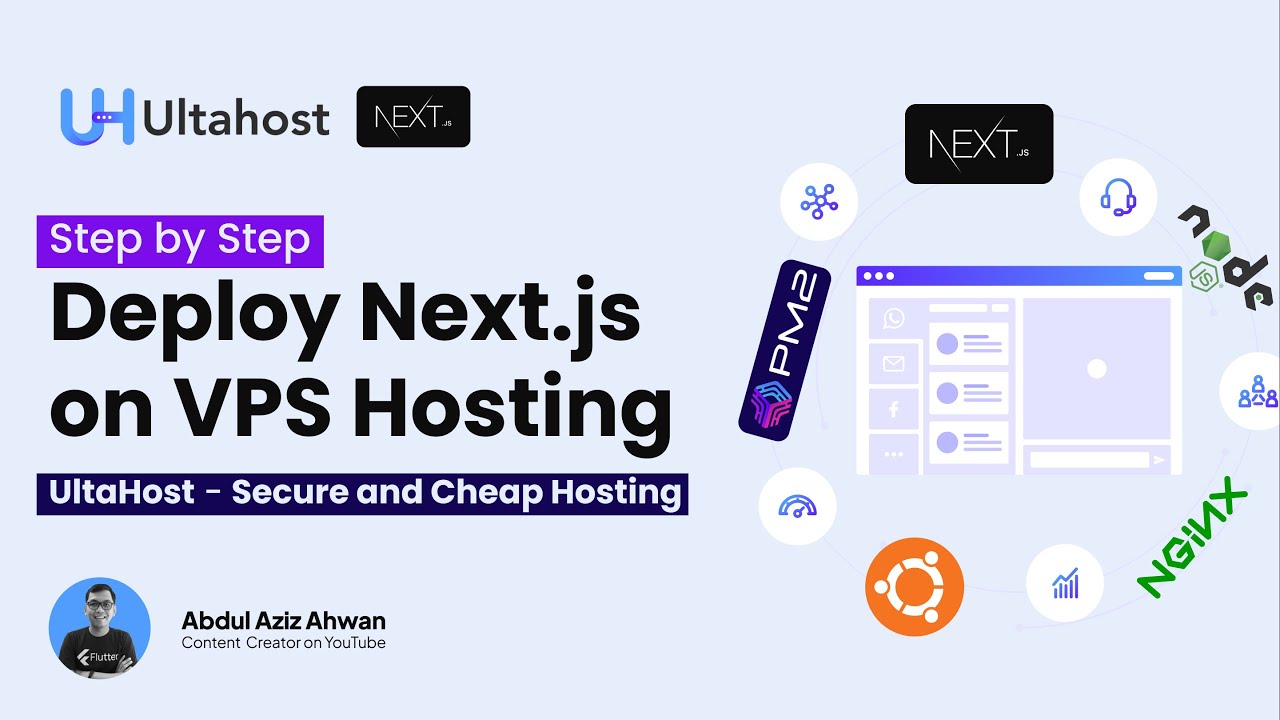
How to Deploy Node.js Next.js Application on a VPS Ubuntu Server using UltaHost | Secure & Cheap
Автор: Abdul Aziz Ahwan
Загружено: 2023-07-28
Просмотров: 1813
Описание:
Deploy Your App Now: https://ultahost.com/#abdulazizahwan
Hi everyone, I am Abdul Aziz Ahwan from Indonesia,
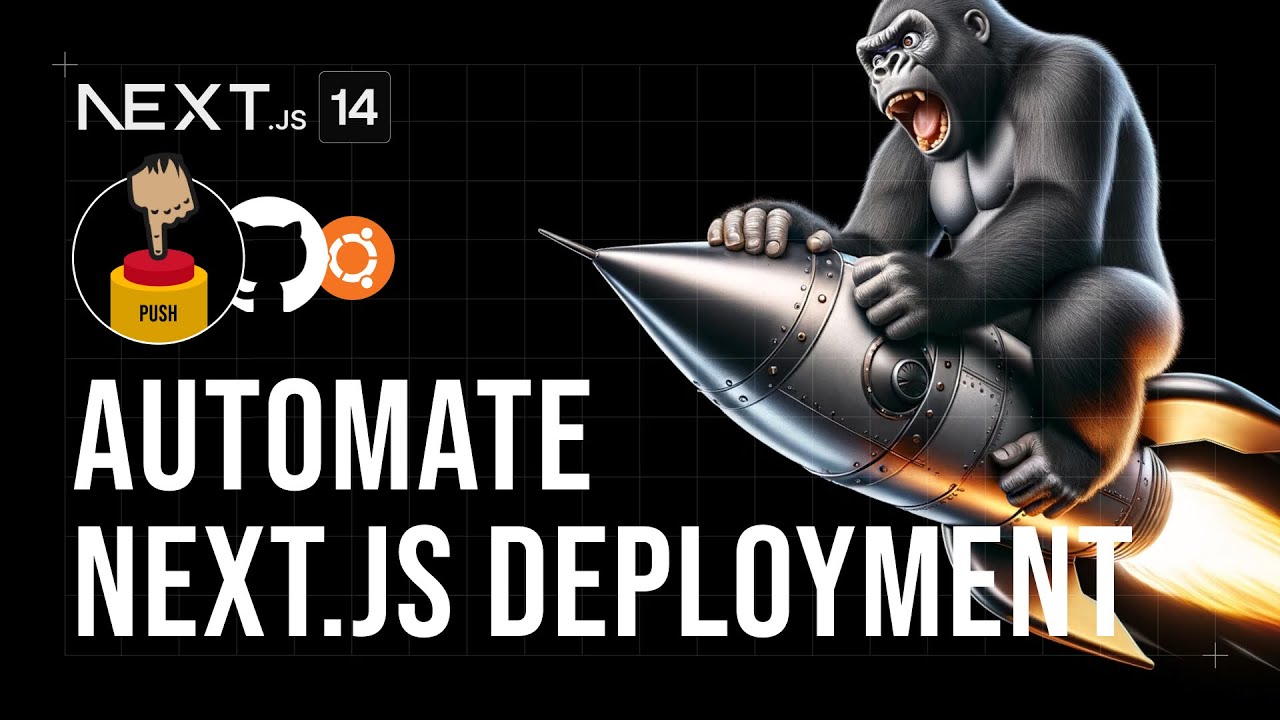
In this video, we are going to learn How to Deploy Node.js Next.js App on VPS Ubuntu Server using UltaHost - Powerful, Best Shared Hosting.
UltaHost offers competitive hosting pricing, fast SSD storage, Bitninja protection, 24/7 technical support, and much more.
#ultahost #ubuntu #nextjs #deploy #server #nginx #nodejs
💻 MY SCREEN RECORDING 💻
Screen Studio makes it easy to create beautiful screen recordings in minutes. Pay One Use Screen Studio Forever.
https://screen.studio/@Zgn84
https://screen.studio/@Zgn84
🔖 JOIN FLUTTER COURSE 🔖
Build real, responsive applications! (Portfolio, E-commerce, Crypto App, Budget Tracker)
This course is designed for beginner to intermediate developers who want to build their future with Flutter
https://gumroad.com/a/659170419/fqamxr
👨💻 LEARN HOW TO BUILD WITH WITH NO CODE 👨💻
Learn how to build a business, become an AI expert or launch your own agency with no code.
https://nocodecamp.lemonsqueezy.com/?...
----------------------------------
👨💼 Business Inquiries: [email protected]
----------------------------------
⚠️ Server Information
Ubuntu 22.0.4
Nginx 1.18.0
Next.js 12.3.4
🌃 VSCODE THEME
https://marketplace.visualstudio.com/...
📂 PROJECT FILE
Next Js Demo App (https://github.com/abdulazizahwan/ult...)
----------------------------------
⏲ Timestamp
00:00 Timeline
00:05 Introduction
00:25 Say Thank You
00:36 Our Goals
00:57 Why UltaHost is Perfect Choice?
01:21 Reasonable Price on UltaHost
01:50 Key Features on UltaHost
02:56 Other Services on UltaHost
03:05 24/7 Support We Get
03:26 What They Say About UltaHost
03:30 Preparing a VPS Hosting
05:17 Login to UltaHost Dashboard
05:46 Manage VPS Hosting
06:53 Our NextJs App to be Deploy
08:06 Access our VPS Hosting using SSH
11:00 Server Information
11:16 Update Server Dependencies
11:45 Installing a Web Server
12:53 Check Nginx Installation
13:32 Setup Firewall on VPS Server
16:29 Installing NVM, NodeJS, and NPM
18:22 Clone a Repo to VPS Server
19:33 Installing Dependencies using NPM
20:11 Setup PM2 on NodeJs or NextJs App
24:37 Trying Access using PORT 3000
25:15 Point Our NextJs App to PORT 80 (Config Nginx)
29:18 Setups hosts
30:45 Successfully run NextJs App on PORT 80
31:31 Sync Localhost to Server
32:36 Conclusion
34:12 Closing!
----------------------------------
This video was made with great effort,
If you want to support me you can donate to the following link
Join this channel to get access to perks:
/ @abdulazizahwan
💰 PAYPAL
Link ► https://paypal.me/abdulazizahwan
🧧 SAWERIA
Link ► https://saweria.co/abdulazizahwan
🪙 TRAKTEER
Link ► https://trakteer.id/abdulazizahwan
☕ BUY ME A COFFEE
Link ► https://buymeacoffee.com/abdulazizahwan
----------------------------------
🤙 JOIN MY DISCORD
Link ► / discord
----------------------------------
Hopefully, you would love this video.
I am so grateful if you want to hit the subscribe button. Thanks
📌 SUBSCRIBE ME
Here ► http://bit.ly/AbdulAzizAhwan
----------------------------------
🎬 ANOTHER PLAYLIST
Flutter UI Design Best Practices
Link ► • Flutter UI Tutorial - UI Design Best Pract...
Flutter Firebase CRUD Tutorial
Link ► • Flutter Firebase CRUD Tutorial
Flutter Tutorial - Basic [EN]
Link ► • Flutter Tutorial - Basic [EN]
----------------------------------
👨💻 GEAR LIST & TOOLS
MacBook Pro 2017
( 8GB RAM 256GB Ventura OS )
Acer Swift 3 SF314-54G-51ZK
( 12GB RAM 256GB SSD NvME M.2 Windows 11)
Keychron K2 V2 Blue Switch
Logitech MX Master 2s
Canon EOS M50 Sigma 16mm f1.4
Logitech C922 Pro Webcam
Thronmax Mdrill Zero M4
----------------------------------
📱 FOLLOW
Twitter ► / abdulazizahwan
Github ► https://github.com/abdulazizahwan
My Blog ► https://abdulazizahwan.com
----------------------------------
Thanks for Watching!
Повторяем попытку...
Доступные форматы для скачивания:
Скачать видео
-
Информация по загрузке:









![How to Record Beautiful Screen in Minutes using Screen Studio [ Screen Studio Review ]](https://imager.clipsaver.ru/HEsICruZf74/max.jpg)