Raspberry Pi Remote Camera with motionEyeOS - Build a Surveillance System
Автор: DroneBot Workshop
Загружено: 2018-12-07
Просмотров: 392594
Описание:
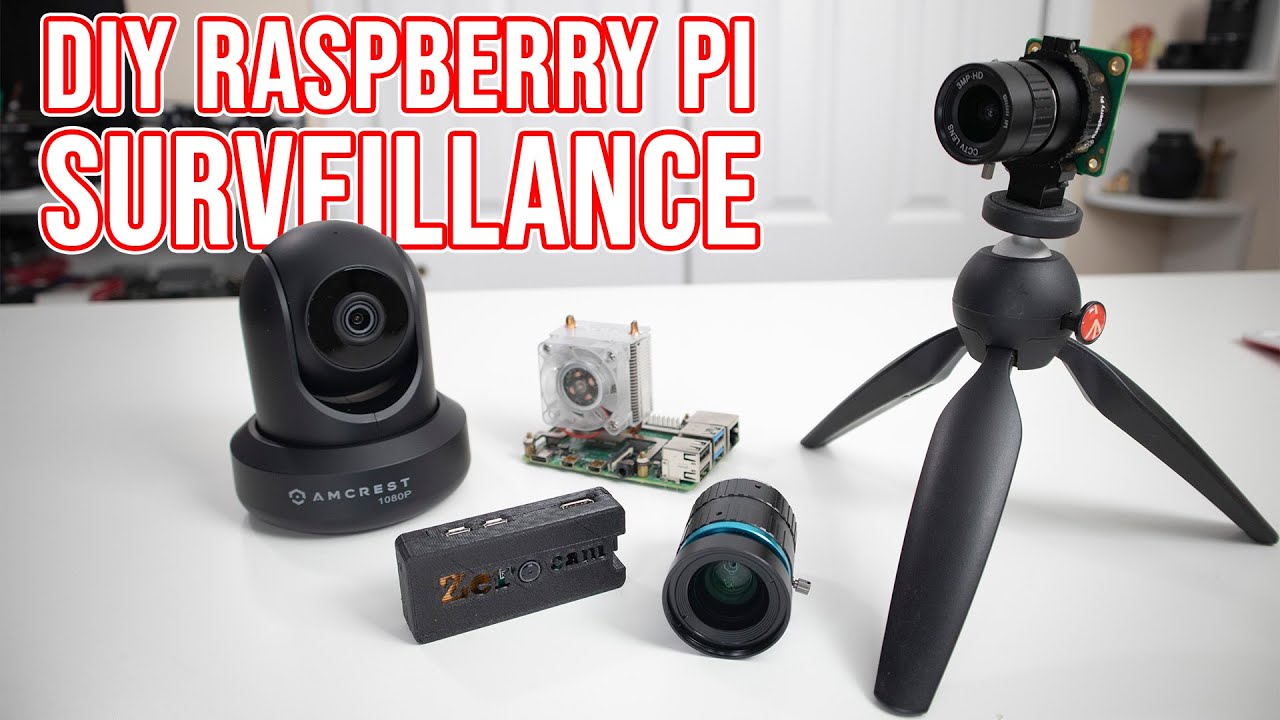
Learn to build a Raspberry Pi motion-sensitive camera using motionEyeOS.
Detailed article for this video at https://dronebotworkshop.com/motioney...
More articles and tutorials: https://dronebotworkshop.com
Join the conversation on the forum: https://forum.dronebotworkshop.com
Subscribe to the newsletter and stay in touch: https://dronebotworkshop.com/subscribe/
Today we are going to put together a very sophisticated motion-sensitive surveillance system using a Raspberry PI (any Raspberry Pi) and a free open-source product called motionEyeOS. Our cameras will have the following features:
Very easy installation and setup.
Has a web-based, mobile/tablet-friendly user interface that can be customized in many ways.
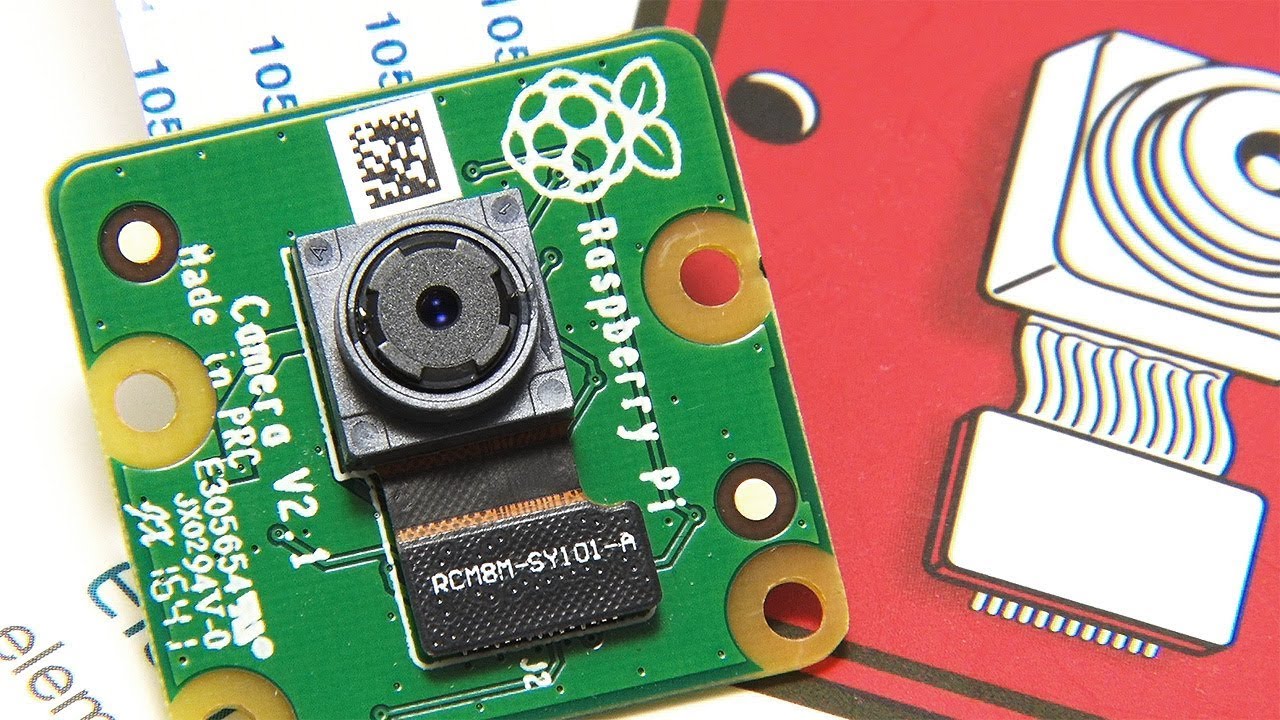
Uses both the Raspberry PI camera module as well as several USB cameras.
Can use multiple cameras on the same Raspberry Pi.
Also has support for IP (network) cameras.
Has motion detection with email notifications.
Can be set up with a schedule.
Uses JPEG files for still images.
Several file formats available for movies.
Can record time-lapse movies.
Connects to your local network using ethernet or wifi.
Store images and videos SD card, USB drive or network share.
Store images and videos on cloud storage services (Google Drive, Dropbox).
Media files are visible in the local network as SMB shares.
Media files can also be accessed through the built-in FTP server or SFTP server.
Despite the complexity of this system, it’s probably the easiest Raspberry Pi project you will ever build! That’s because motionEyeOS is available as an image file for a Raspberry PI, as well as for many other single board computers.
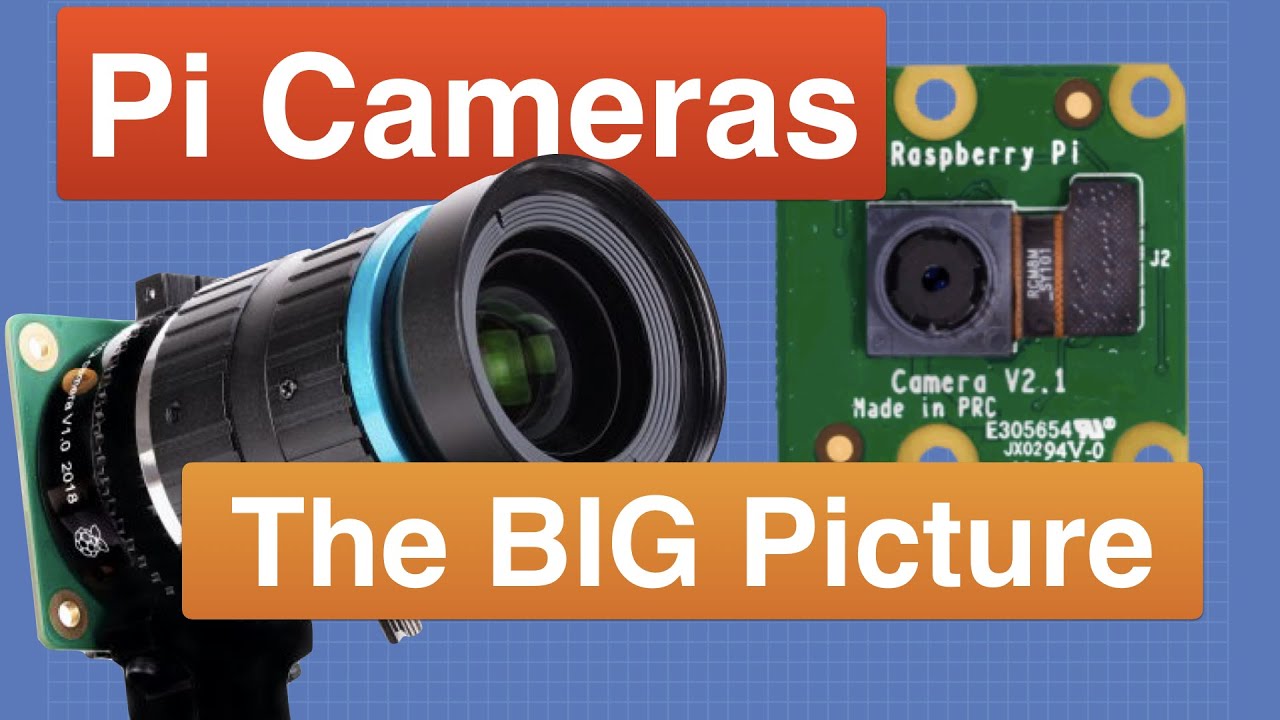
We will start by looking at a few different Raspberry Pi cameras and we will look at the CSI (Camera Serial Interface) connector used to hook them up.
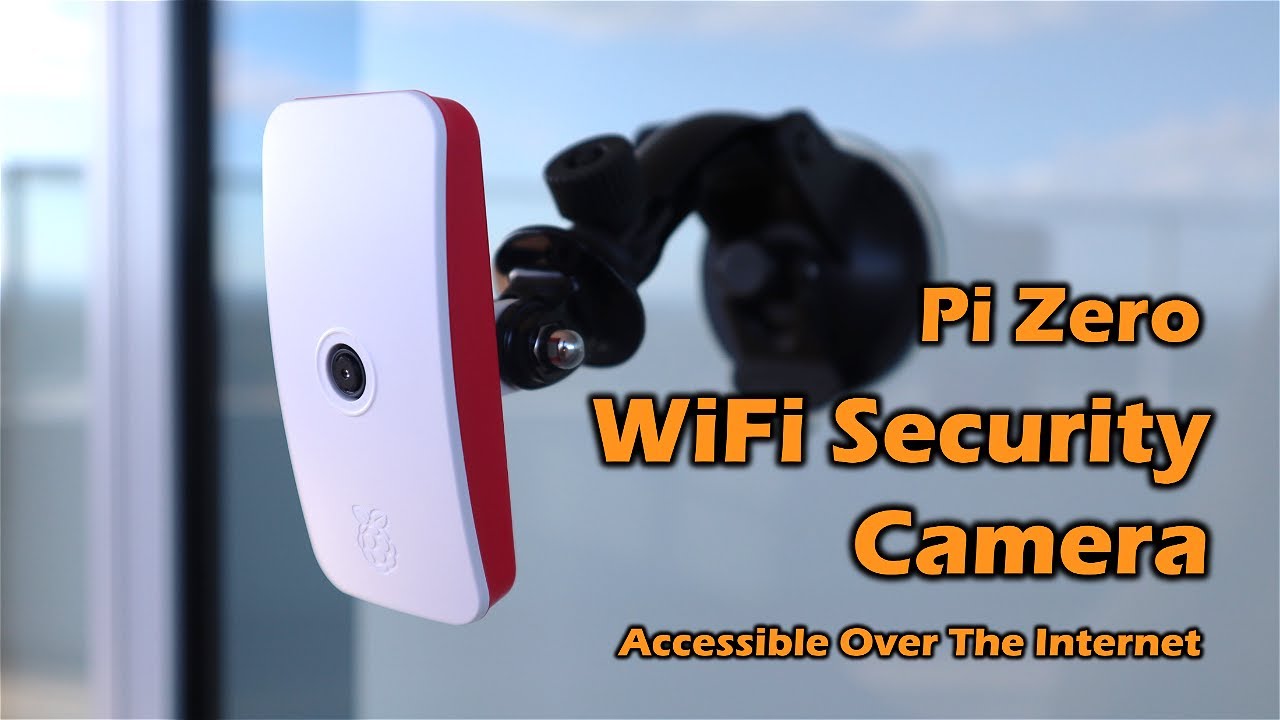
Then we’ll build two motionEyeOS cameras - one using a Raspberry Pi 3B+ and a second one using an inexpensive Raspberry Pi Zero W.
Here's a breakdown of what you’ll be learning:
00:00 - Introduction
02:14 - Raspberry Pi Camera Intro
04:45 - Different Pi Cameras
08:02 - motionEyeOs intro
10:07 - Getting the right motionEyeOS image file
13:40 - Testing your Raspberry Pi Camera with Raspbian
18:03 - Raspberry Pi 3 & motionEyeOS
22:12 - Using an IP scanner - Angry IP Scanner
25:07 - Setting a fixed IP address
31:49 - Raspberry Pi Zero W & motionEyeOS
34:31 - Create a WiFi connection file
39:58 - Display Multiple Cameras
43:00 - Advanced features
I’m sure you’ll be amazed at the number of features that this surveillance system has, as well as how easy it is to put together. It would make an ideal first-time Raspberry Pi project.
As always I have a detailed article on the website that goes along with the video, you can read it at https://dbot.ws/motioneyeos. And while you are there please consider subscribing to my newsletter.
And of course please subscribe to the DroneBot Workshop YouTube Channel!
Повторяем попытку...
Доступные форматы для скачивания:
Скачать видео
-
Информация по загрузке: