How to Change Language on Toshiba Smart TV
Автор: Hak Nuk Man
Загружено: 2021-12-04
Просмотров: 28226
Описание:
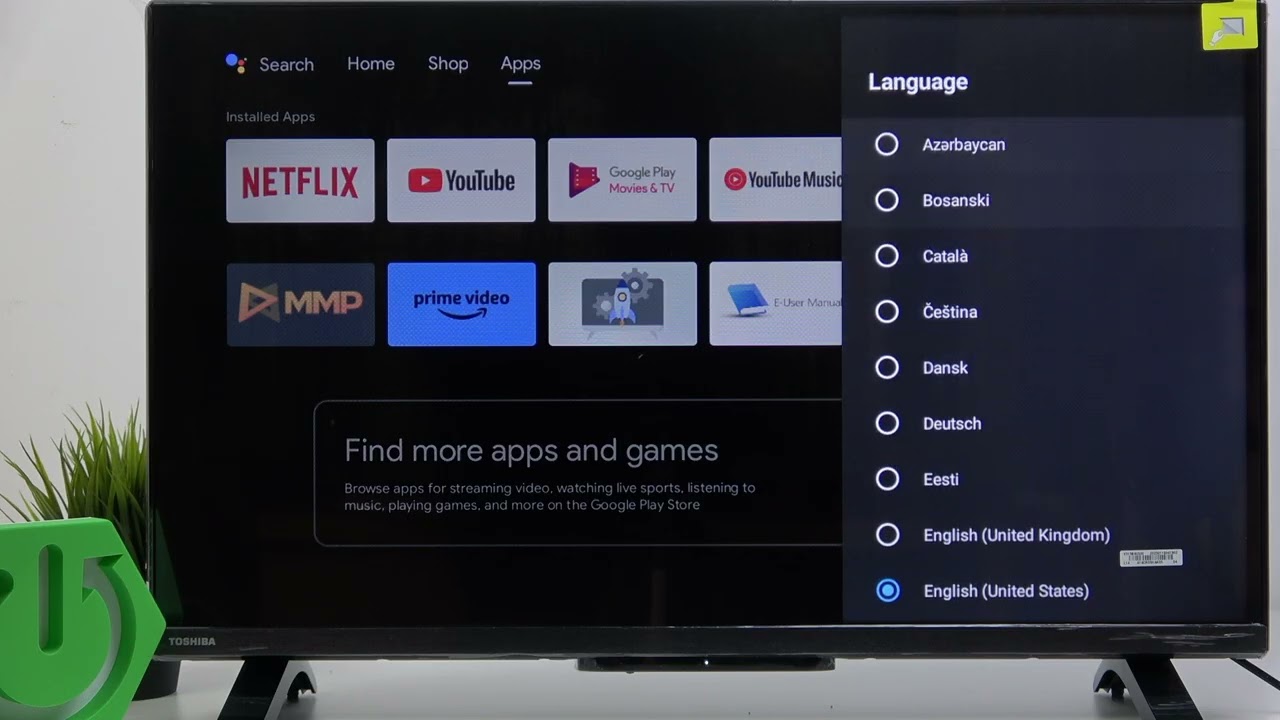
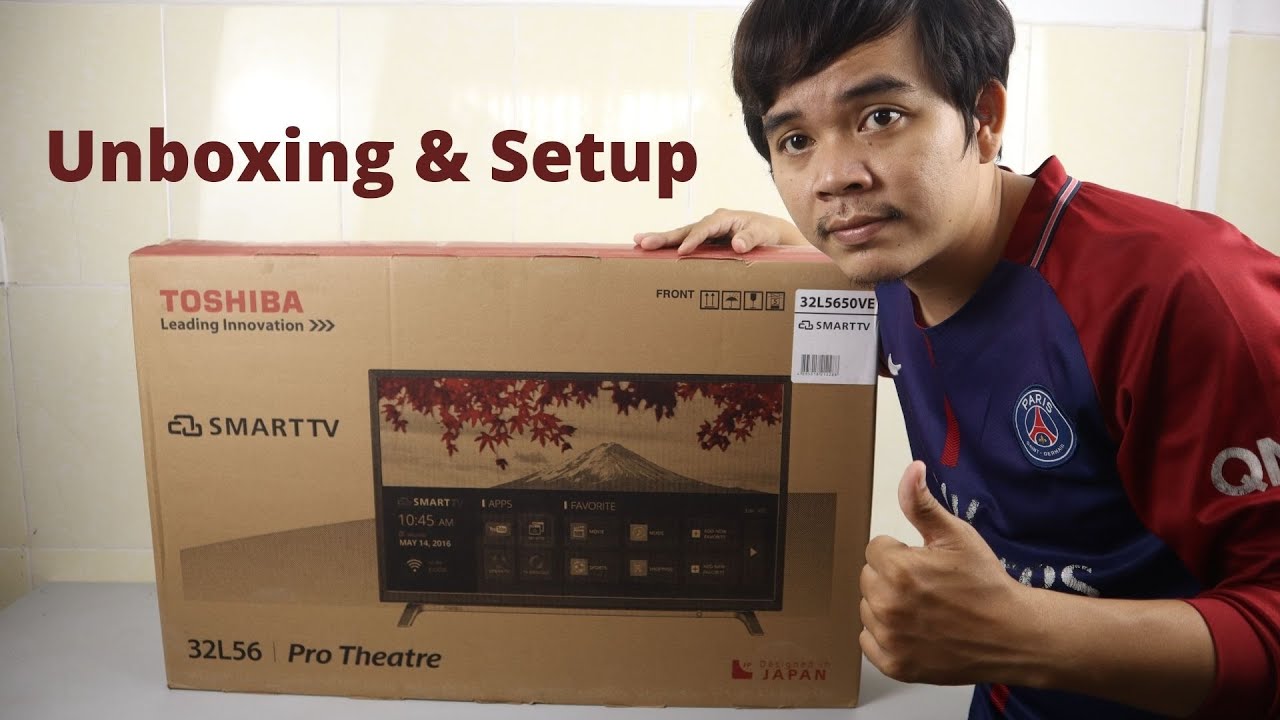
In today's video, I am going to show you how you can make change language setting on your Toshiba smart TV.
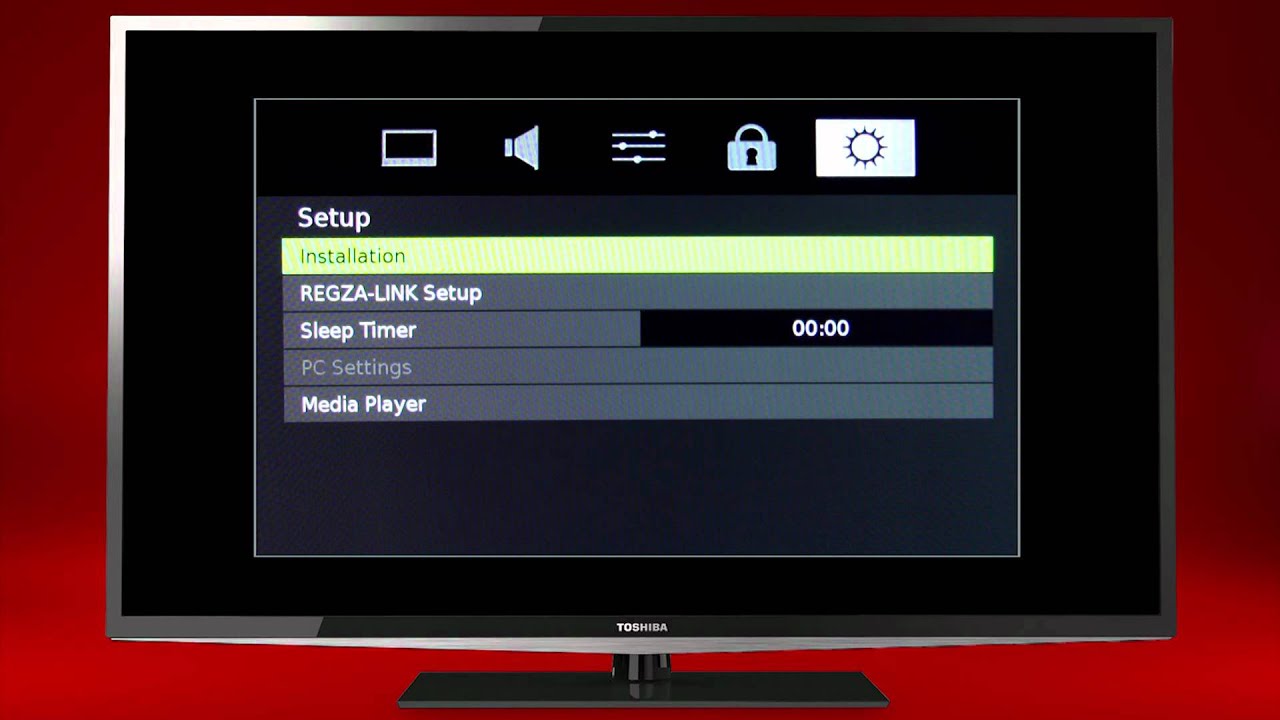
First of all, you need to press menu on your TV remote control. After that you need to find the option logo(it look like a gear) you can see on the video. Than just select the top 1 menu.
Finally, you will see all the language that you can select back to English or any language as you want.
Please also check out our related video in below link:
How to Do Screen Mirroring on Toshiba Smart TV
• How to Do Screen Mirroring on Toshiba Smar...
Where is the Toshiba Smart TV Power Button Location
• Where is the Toshiba Smart TV Power Button...
Повторяем попытку...

Доступные форматы для скачивания:
Скачать видео
-
Информация по загрузке: